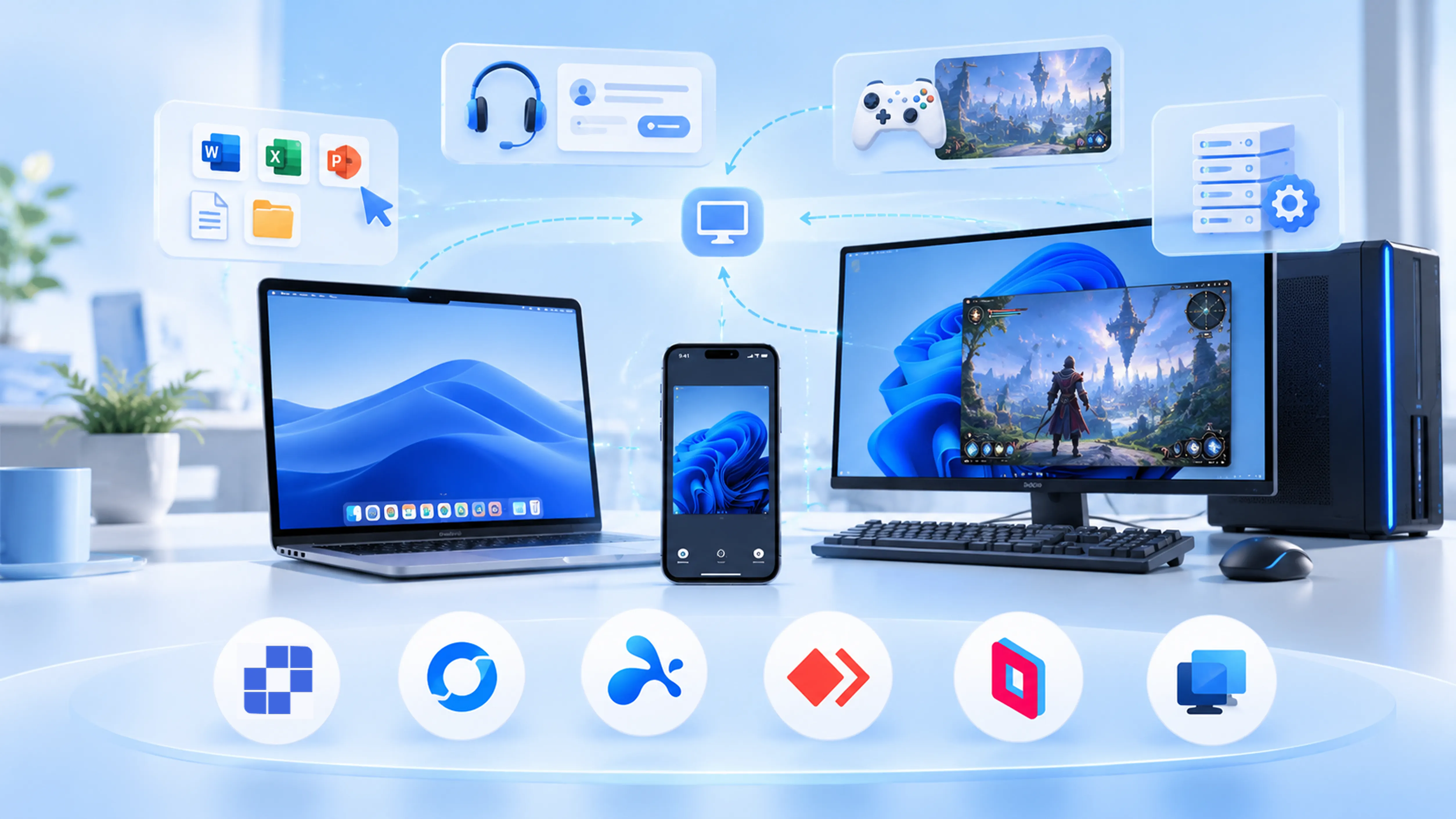
Free Remote Support Software for Hands-On Help Anywhere

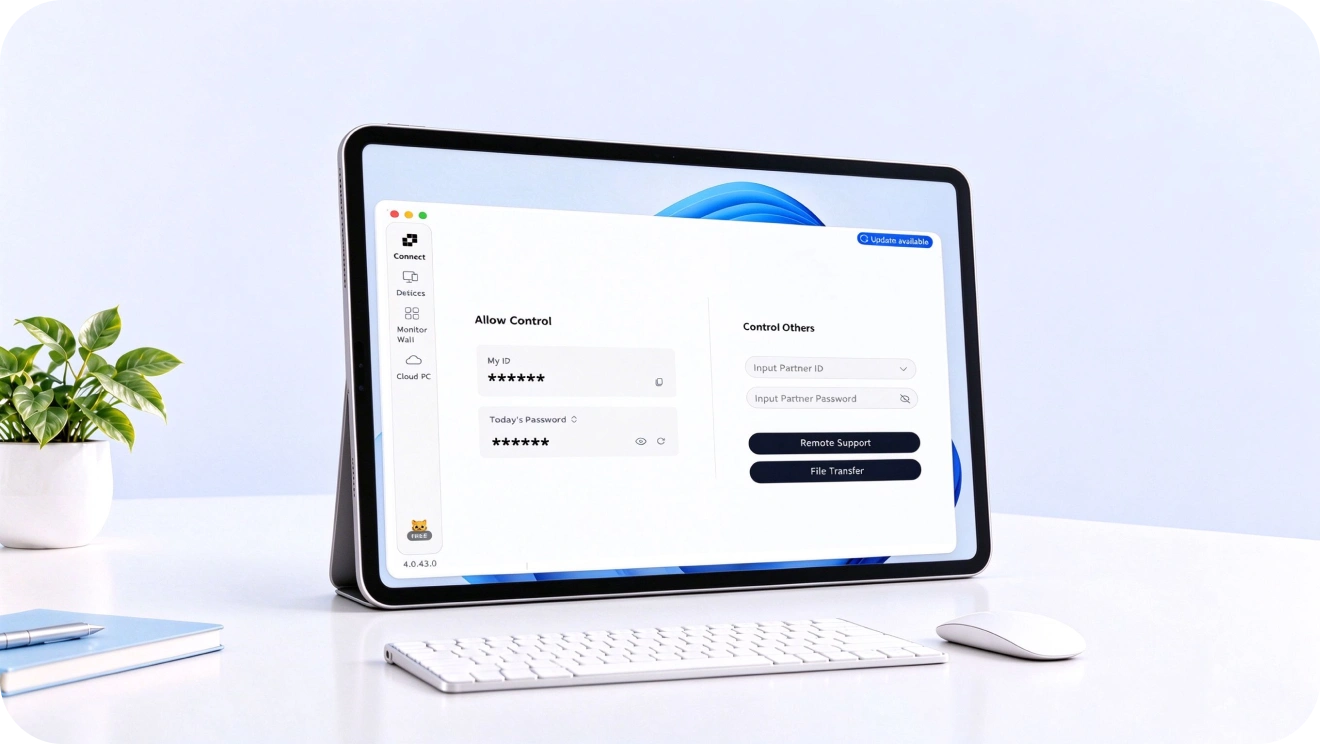
Instantly provide reliable remote support wherever help is needed. AskLink helps IT technicians, help desk teams, and customer support teams securely access remote devices, troubleshoot issues in real time, and guide users through fixes.

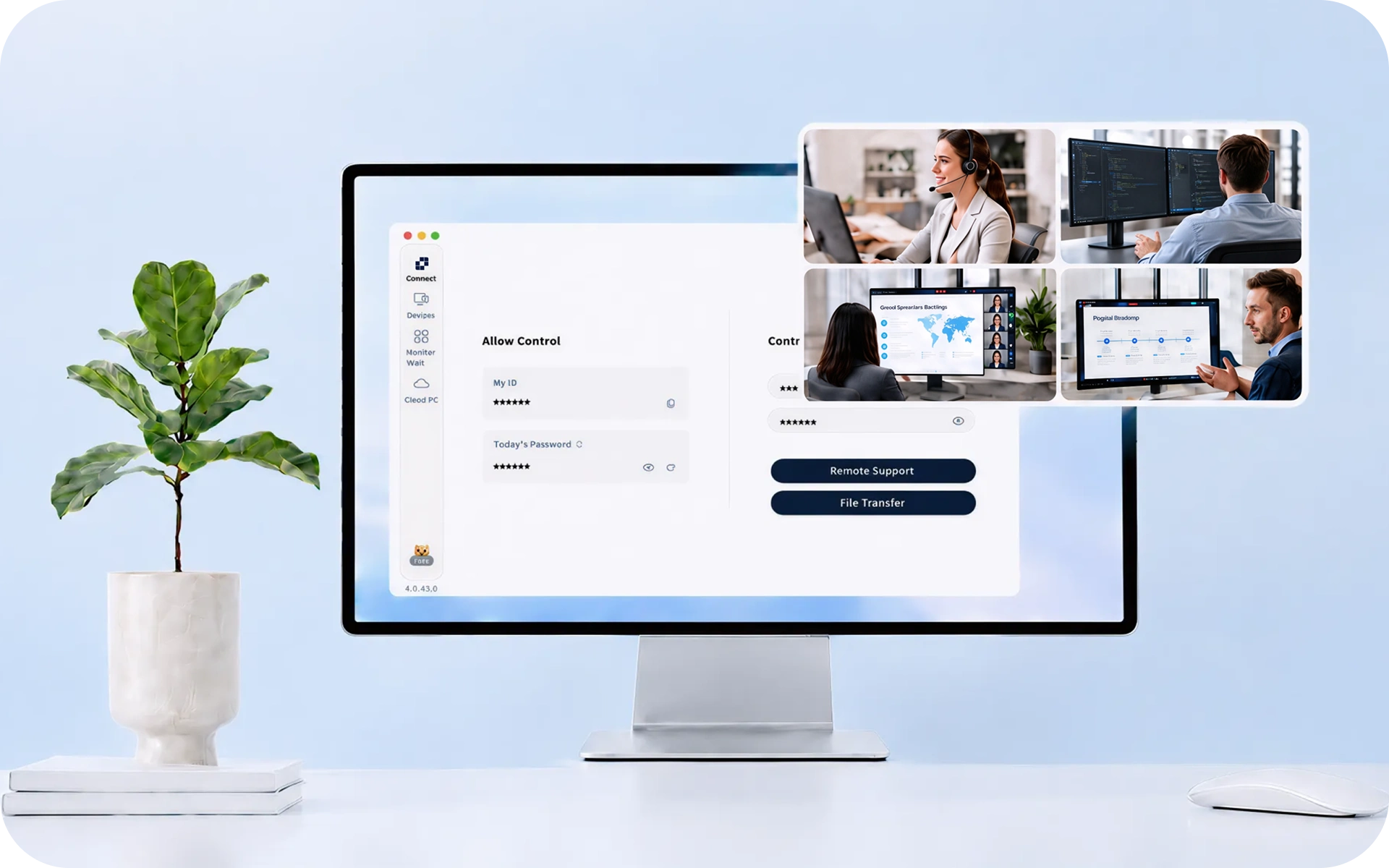
AskLink remote support for customer service, IT support, remote work, and business assistance scenarios

Remote Support for Everyday Tech Problems

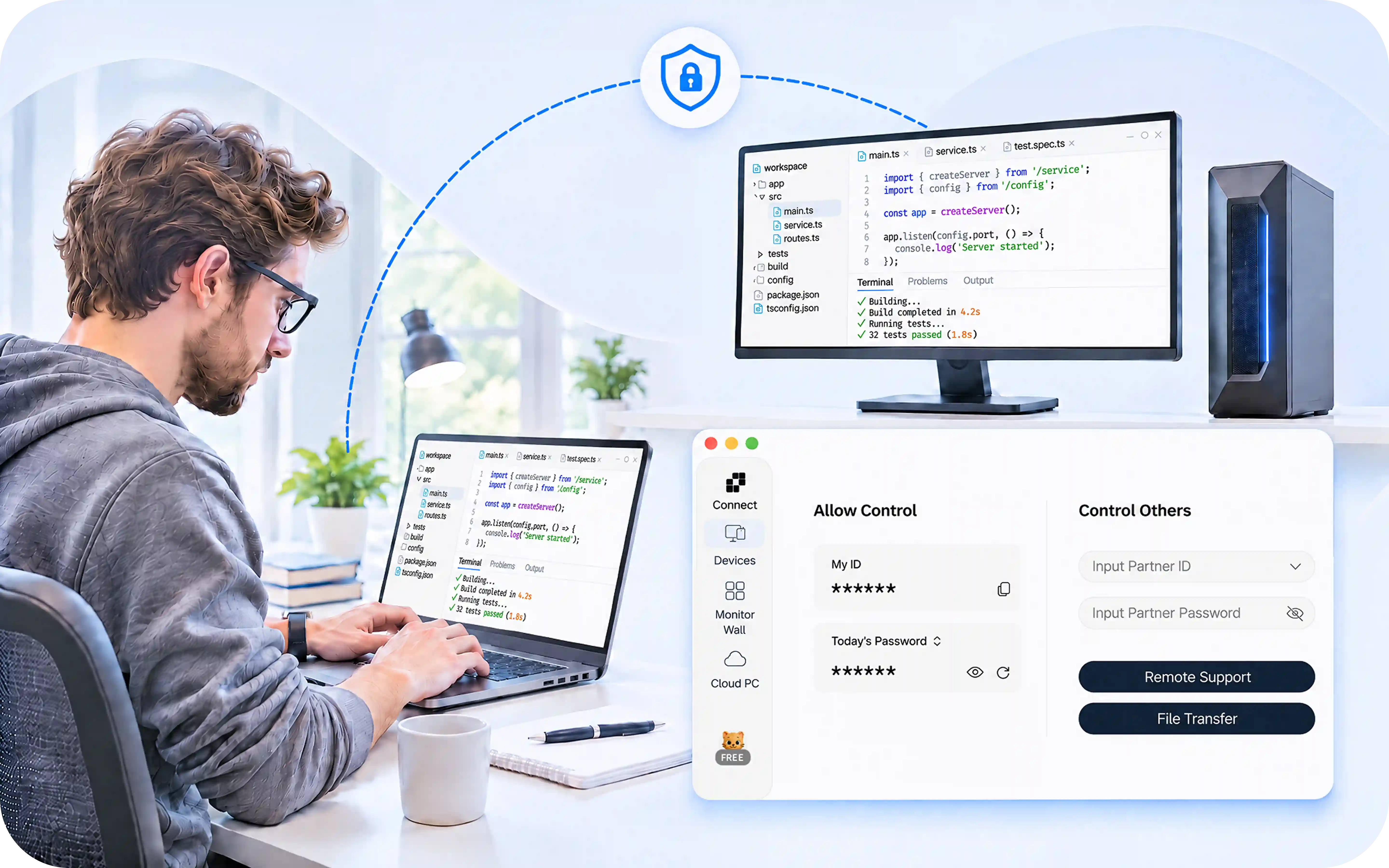
An IT issue shouldn't bring the day to a halt. With AskLink, a complete remote support solution, you can see what's happening, step in, and help your users move forward—from the next desk or miles away.

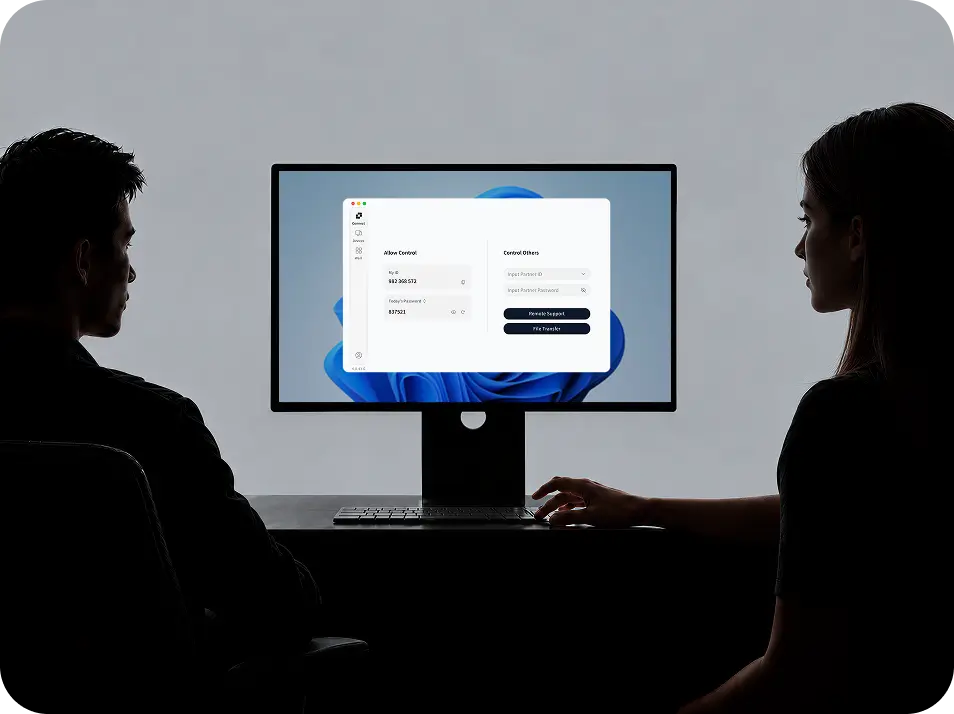
IT technician using AskLink remote support to diagnose and resolve computer problems remotely

Get Your Team Back to Work

An app won't launch. The setup has gone wrong. Work is waiting. AskLink gives your team remote IT support tools to check settings and fix software issues without a trip to their desk. Try AskLink, resolve problems in 10 minutes, and get coworkers back to work.
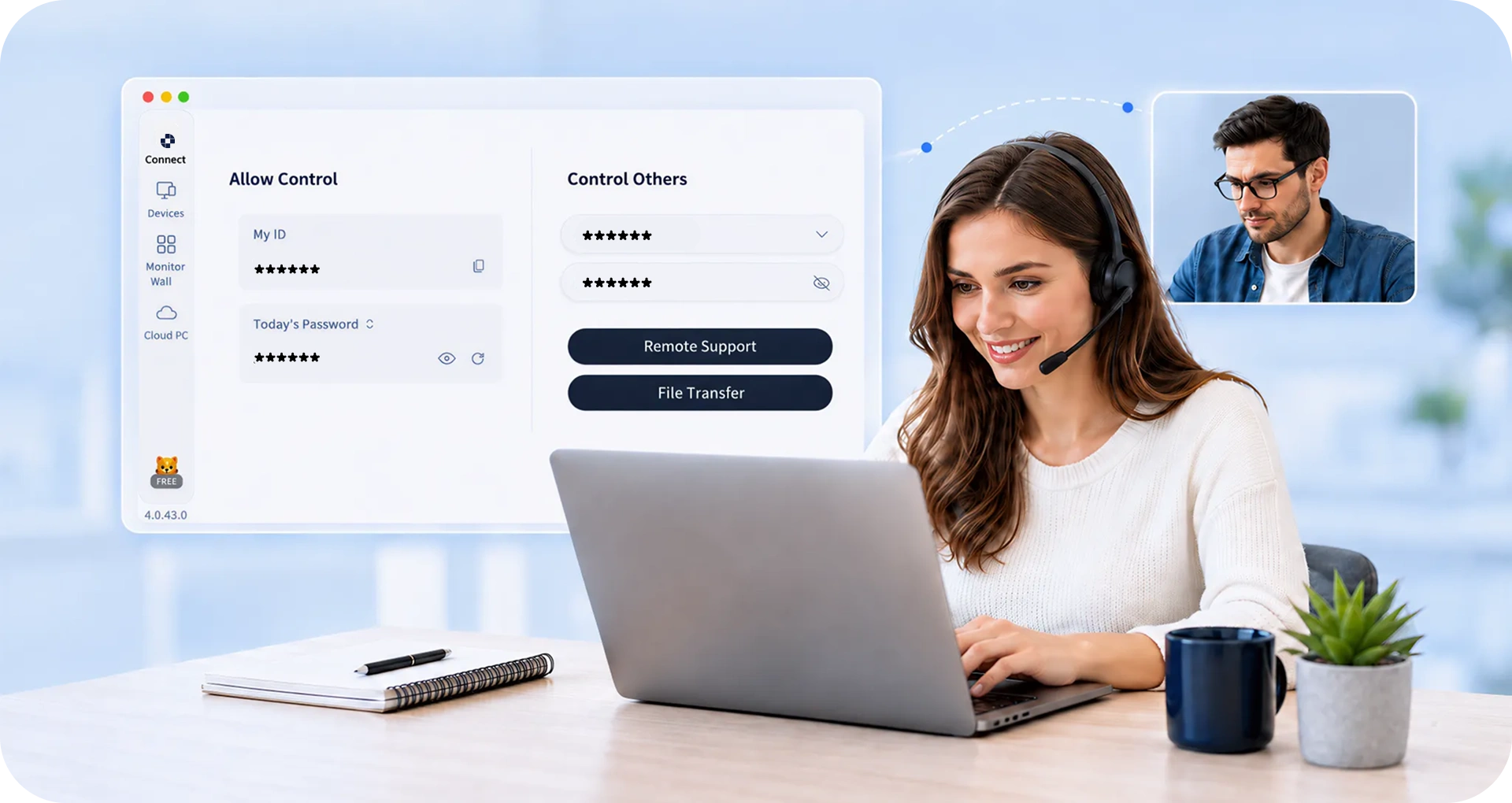
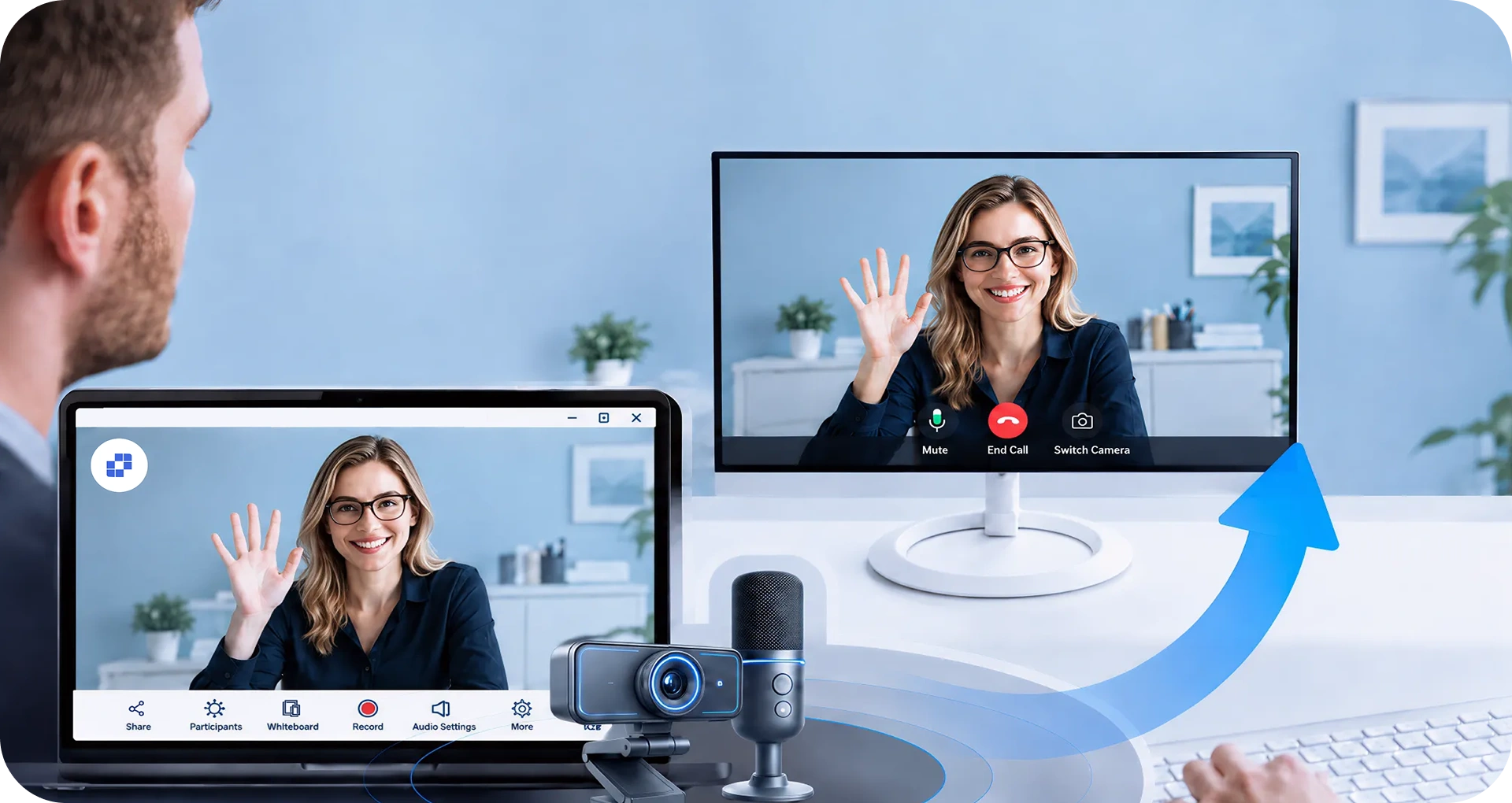
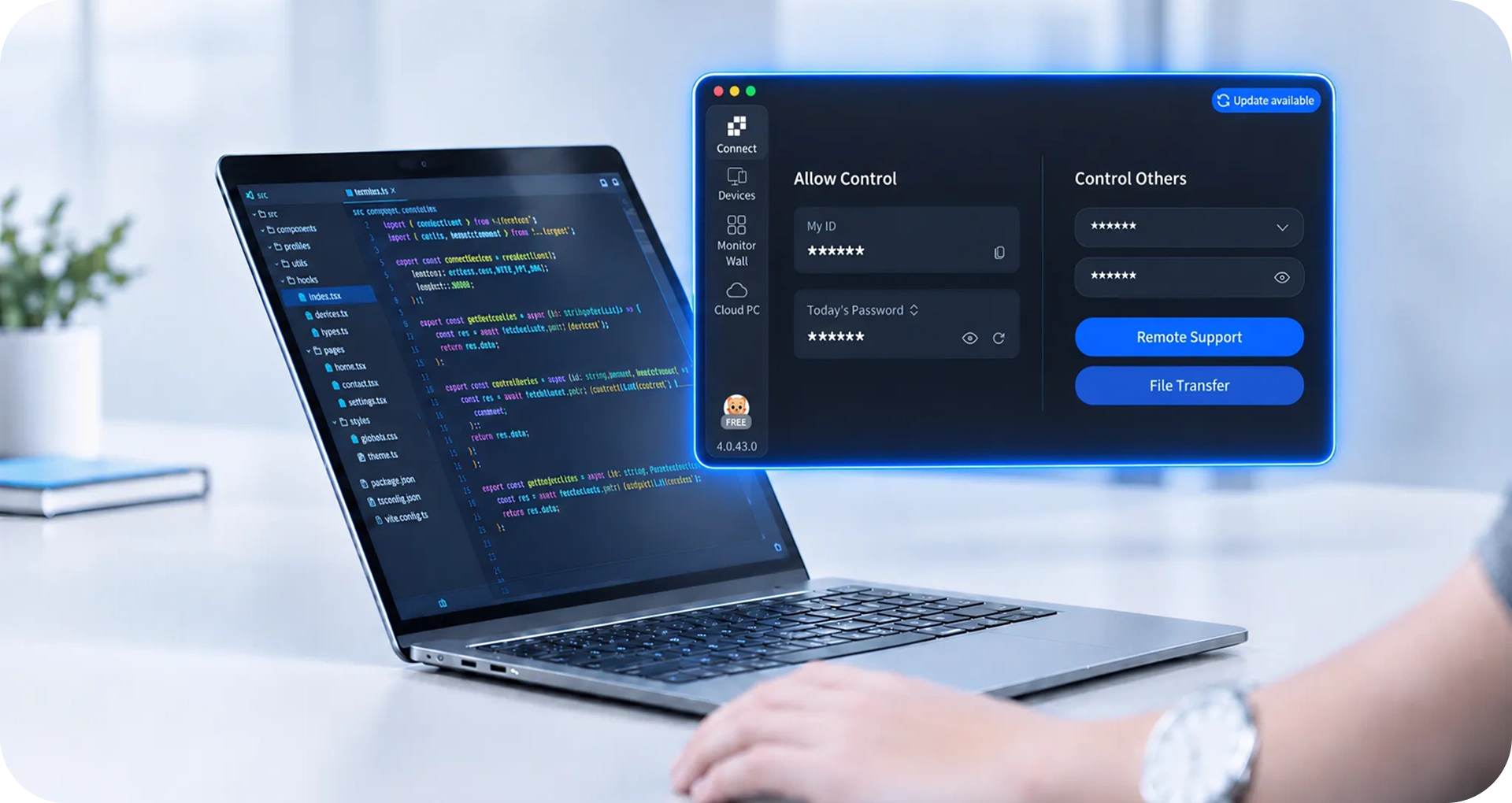
Customer support specialist using AskLink to remotely troubleshoot a user’s computer

Easily Troubleshoot Customer Problems

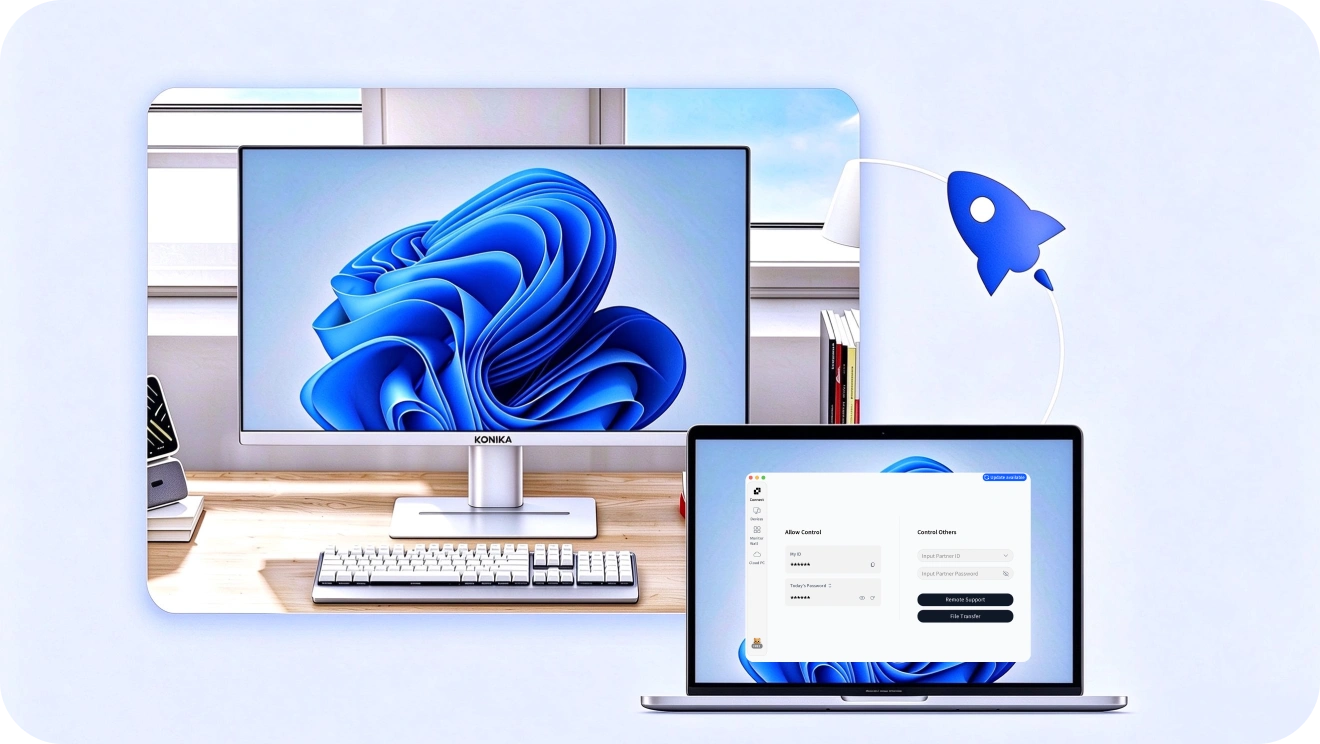
Skip the endless screenshots and "try clicking this." AskLink allows you to see the issue on your customer's screen, work through it together, and make changes directly on supported devices. Whether you're IT help desk technicians or customer support teams, you can deliver remote desktop support with help they can follow and results they can see.

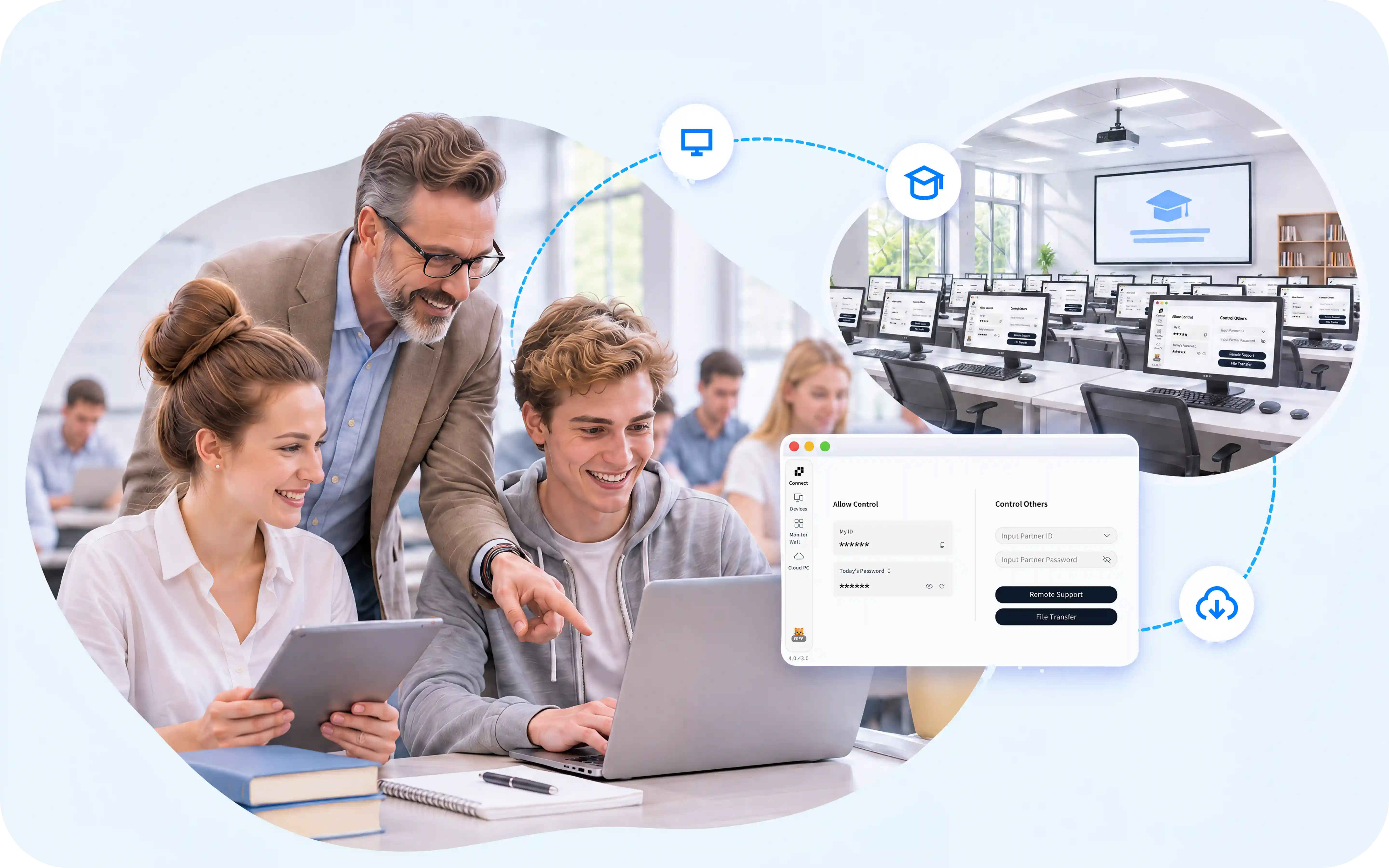
Remote training session using AskLink for live screen sharing and technical guidance

Make Remote Training Feel Side by Side

With AskLink remote desktop, you can walk users through each step on their own screen. New hires get help with setup. Customers learn how to use your software. You can answer questions as they come up, making remote training feel like you're right there.

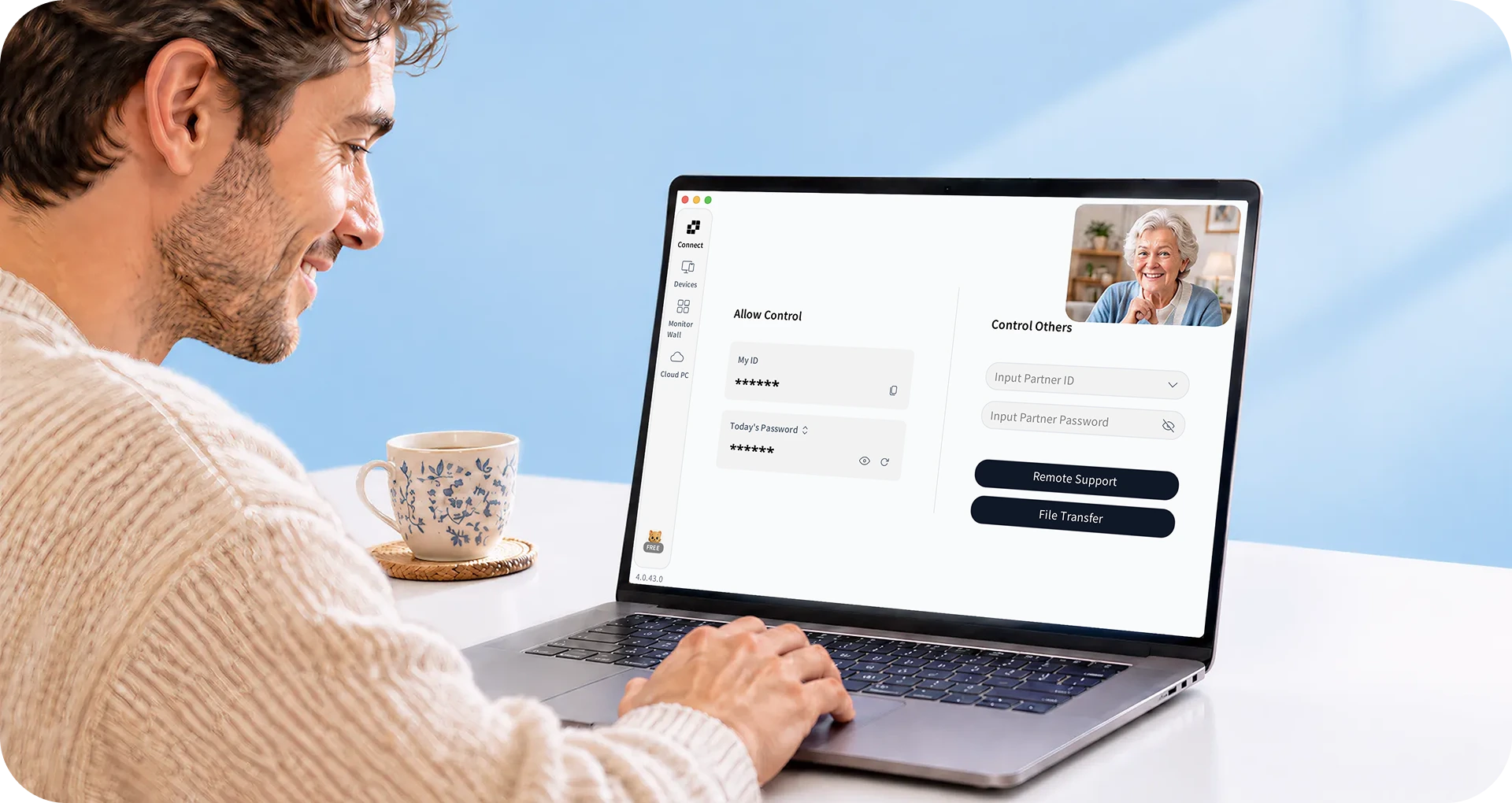
Using AskLink remote support to help a family member with computer issues from another location

Help Family Without the Phone-Call Guesswork

"No, the other button." Sound familiar? AskLink's remote tech support software lets you see your family's screen and help them directly. Fix a stubborn app, change a setting, or show them how it's done—without the long phone call or the drive over. So easy-peasy!

Remote Support Tools That Help You See and Fix the Problem

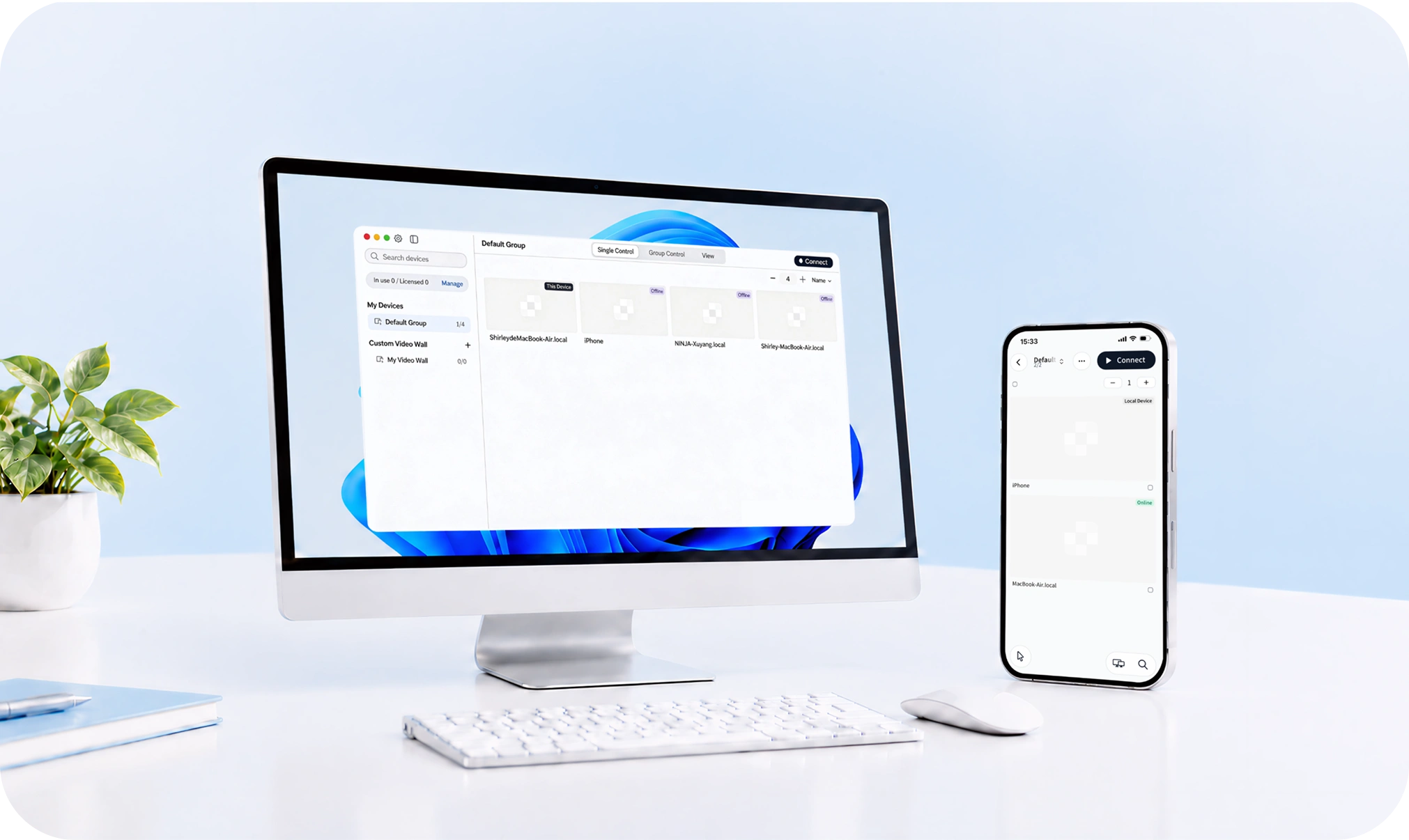
AskLink Monitor Wall for viewing and managing multiple remote computers from one screen

AskLink's real-time screen sharing lets you see issues as they happen. You can read error messages, check settings, and follow the user's actions without waiting for another screenshot. Multi-screen support lets you switch between remote monitors, while virtual screens give you extra space to keep logs, apps, and troubleshooting tools in view.

Unattended Remote Support, Without the Wait

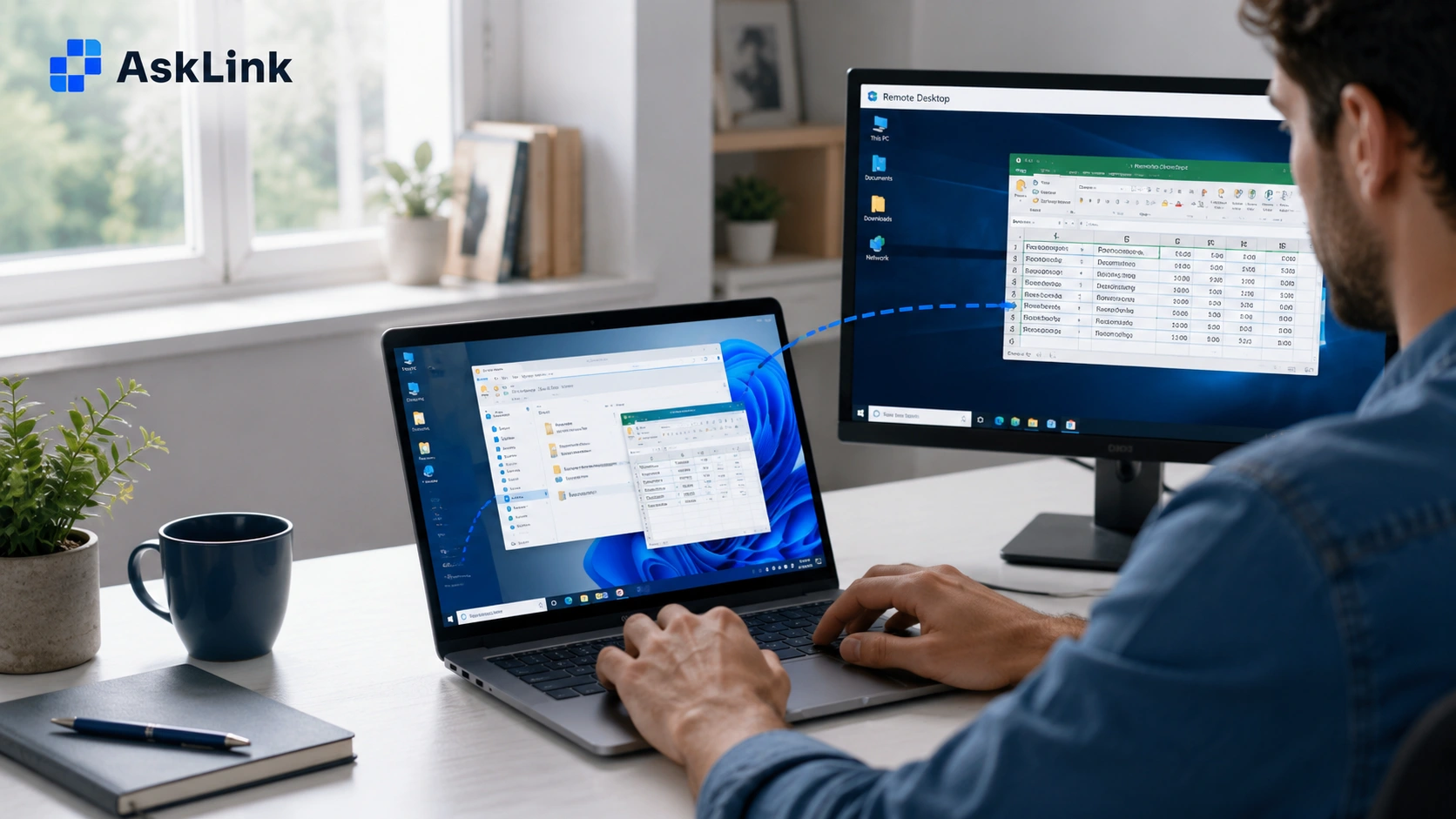
No one at the desk? You can still get to work. AskLink's unattended access lets you troubleshoot, update software, and maintain authorized devices without waiting for someone to accept each connection. Once access is configured, you can connect whenever the device is powered on and online.

AskLink unattended remote access for maintaining computers without someone at the remote device

Remote Support Across All Your Devices

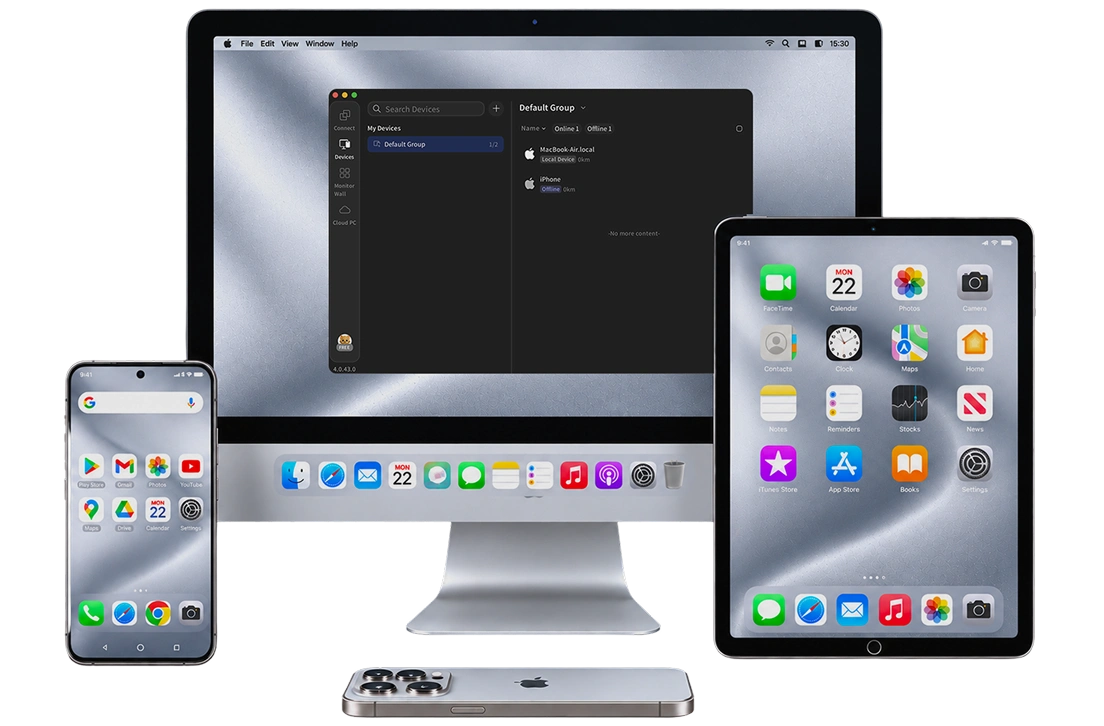
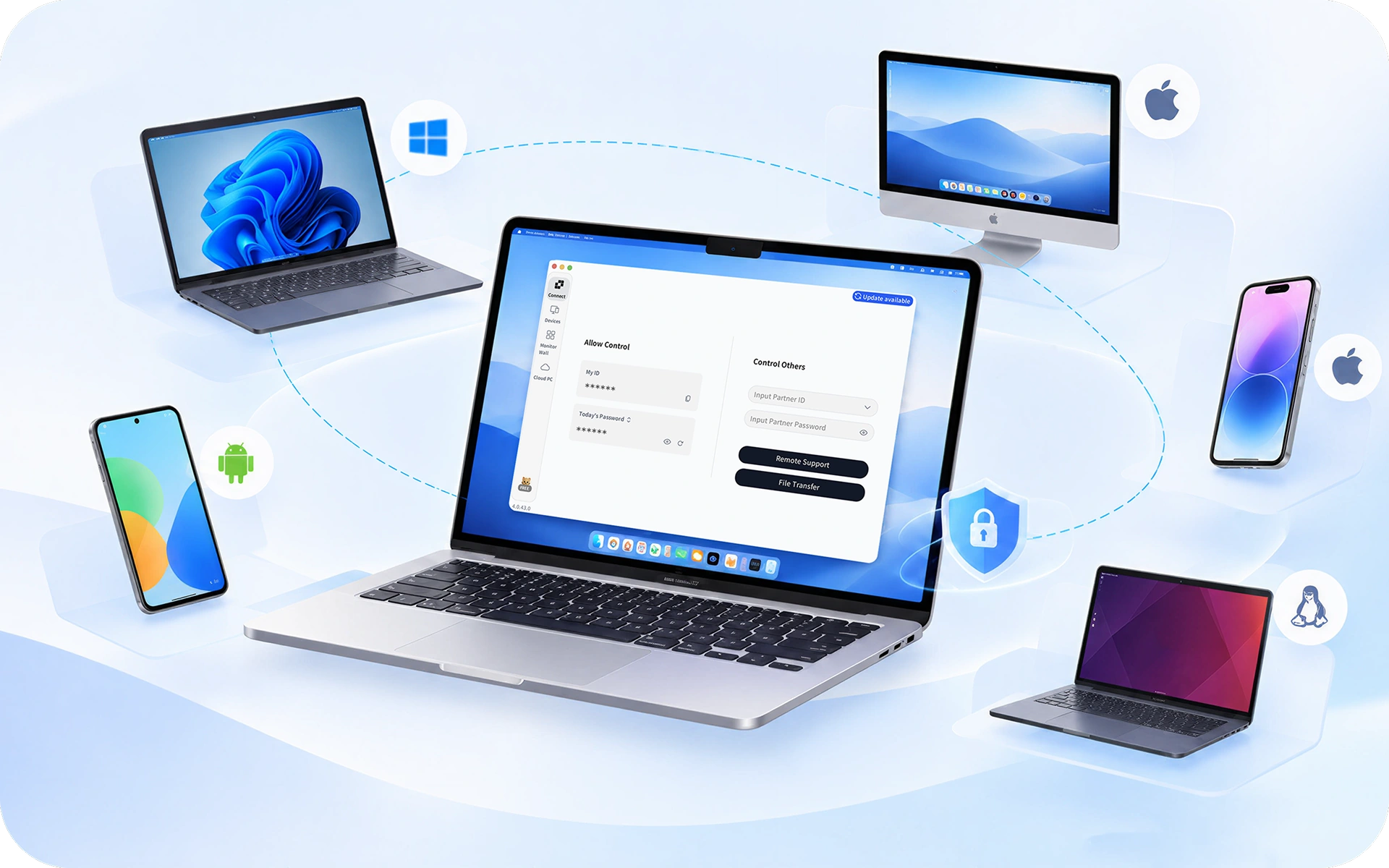
Your remote support solution should go where your users are. AskLink connects Windows, macOS, Linux, Android, iOS, and iPadOS for help across devices. You can control remote computers, assist supported Android devices, or view an iPhone or iPad screen to guide the user through the next step.

AskLink remote support across Windows, macOS, iPhone, iPad, and Android devices

Secure Remote Support Sessions in No Time

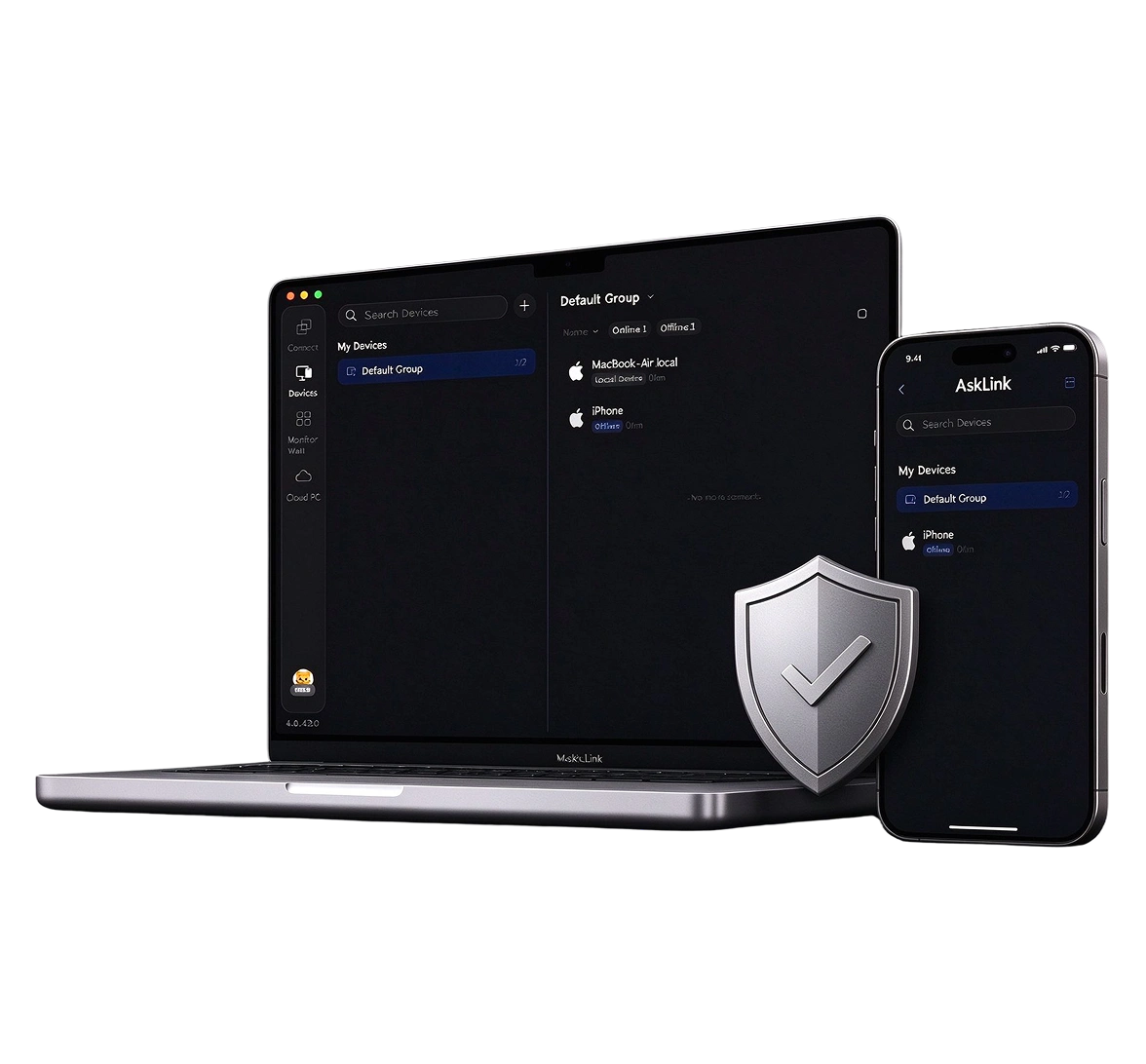
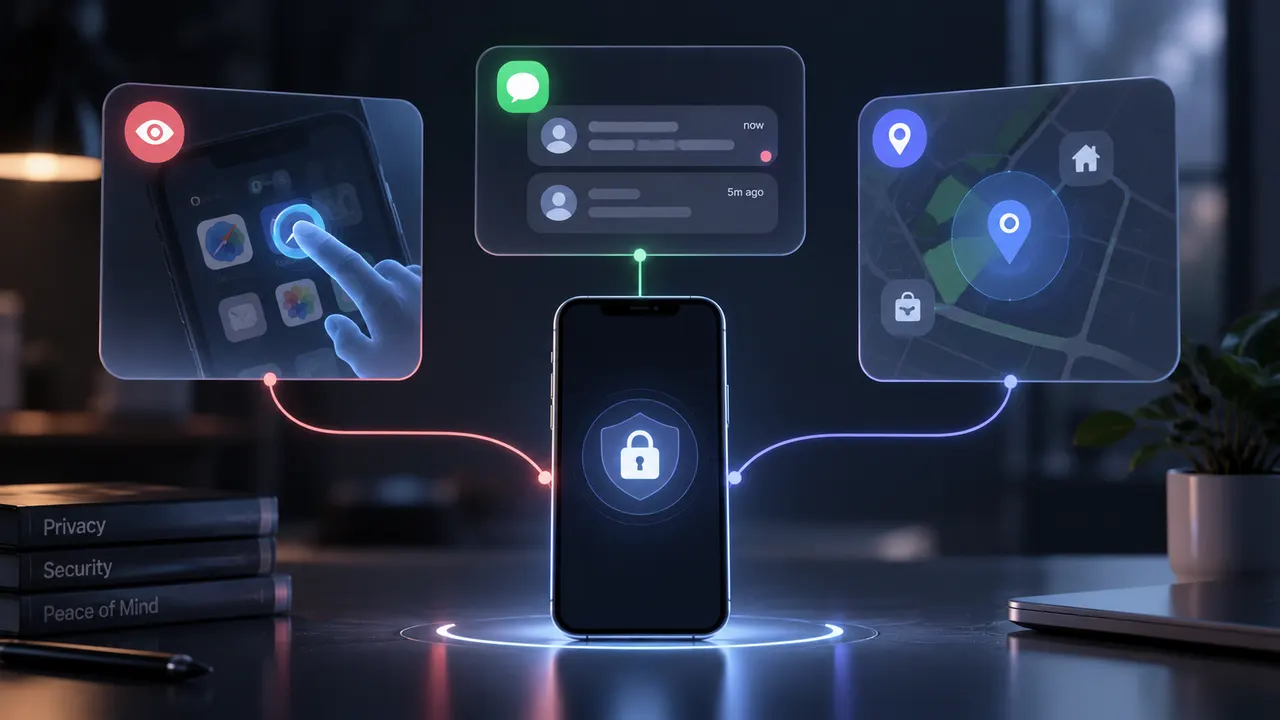
AskLink protects your remote sessions with client-side encryption, SSL-secured channels, and 2048-bit RSA key exchange. You can use a temporary password to help someone remotely, or set up a persistent password for unattended access to authorized devices. Flexible password refresh settings help you manage temporary access.

Secure remote support with AskLink using encrypted connections across devices

How to Start a Remote Support Session with AskLink

  1. Step 1: Get AskLink Ready

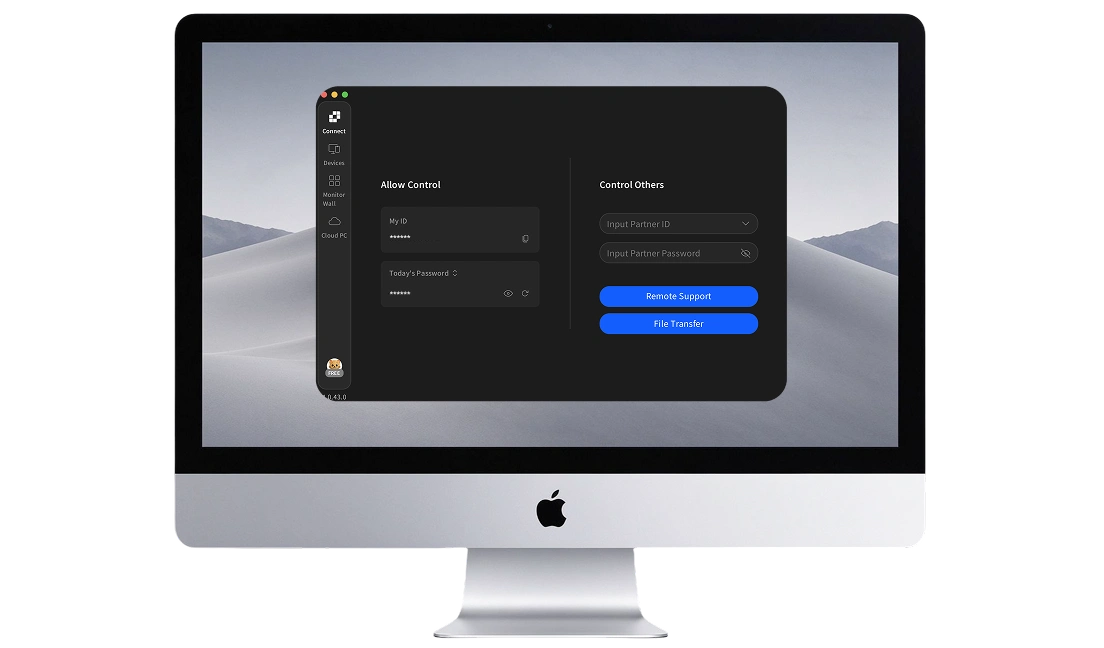
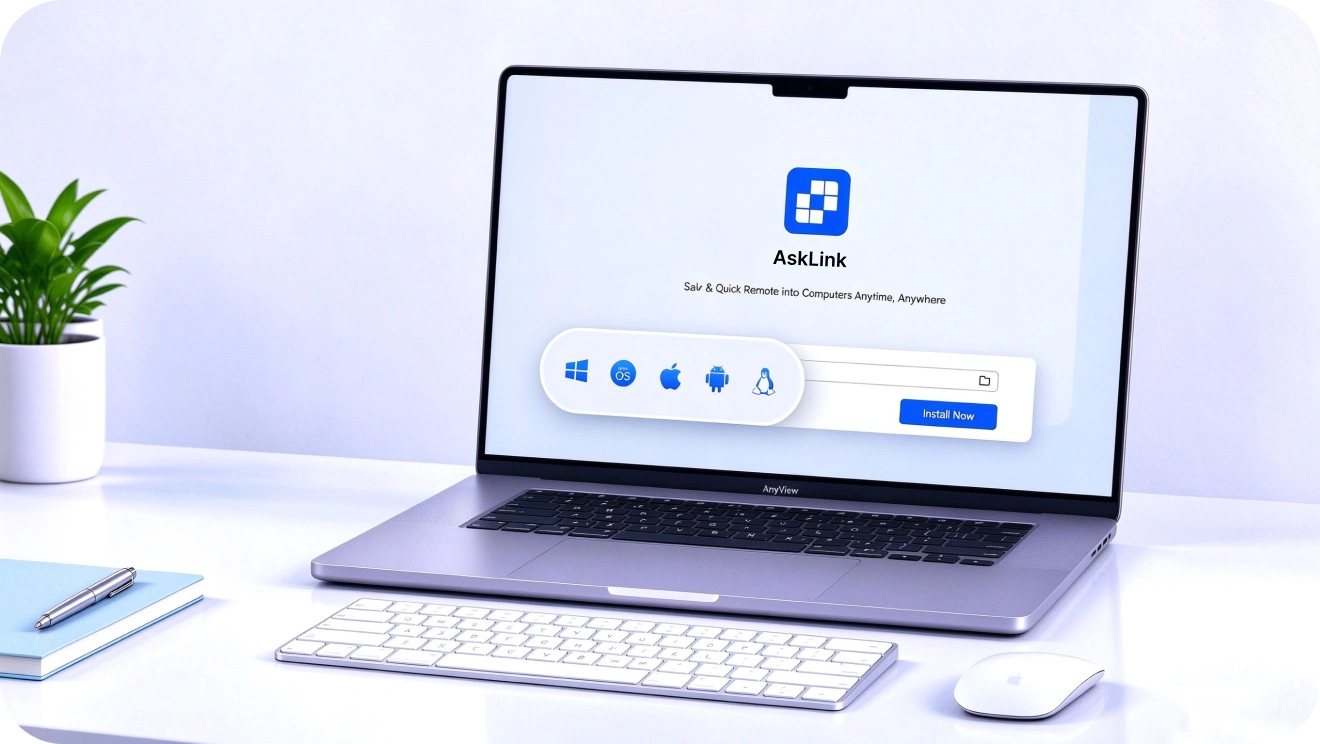
    You and the person you're helping should install and open AskLink. The user completes any system permissions needed for remote access, then finds their Device ID and Temporary Password on the Remote Support screen. Once setup and the required system permissions are complete, you're ready to connect.

    AskLink download screen showing support for Windows, macOS, iOS, Android, and Linux
  2. Step 2: Connect with Authorization

    The user shares their Device ID and Temporary Password with you. You enter those details in AskLink to start an authorized remote support session.

    AskLink remote support using a device ID and password to start a secure connection
  3. Step 3: View, Troubleshoot, and Finish

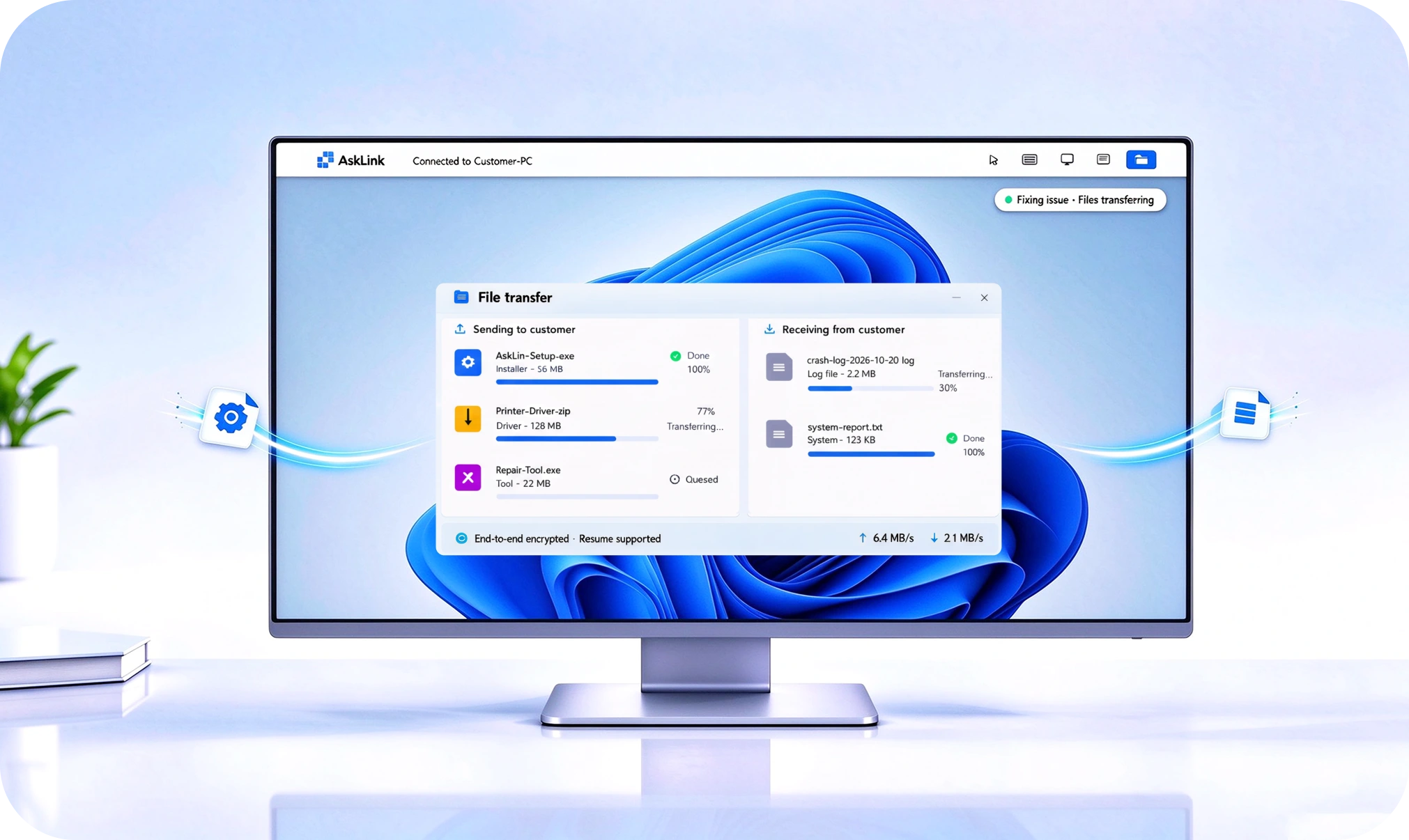
    You can view the screen, control supported devices, and transfer files as needed. After testing the fix together, you end the session. The user should refresh their Temporary Password afterward.

    AskLink remote support connection established between two computers

FAQ

Remote support software lets you see another user's screen and control supported devices over the internet. You can give instant technical assistance, such as changing settings, transferring files, and guiding users through tasks without being there in person.

Yes. AskLink Personal offers a free plan with essential remote access tools and file transfer. There are no session time limits or forced disconnections. You get 50 hours of high-speed channel access each month, with connections continuing on the basic channel afterward.

Yes. Both devices need AskLink for an ID-based remote support session. The person receiving help opens the Remote Support screen and shares their Device ID and Temporary Password with you. Any required system permissions must also be enabled.

Yes. AskLink lets you set up unattended access to authorized devices using a persistent password. Once configured, you can connect without someone accepting each session. The remote device must be powered on, online, and running AskLink.

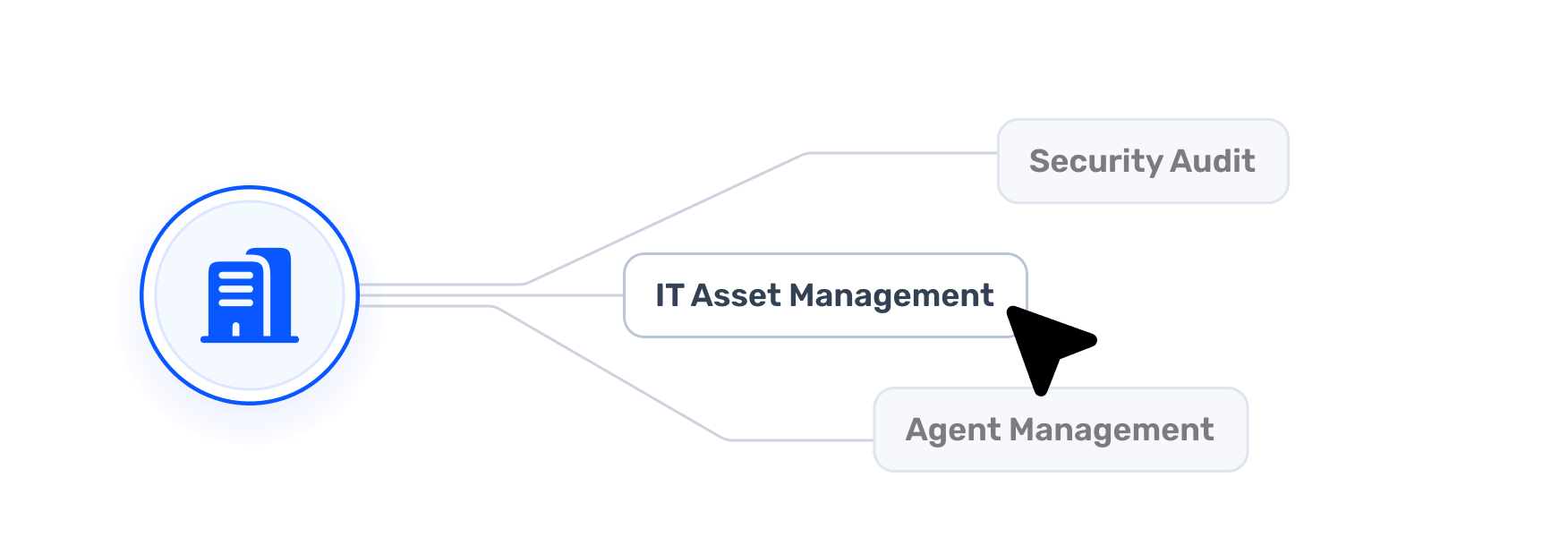
AskLink is a remote support software option for small businesses that need to help users and maintain computers remotely. For shared device management, team permissions, and centralized access controls, AskLink Business provides dedicated tools. You can compare editions and check the applicable license terms to find the right fit.

Be There to Help, Wherever You Are

With AskLink, you can see the problem, take control of supported devices, and help users get back on track. Your next remote support session starts here.

Sign up