 By Role
 By Industry
 By Use Case
 Learn & Support
 Partners
 Company



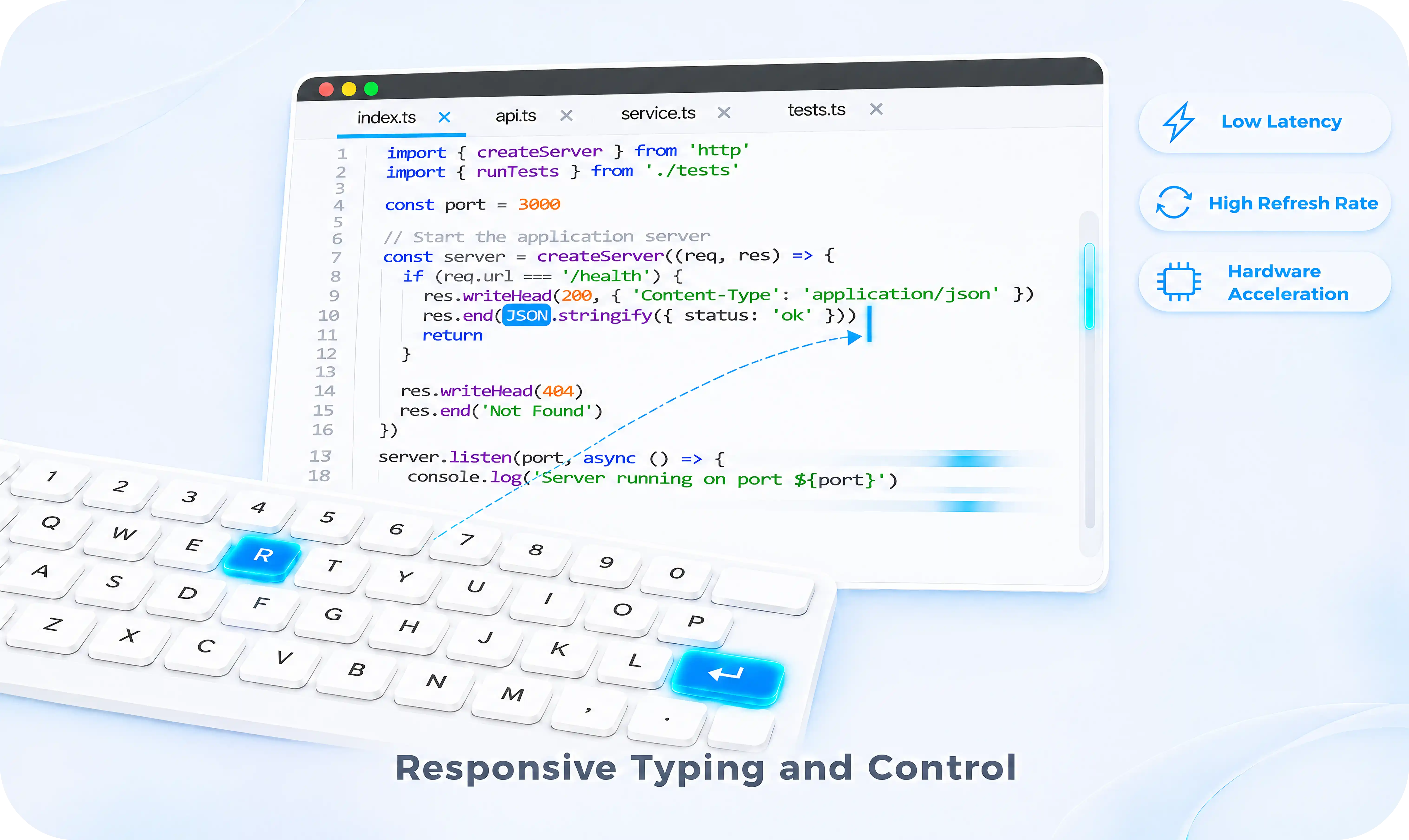
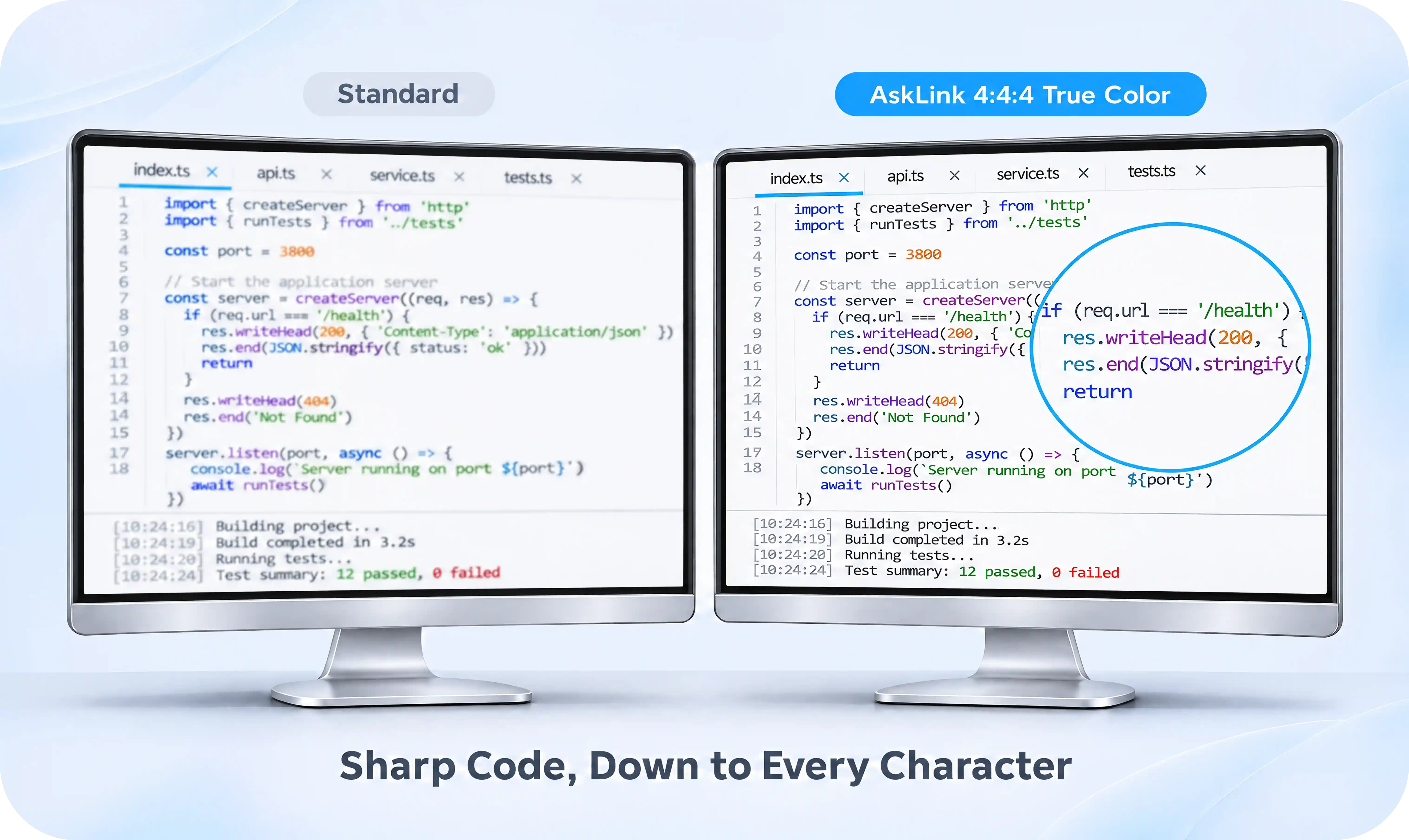
From small characters and colorful syntax highlighting to detailed terminal logs, every detail matters. AskLink supports up to 6K resolution and 4:4:4 True Color, keeping your remote development environment sharp and easy to read, even on high-resolution displays.
Remote Desktop for Developers: Code from Anywhere
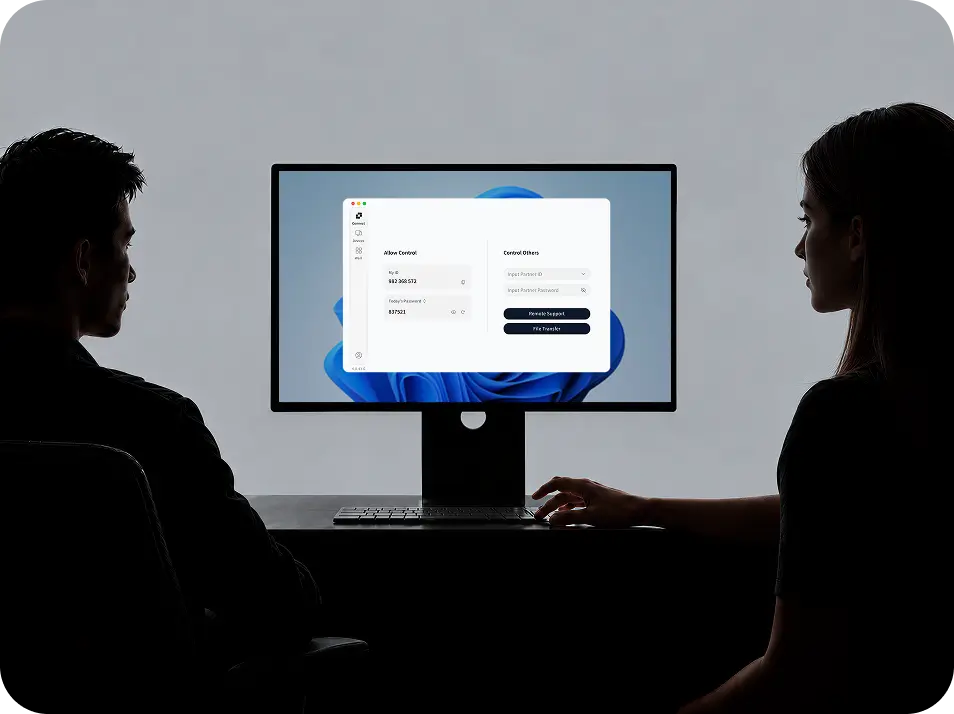
Bring your entire development environment within reach. With AskLink, you can code, debug, build, and test on your remote workstation with high- quality visuals, responsive control, and secure connections, wherever you are.
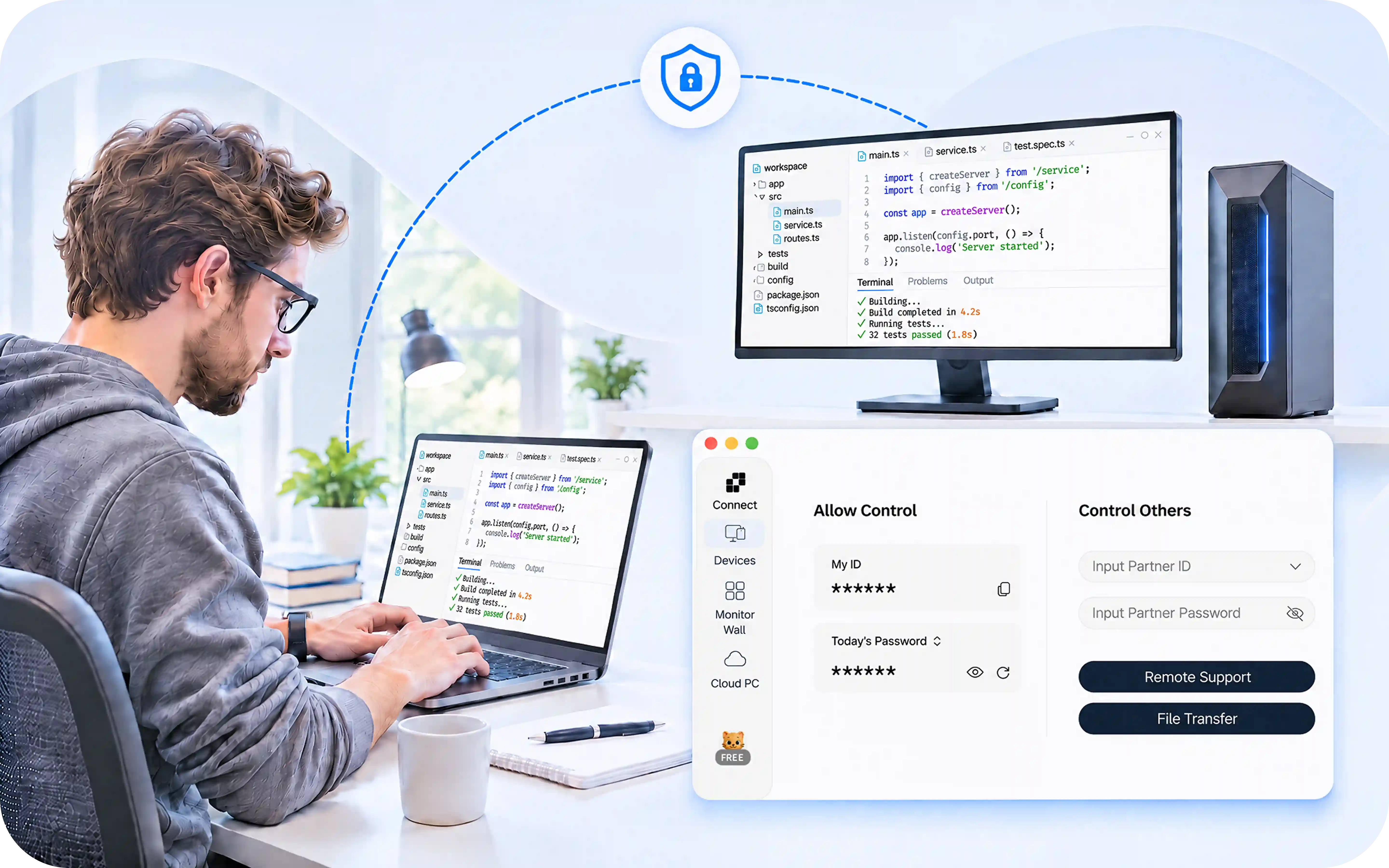
Bring Your Full Development Environment to Any Device
Keep your tools, projects, and computing power in one place. With AskLink, you can develop, debug, and test without being tied to a single device.
Keep Your Development Setup Intact
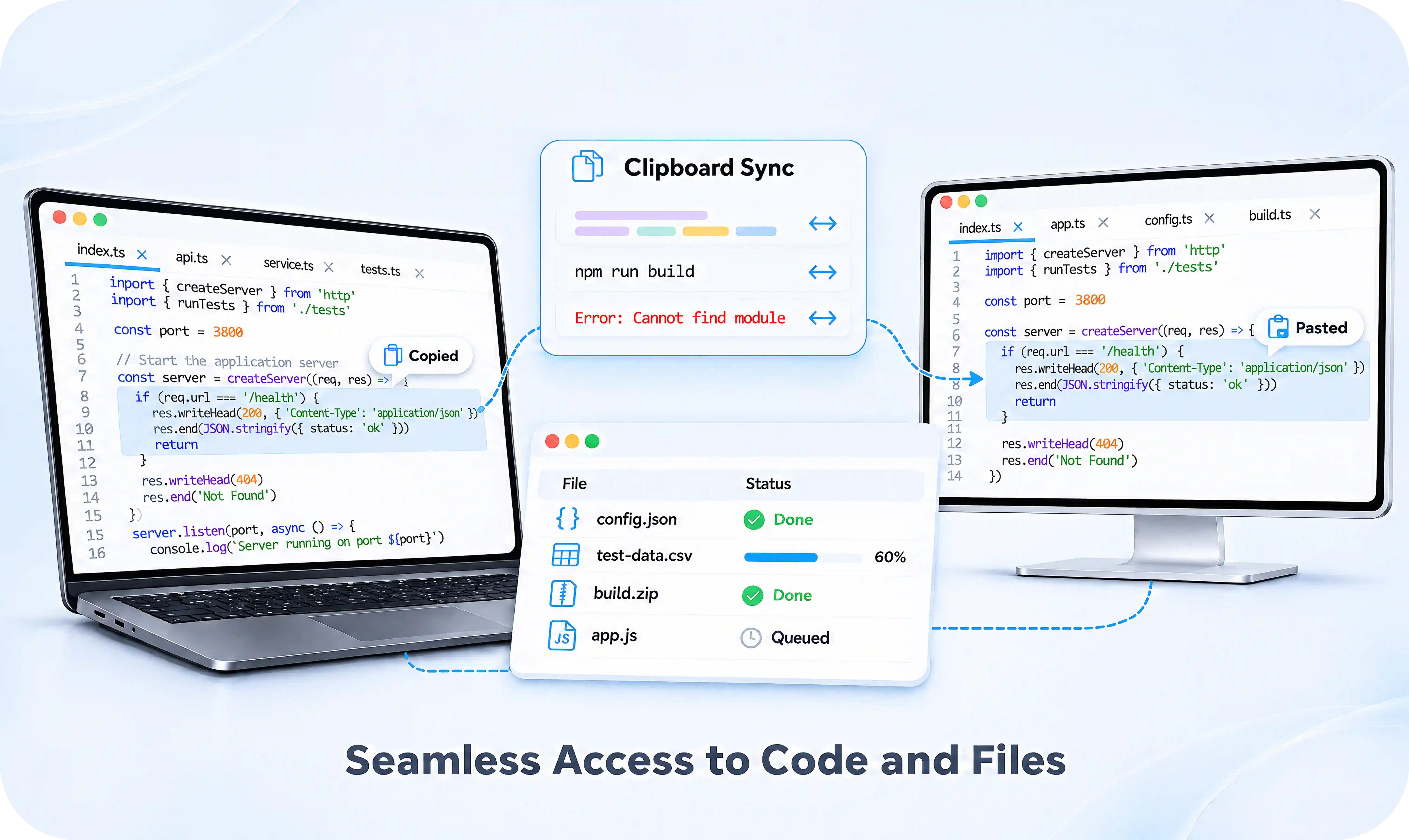
Skip the hassle of setting up your development environment on every device. With AskLink, you can work directly with your existing IDEs, SDKs, project files, and dependencies. From VS Code and JetBrains IDEs to Docker Desktop, everything is right where you left it.
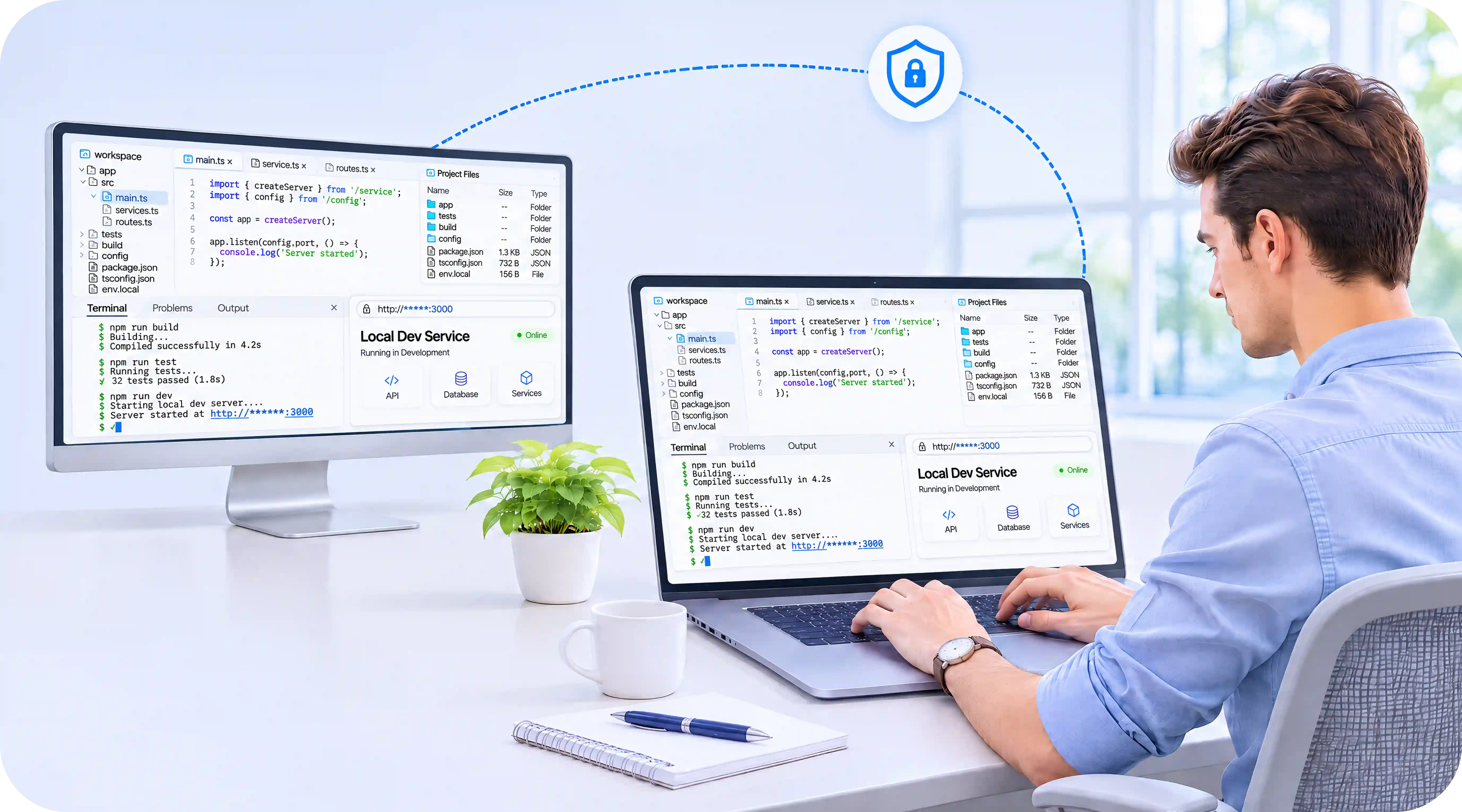
Start Coding Remotely with AskLink
Free for personal use. No need to rebuild your development setup.
Code Remotely, Just Like You're at Your Desk
Keep Your Dev Machines Available and Protected
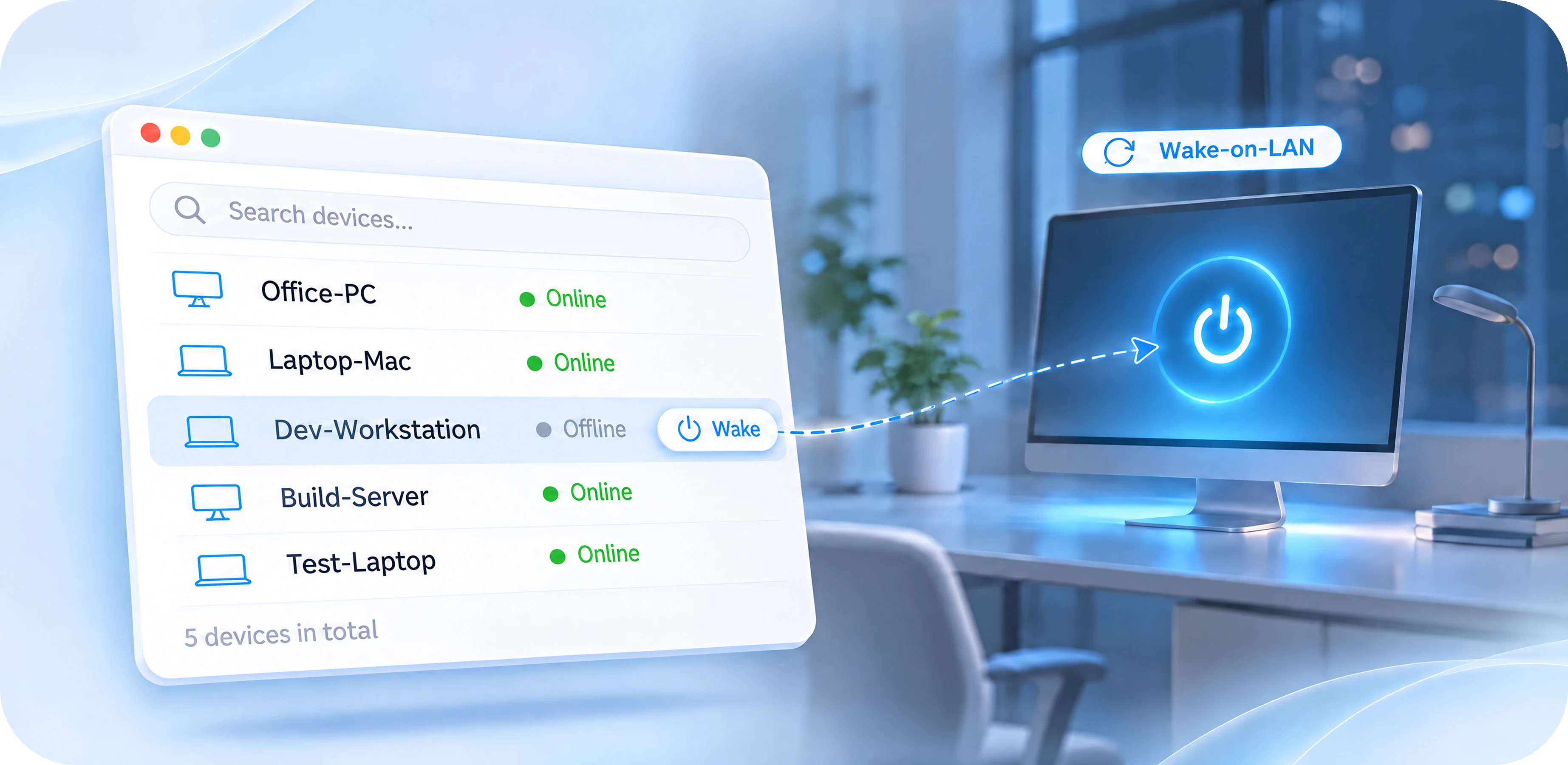
Access Your Workstation Anytime
No one needs to be at your desk for you to connect. Set up unattended access with AskLink and connect whenever you need to. With Wake-on-LAN, you can even wake up compatible workstations remotely.
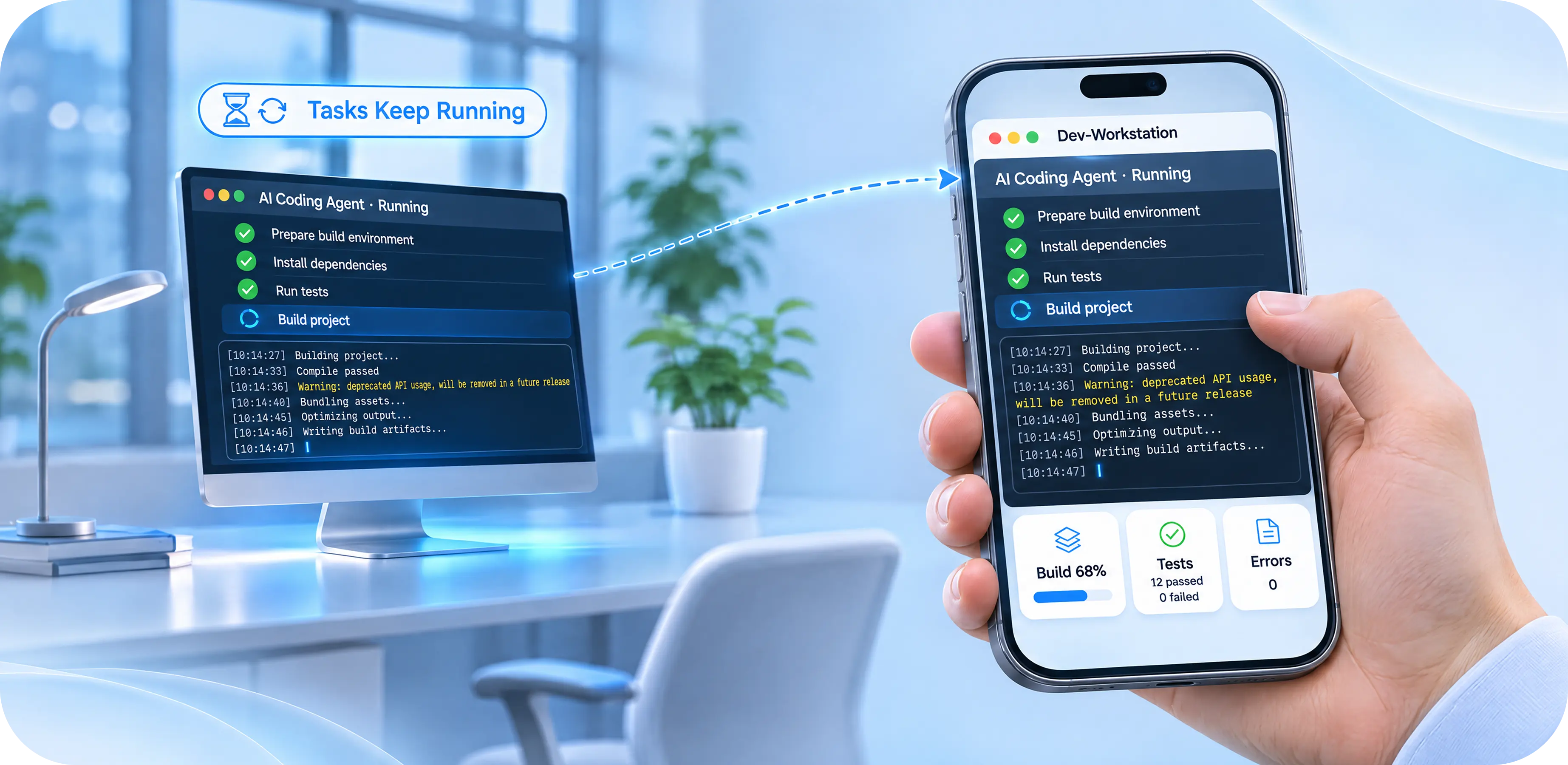
Check Builds, Tests, and Running Tasks
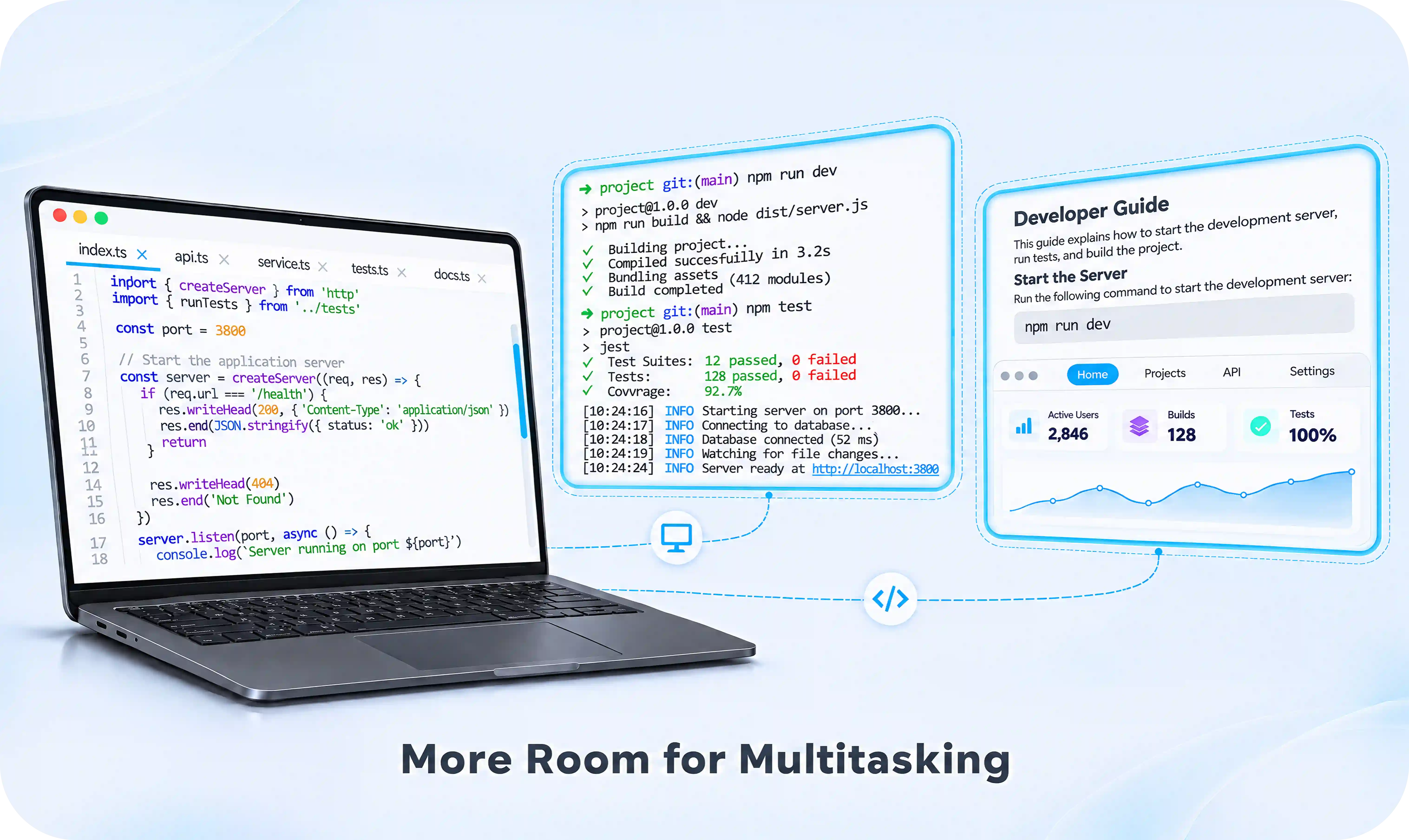
No need to sit around waiting for a build to finish. Leave your builds, automated tests, or AI coding agents running on your workstation. Reconnect whenever you need to check progress, review results, or fix errors.
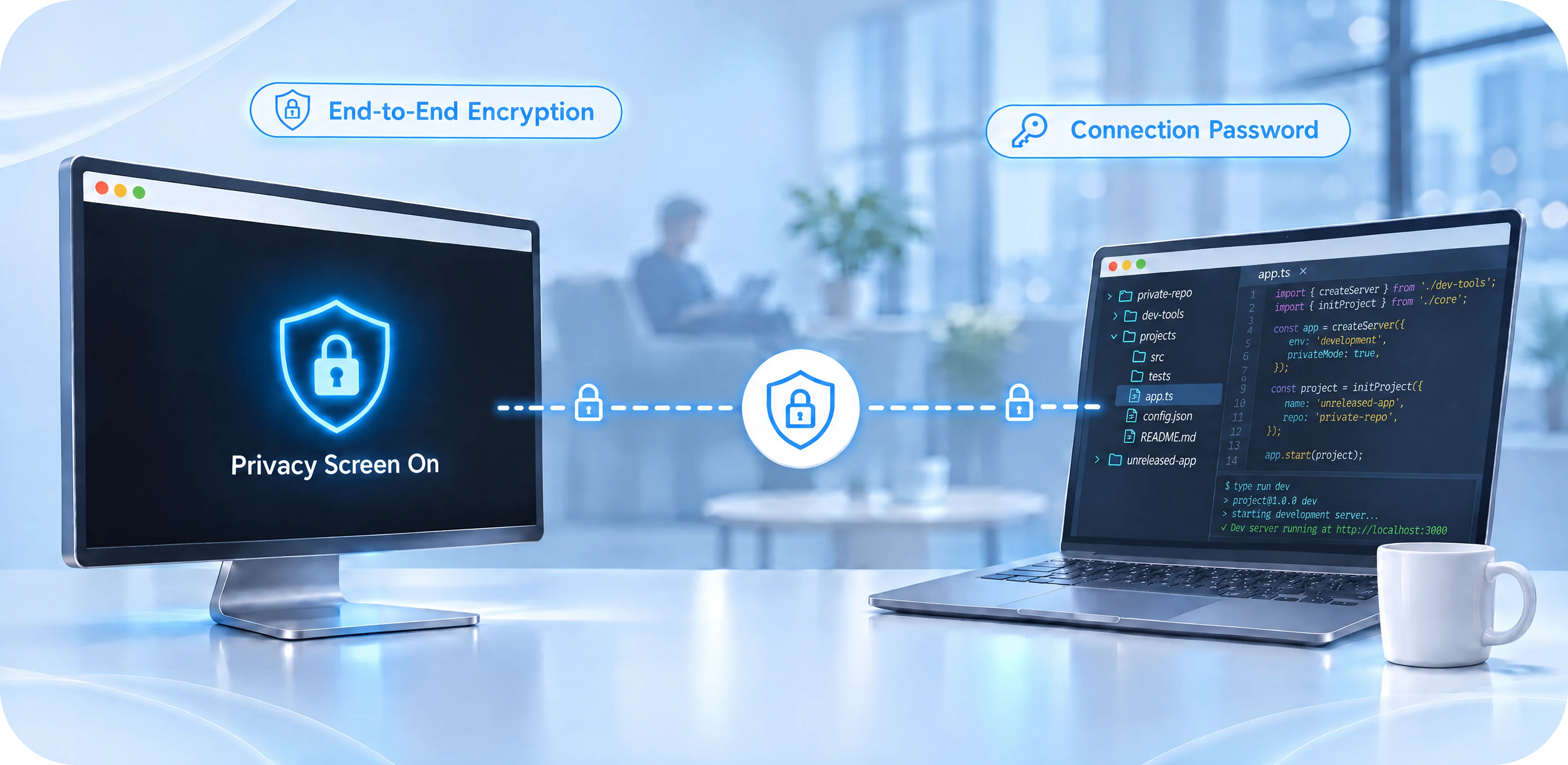
Protect Your Code and Projects
Keep sensitive code and project data protected with AskLink's secure remote access for developers. End-to-end encryption and connection passwords help secure your sessions, while Privacy Screen on supported Windows devices keeps your work hidden from people nearby.
Access Your Workstation Anytime
No one needs to be at your desk for you to connect. Set up unattended access with AskLink and connect whenever you need to. With Wake-on-LAN, you can even wake up compatible workstations remotely.
Check Builds, Tests, and Running Tasks
No need to sit around waiting for a build to finish. Leave your builds, automated tests, or AI coding agents running on your workstation. Reconnect whenever you need to check progress, review results, or fix errors.
Protect Your Code and Projects
Keep sensitive code and project data protected with AskLink's secure remote access for developers. End-to-end encryption and connection passwords help secure your sessions, while Privacy Screen on supported Windows devices keeps your work hidden from people nearby.
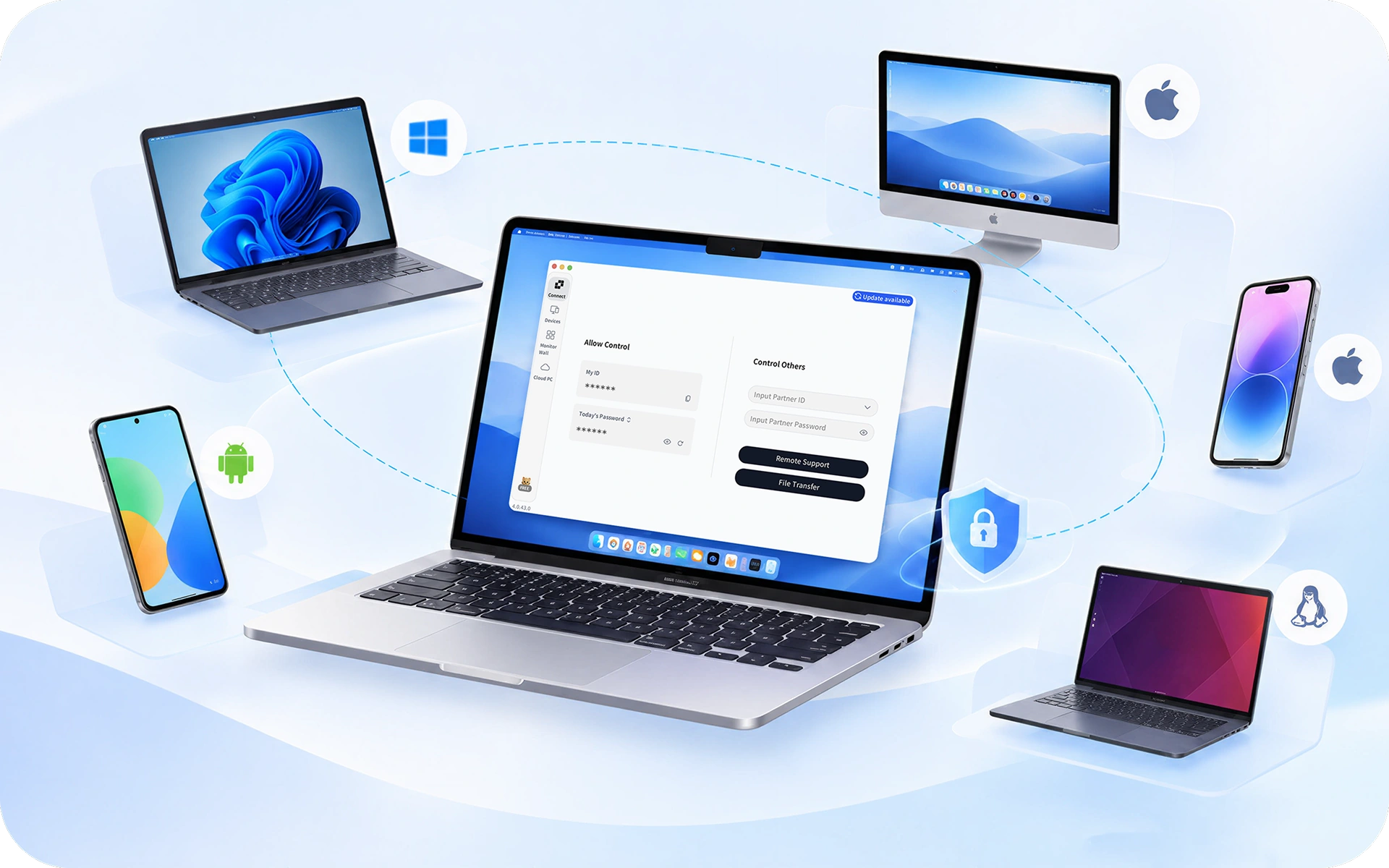
More AskLink Features to Explore

Related Articles
View AllView All
Remote Work & Use Cases
How to Access and Continue Local AI Workflows Remotely
How-to Guides
How to Use Remote Desktop: A Step-by-Step Guide for Windows, Mac, and Mobile
Remote Access Insights
What Is Wake-on-LAN (WOL)? How It Works and How to Set It Up
Remote Access Insights
VPN vs Remote Desktop: Which Do You Need?
FAQ
Yes! Our remote desktop for software development gives you more than just access to your code. You can use your full development environment, including IDEs, terminals, browsers, and debugging tools. It's especially useful when you need powerful hardware or platform-specific software.
SSH is great for command-line tasks and remote code editing. A remote desktop for programming gives you access to the full graphical desktop, including IDEs, simulators, browsers, and visual debugging tools. You can use both, depending on your development needs.
Yes. Simply connect your Windows PC to a compatible Mac with Xcode installed. You can write Swift code, build iOS apps, and use the iOS Simulator remotely. Xcode runs on your Mac, while you control it from Windows.
No. AskLink lets you connect directly to your existing development computer or workstation. There's no need to rent a cloud workstation, migrate your projects, or set up a new development environment.
Disconnecting from AskLink does not necessarily stop your running tasks. As long as your remote computer stays on and the applications continue running, you can reconnect later to check your builds, test results, or AI coding agents.
A separate VPN is not required in many common scenarios. AskLink supports connections across different networks without the need for complex network setup. If you're connecting to a company-managed device, follow your organization's network and security policies. Get more information in this guide: VPN vs Remote Desktop: Which Do You Need?
AskLink offers a free plan for personal use, making it easy to get started with remote coding. For commercial development or software development teams, explore AskLink's Business plans to find the right solution for your needs.
Your Next Line of Code Starts Here
Keep your tools, code, and computing power right where they are. Get started with AskLink and make remote development simpler.
Sign up