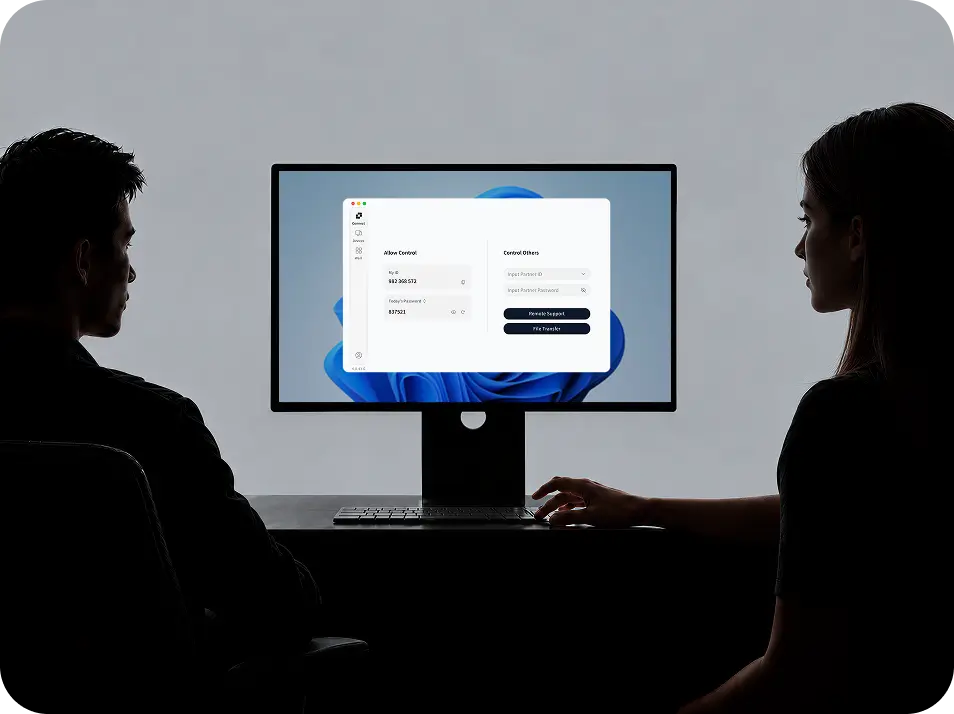
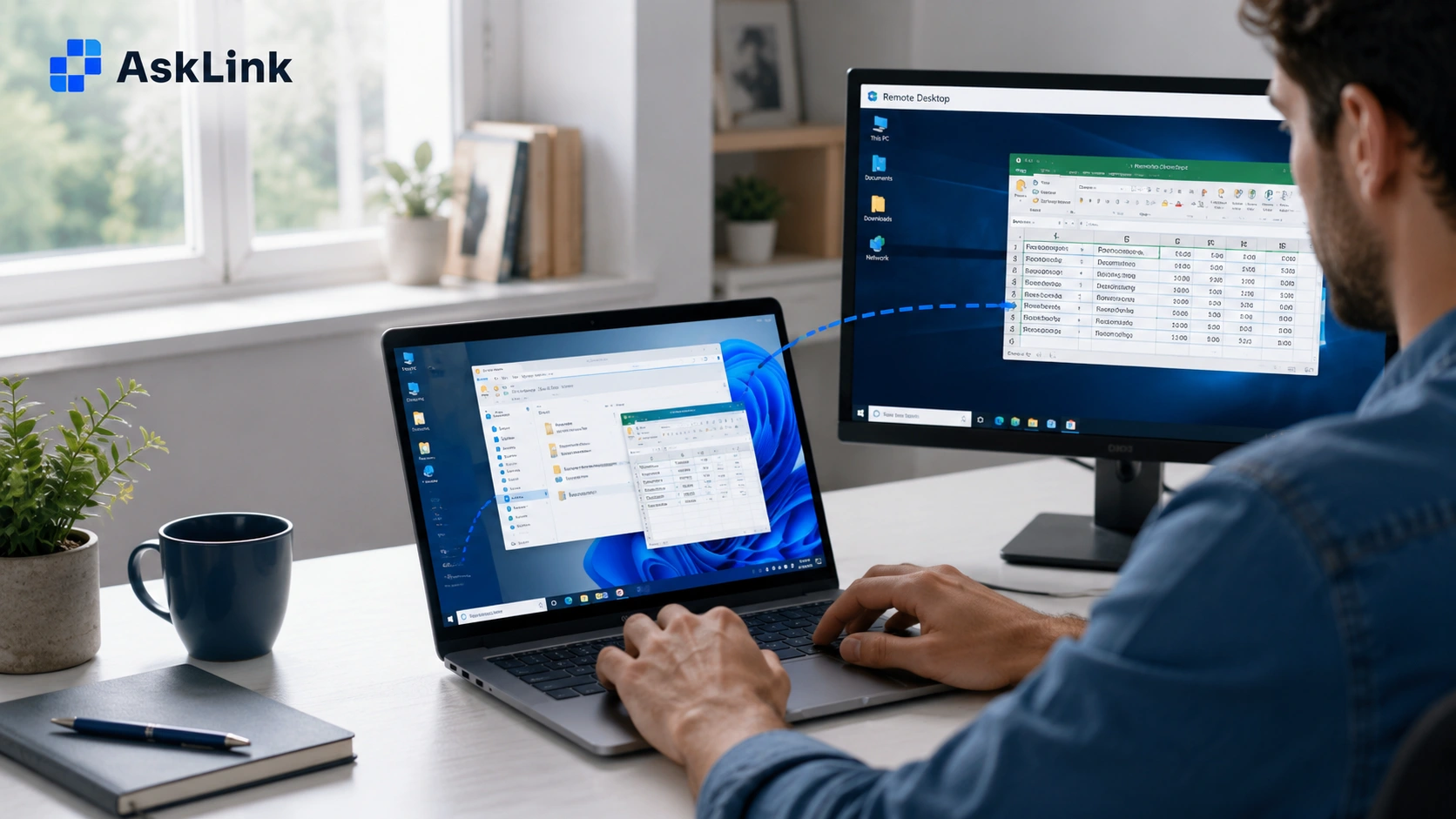
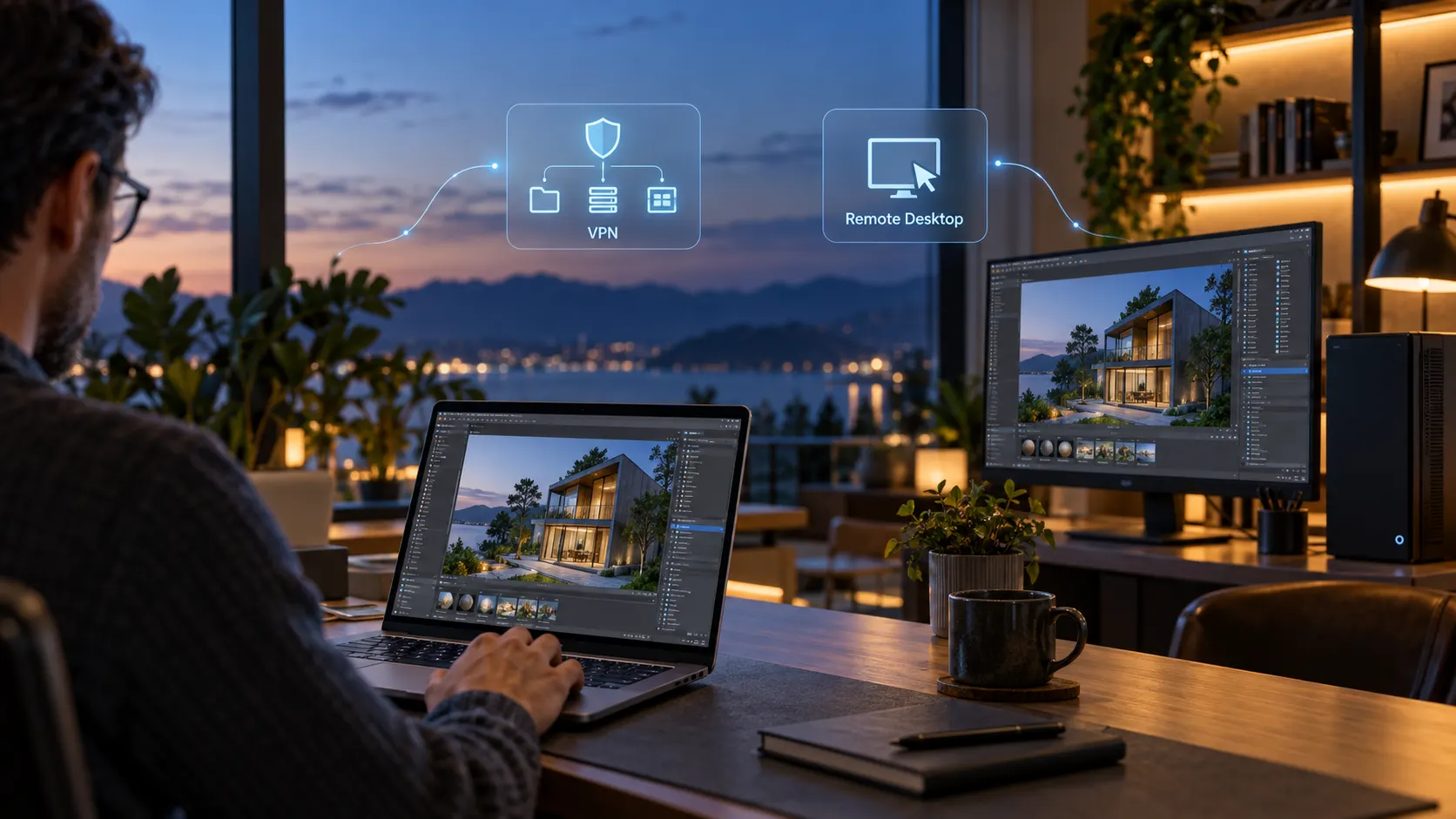
All-in-One Remote Access Software for Education

Give students, educators, and IT teams secure access to school computers from anywhere. Try AskLink and stay connected to the apps, files, and resources you need, on or off campus.

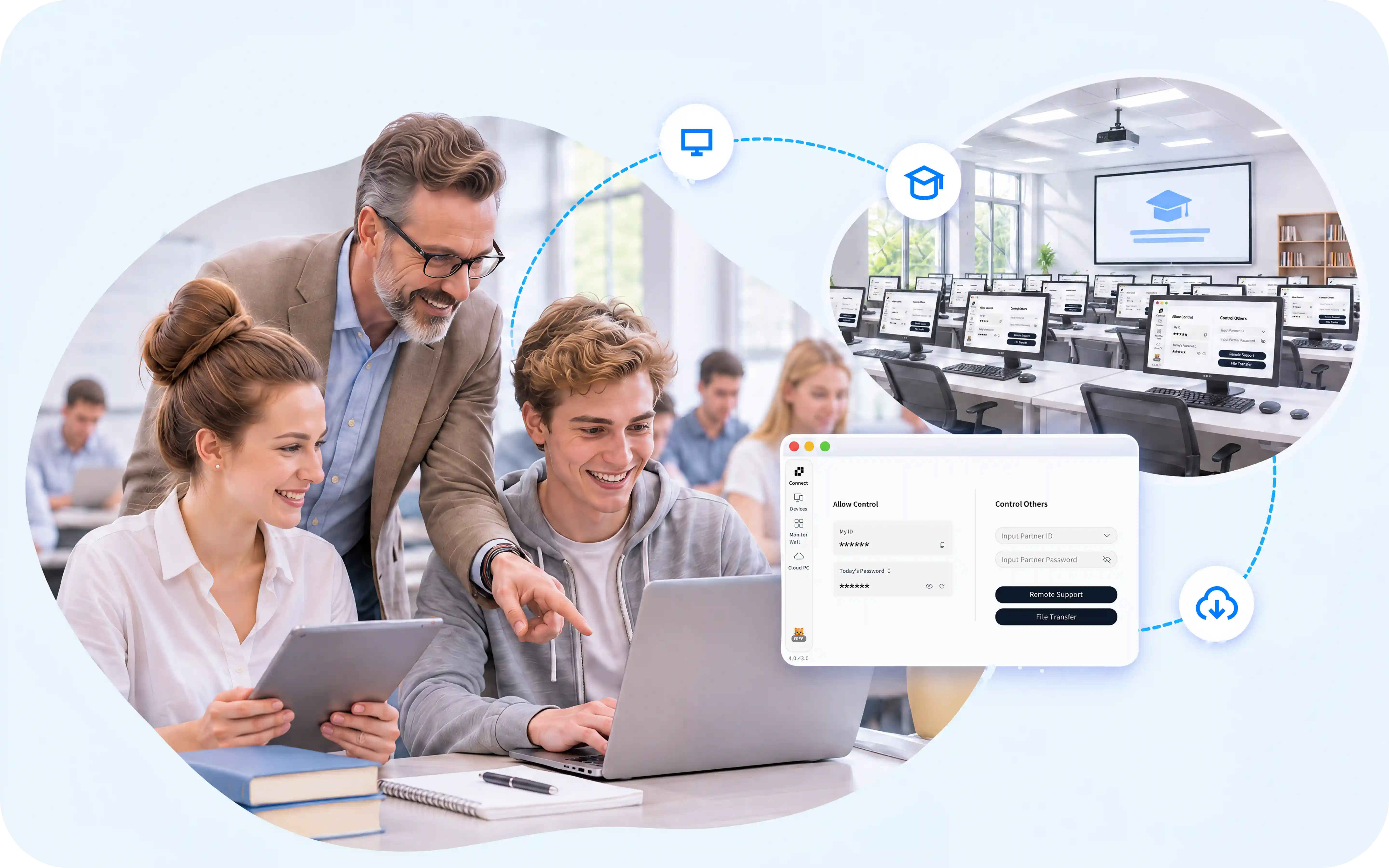
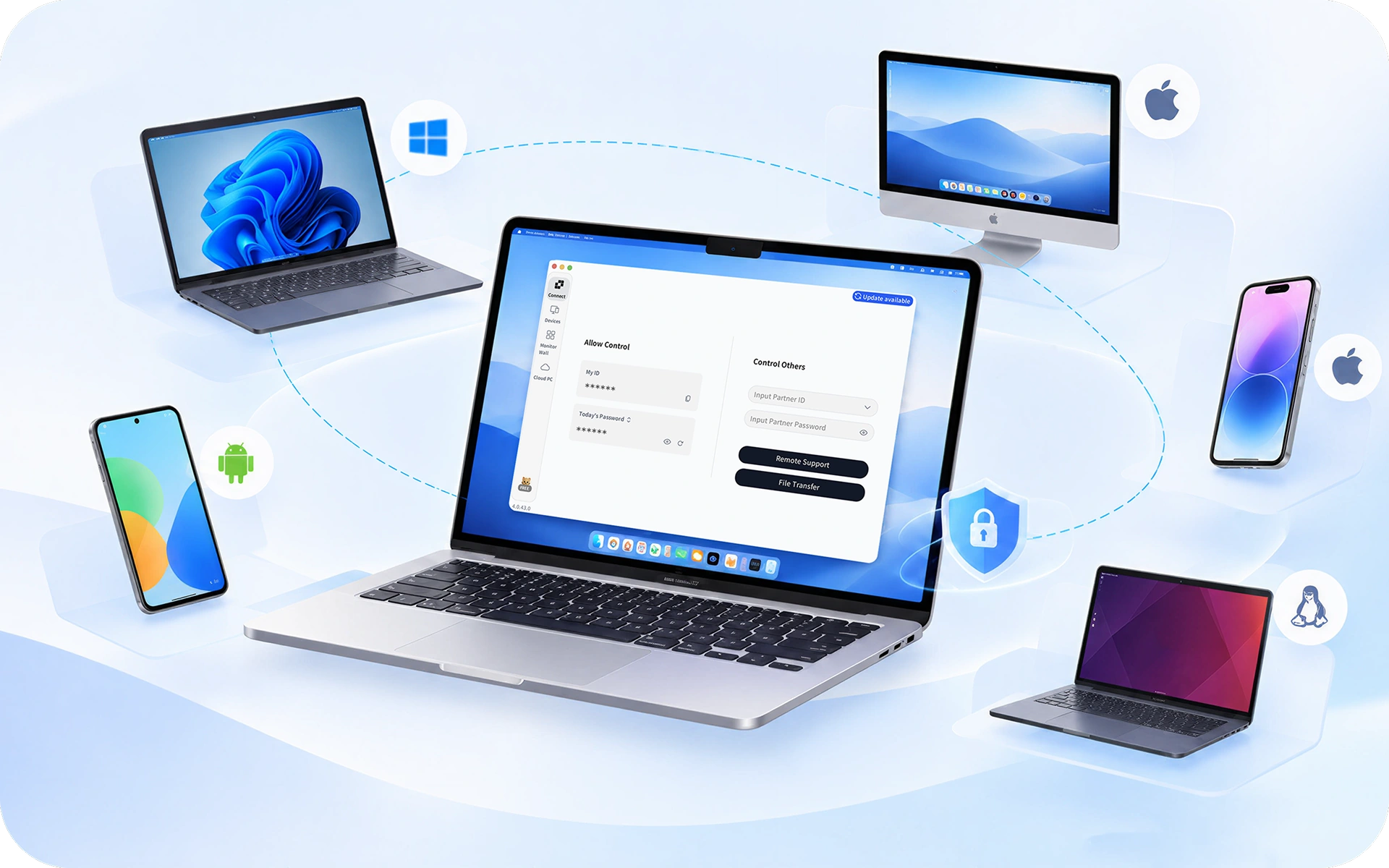
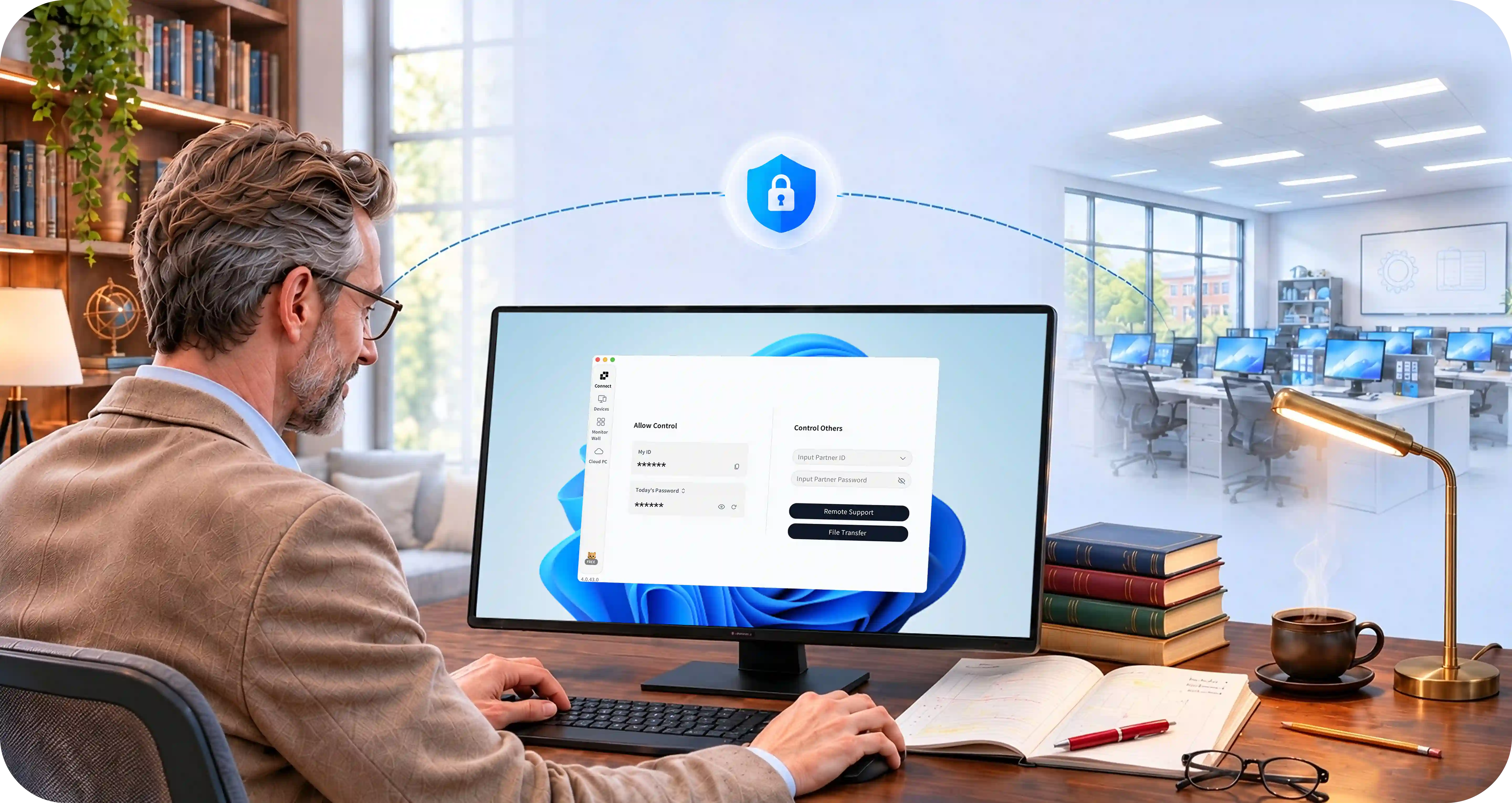
AskLink remote access software for education connecting teachers, students, and campus computer labs

Keep Students, Educators, and IT Teams Connected

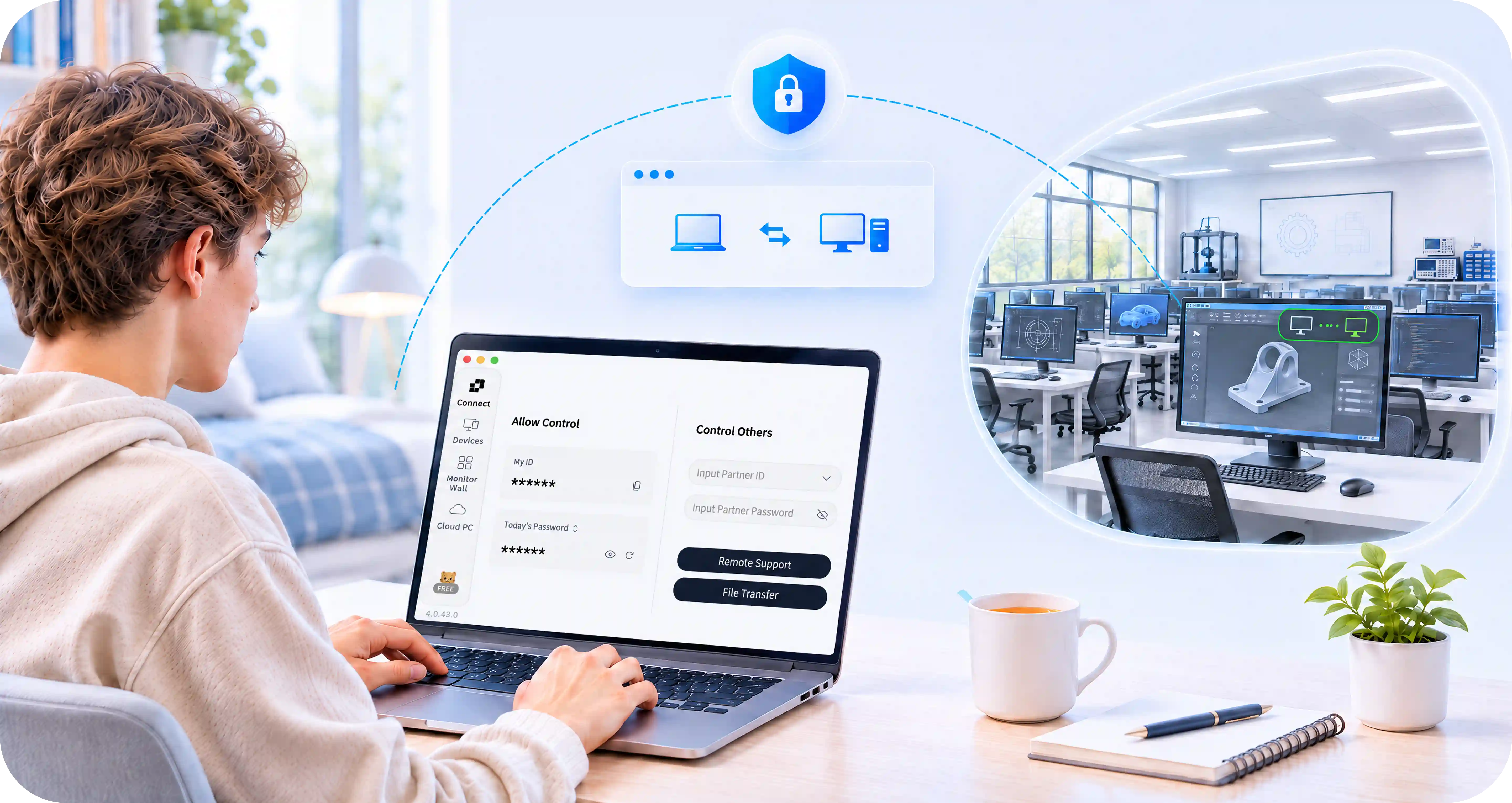
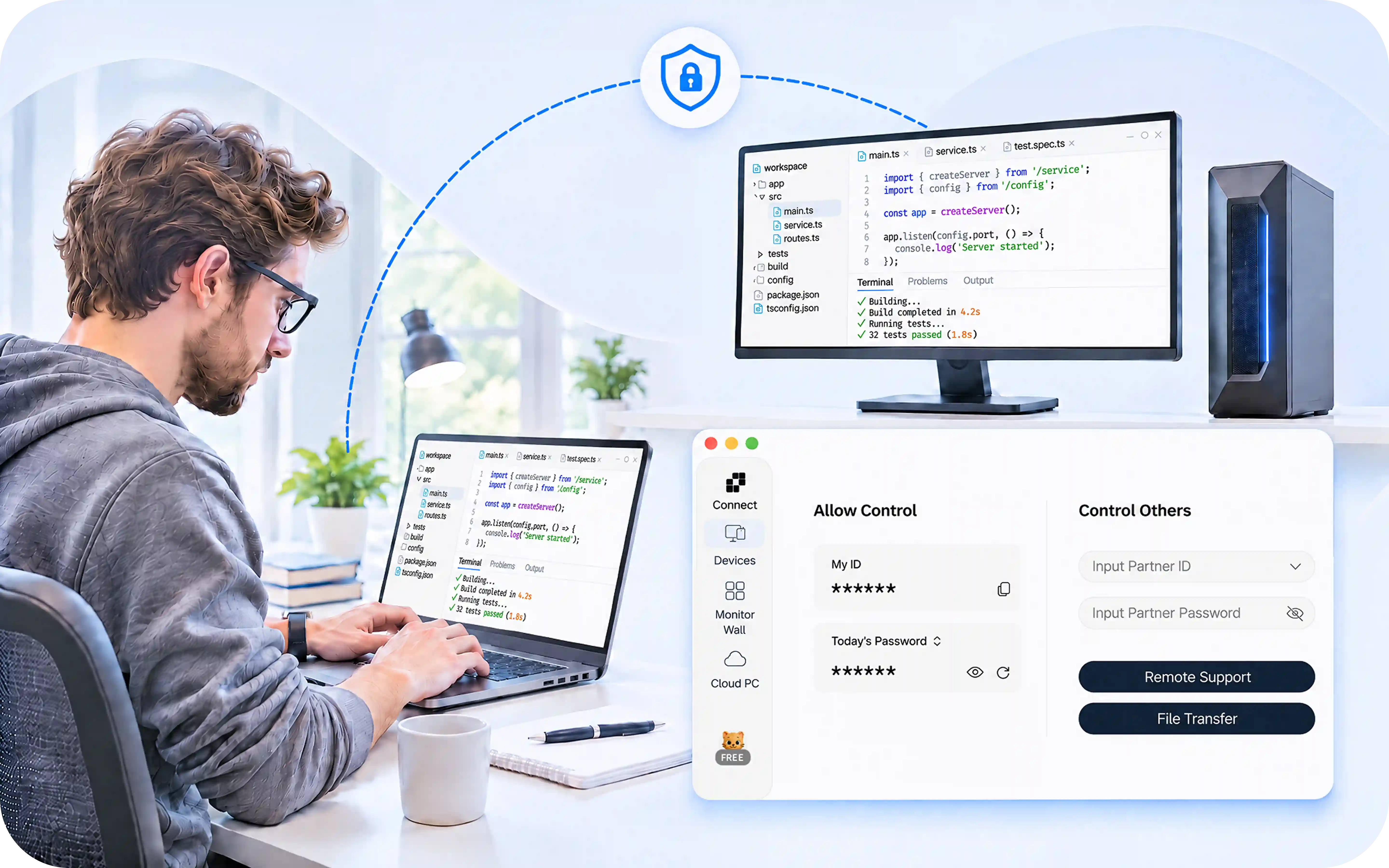
Student remotely accessing campus lab computers and specialized CAD software from home

Access Campus Computers and Lab Software Remotely

Some courses rely on software or computing power that is only available on campus. With our unattended remote access, students can connect to an authorized lab computer and use the apps, files, and resources already installed there. AskLink also gives you a full remote desktop with clear, high-quality visuals, making it easier to work with detailed interfaces, course projects, and specialized software. Keep learning with the same campus setup, without rebuilding it on a personal device.
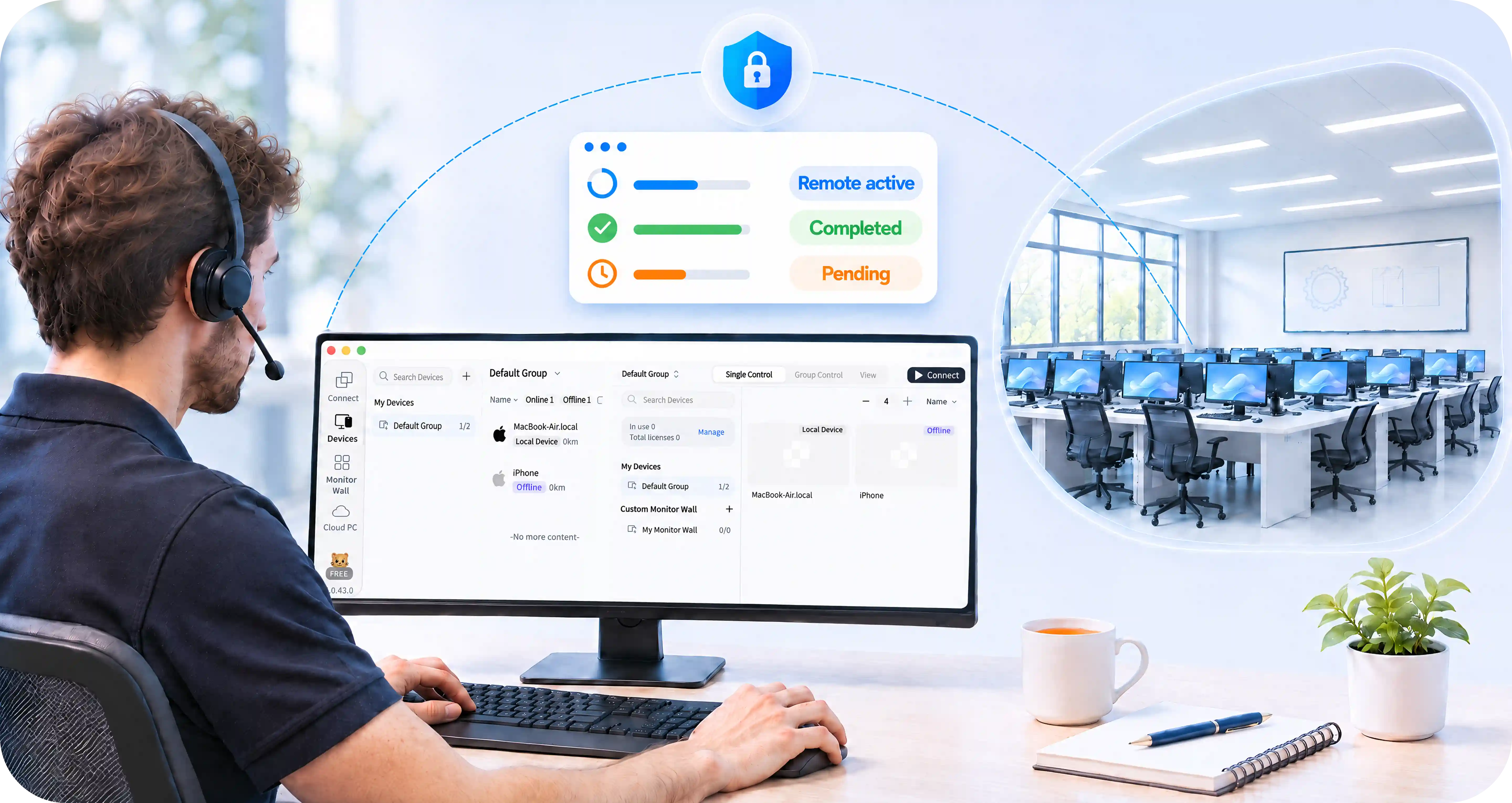
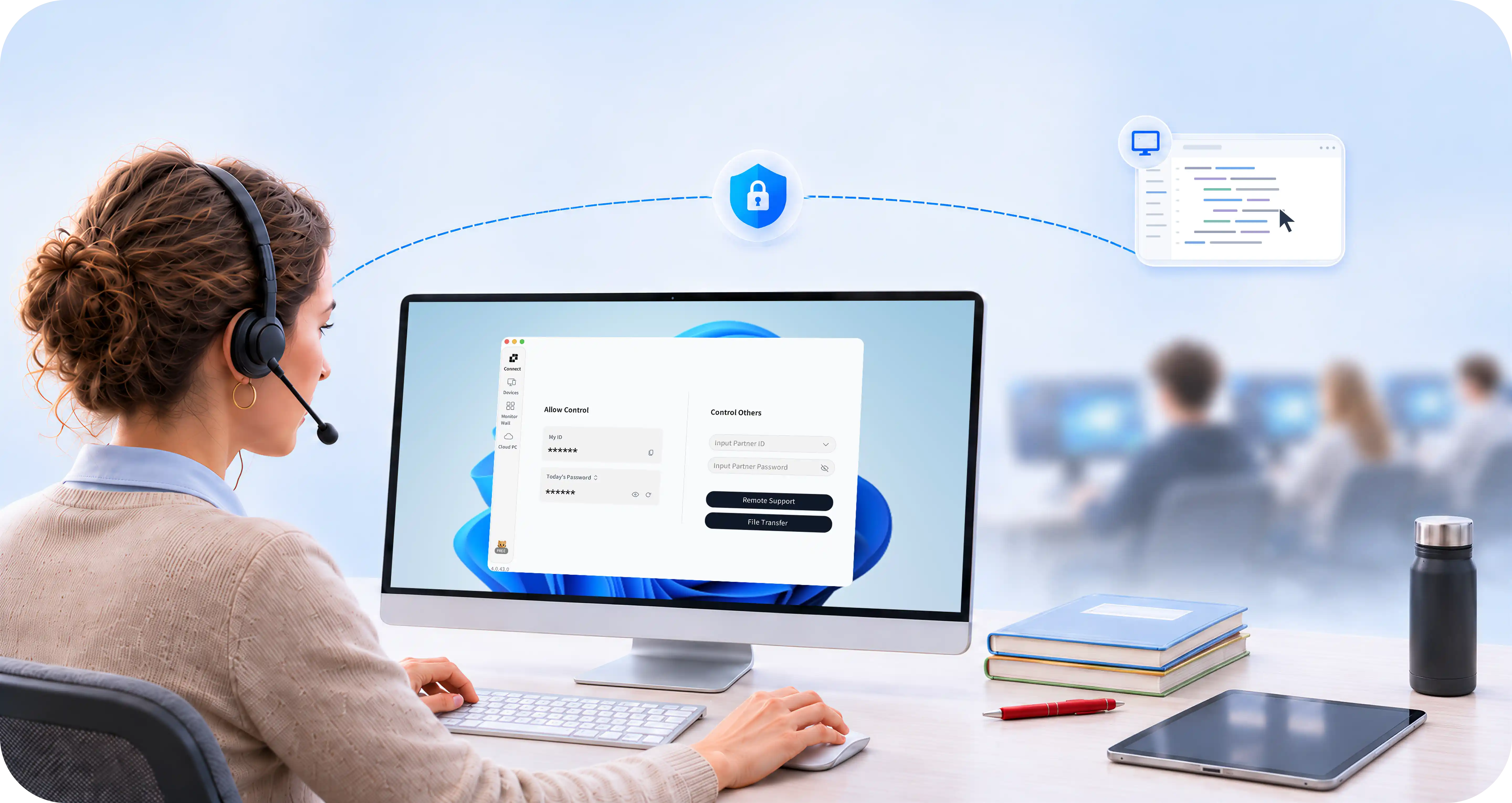
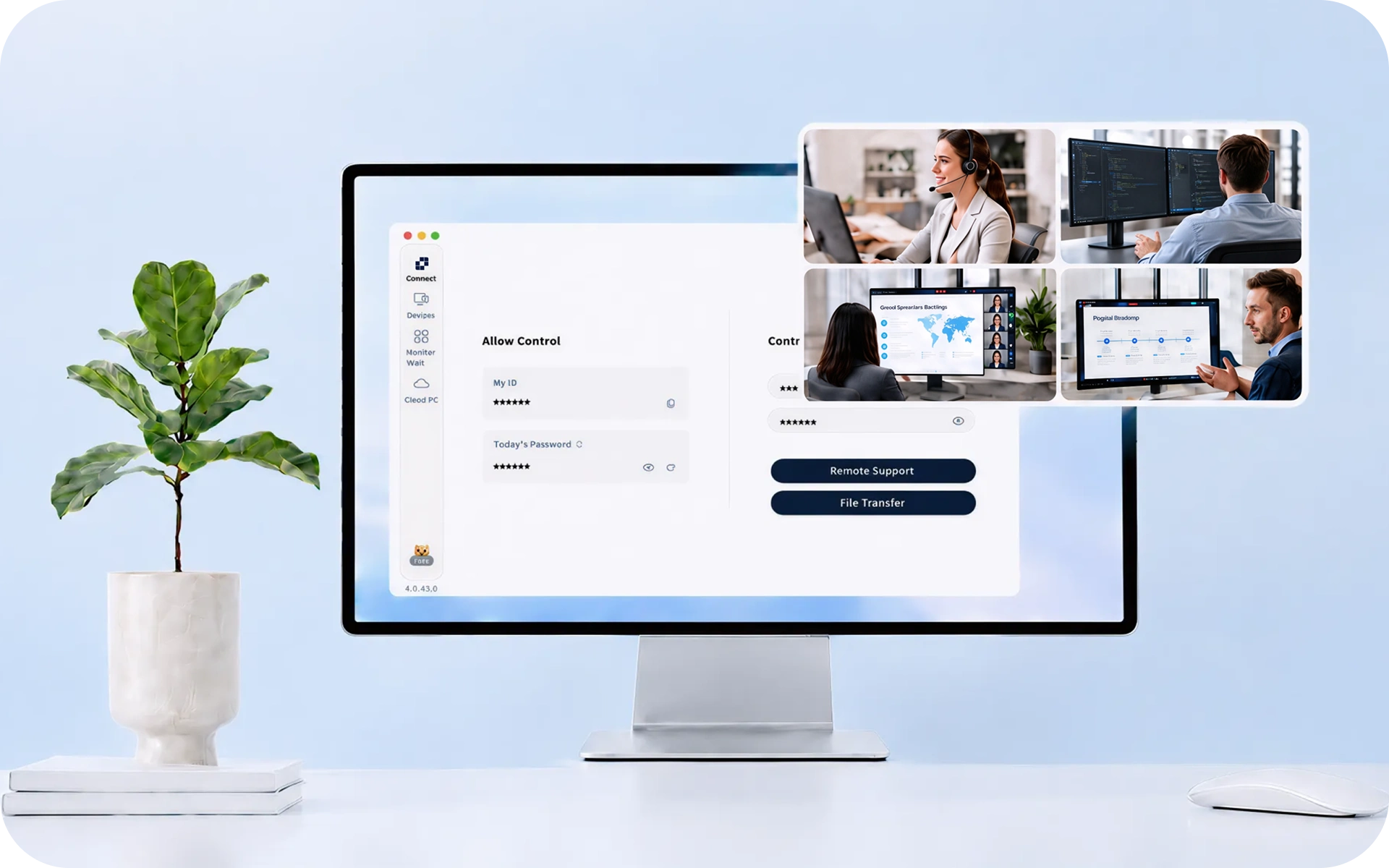
IT technician remotely managing campus computers and computer labs with AskLink

Keep School IT Systems Running Smoothly

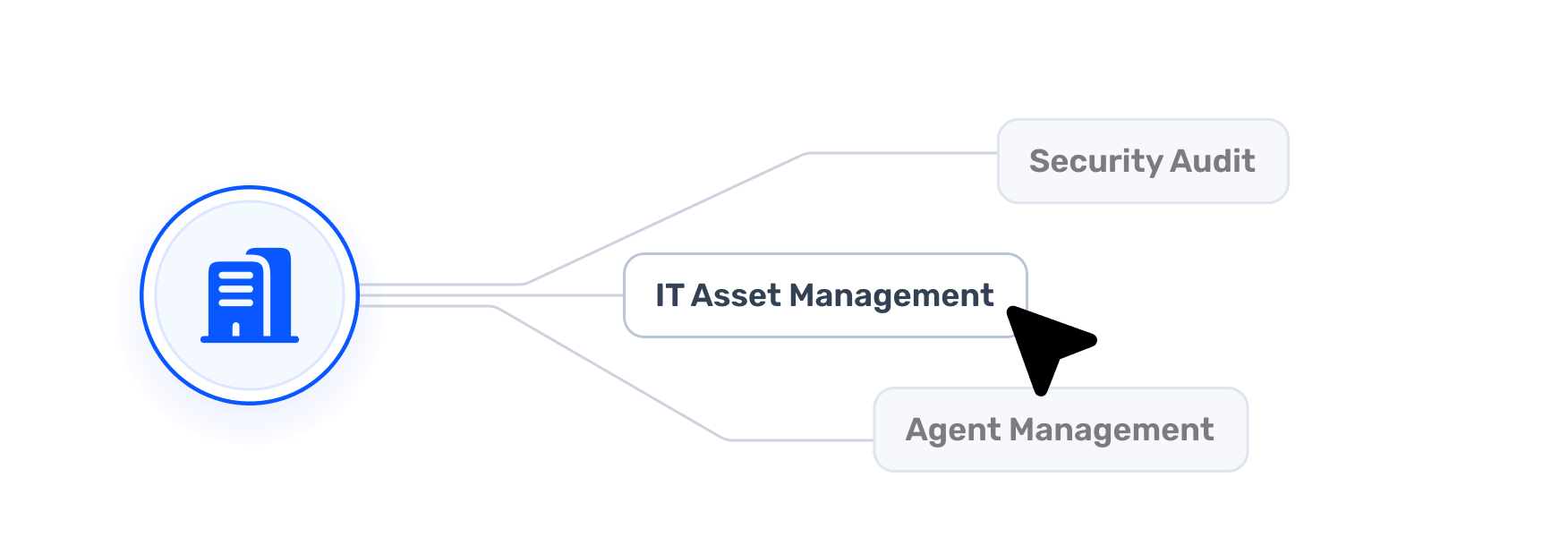
School IT teams may need to support computers across classrooms, labs, and offices. Our remote access software for education makes it easier to organize and manage devices from one place, so IT staff can quickly find the computer they need. With Monitor Wall, you can view multiple remote computers at once and get a clearer picture of what is happening across devices. With remote support features like session recording, file transfer, and device management, you can spot the device that needs attention, connect remotely, and effectively solve the problem without going room to room.

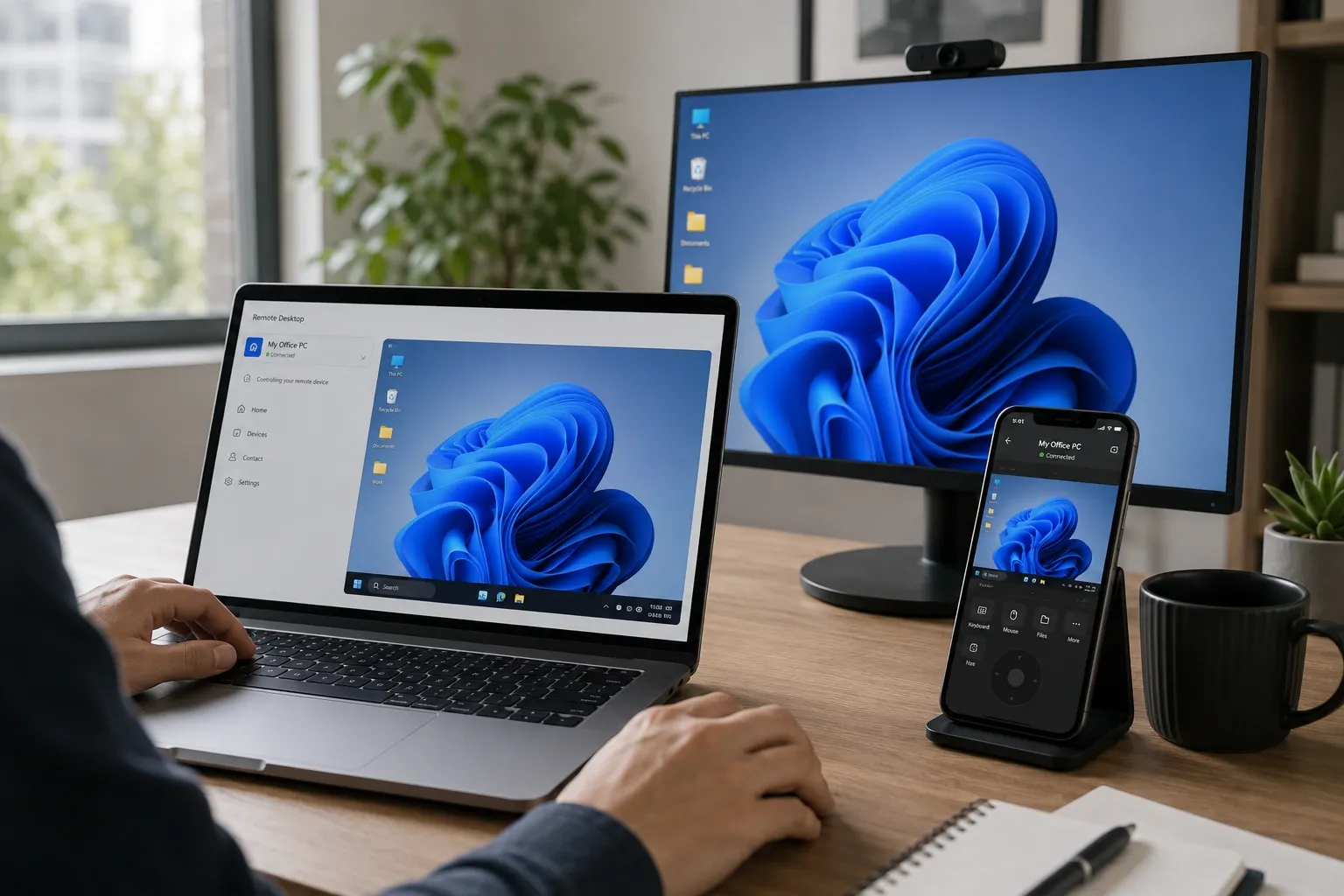
Teacher securely accessing campus computers from home using AskLink

Work and Teach Beyond the Classroom

Lesson plans, course files, and teaching software often stay on a school computer. With AskLink, educators can remotely access an authorized work computer from home, another office, or while traveling. You can easily open lesson materials, use the apps you already work with, transfer files between devices, and copy text or links with clipboard sync. Prepare classes, update documents, and continue your work without carrying everything between devices.

Teacher providing remote assistance to students during coding and classroom activities

Guide Students with Hands-On Remote Assistance

When students get stuck, seeing the problem is often the fastest way to solve it. Authorized teachers or support staff can view or share screens, connect to the remote device, and step in when hands-on help is needed. AskLink makes it easier to explain software steps, demonstrate the correct workflow, take control when a problem needs to be fixed directly, or send the files required to complete a task. More than fixing a problem, AskLink helps make remote guidance clearer, faster, and more interactive.

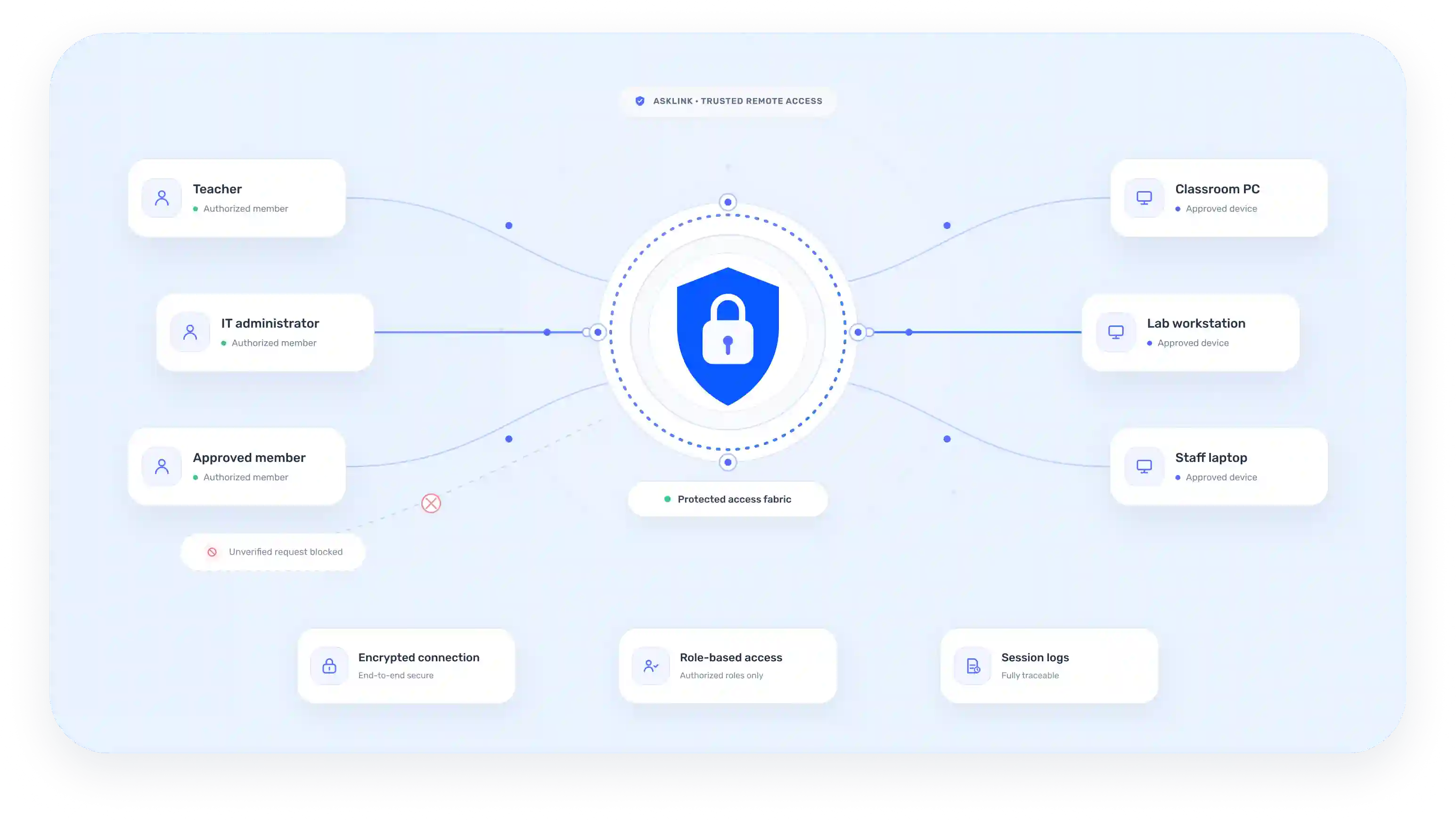
Secure remote access for education with encrypted connections, role-based permissions, and session logs

Support Learning Anywhere with Secure Remote Access

Keep school data protected with SSL encryption and 2048-bit RSA key exchange. With fine-grained access permissions, two-factor authentication, real-time audit logs, and IP allowlists, AskLink gives school IT teams greater control over who can access campus computers and resources.

Simplify IT Management Across Classrooms and Campuses

Managing hundreds of computers across classrooms, labs, and campuses doesn't have to be complicated. AskLink brings devices, users, and access permissions together in one place, giving your IT team more control with less effort.

Organize Devices by Classroom or Department

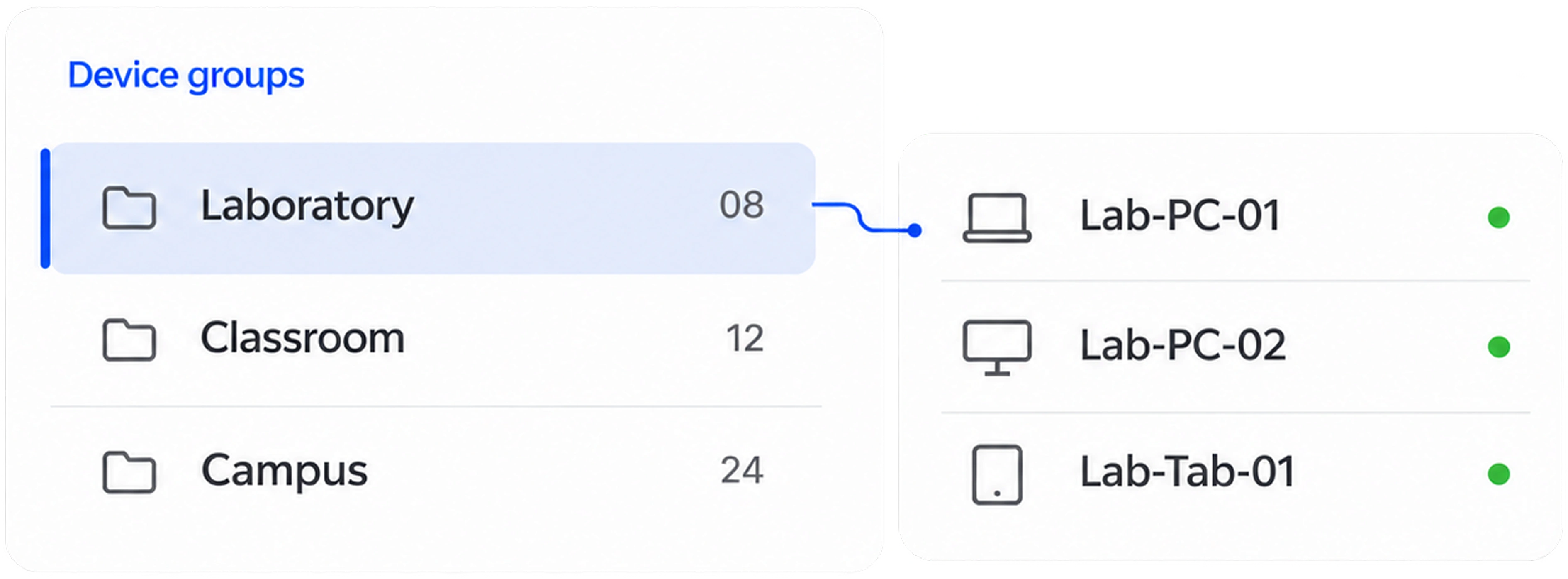
A computer lab, a faculty office, or an entire campus — every device has its place. With AskLink, IT teams can group computers by classroom, department, or location, making it easy to find and manage the right devices from a central console. No more searching through long device lists.

Remote device management with separate groups for laboratories, classrooms, and campus computers

Manage Access for Students, Faculty, and IT Staff

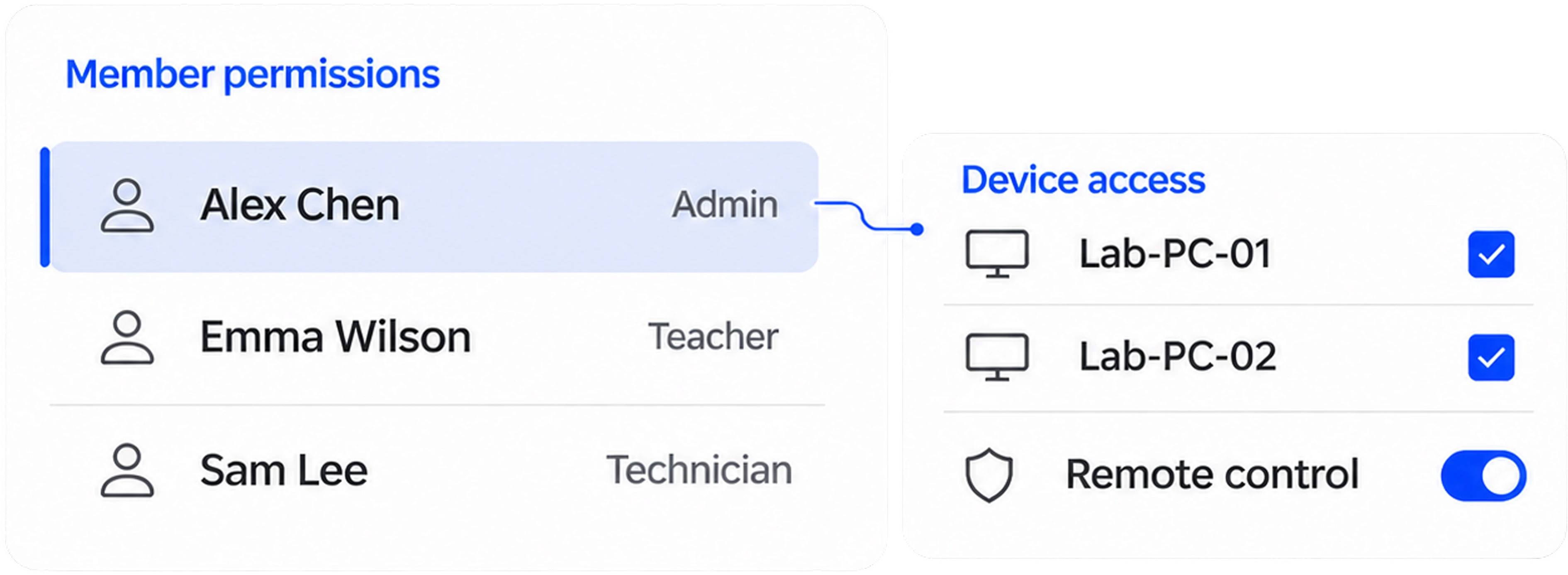
Students may only need access to lab computers, while faculty and IT staff have their own responsibilities. With our role-based permissions, administrators can assign access to specific users and devices, ensuring everyone has the access they need without giving them more than necessary.

Role-based remote access permissions for teachers, IT administrators, and technicians

Deploy and Maintain Devices at Scale

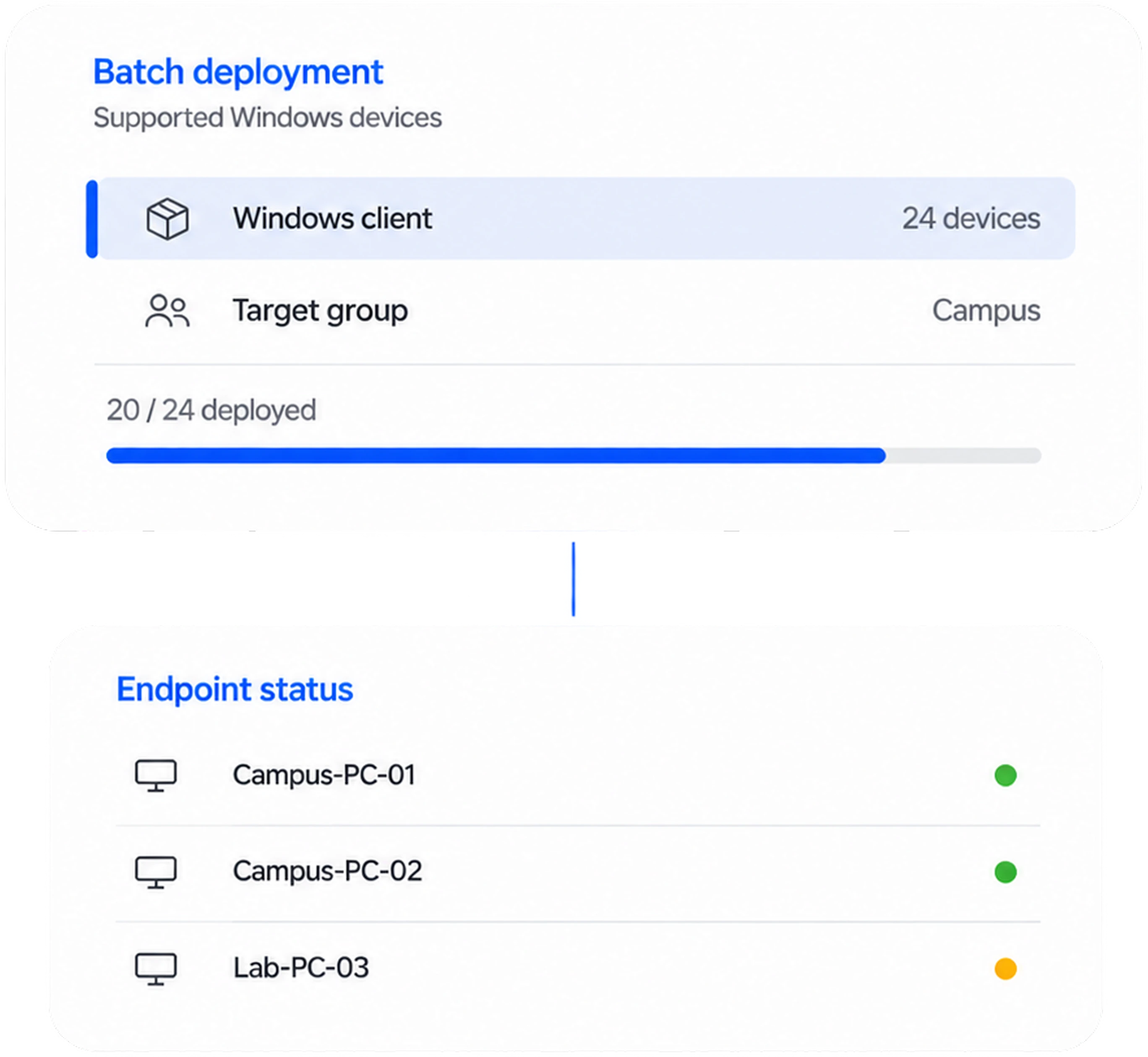
Setting up remote access one computer at a time can take hours. AskLink Business supports batch deployment across supported Windows computers, saving your IT team time and effort. With unattended access, routine maintenance and troubleshooting can be handled remotely, even outside school hours, helping reduce disruptions to teaching and learning.

Batch deployment of remote access software across campus Windows devices

Access Campus Software with Clarity and Control

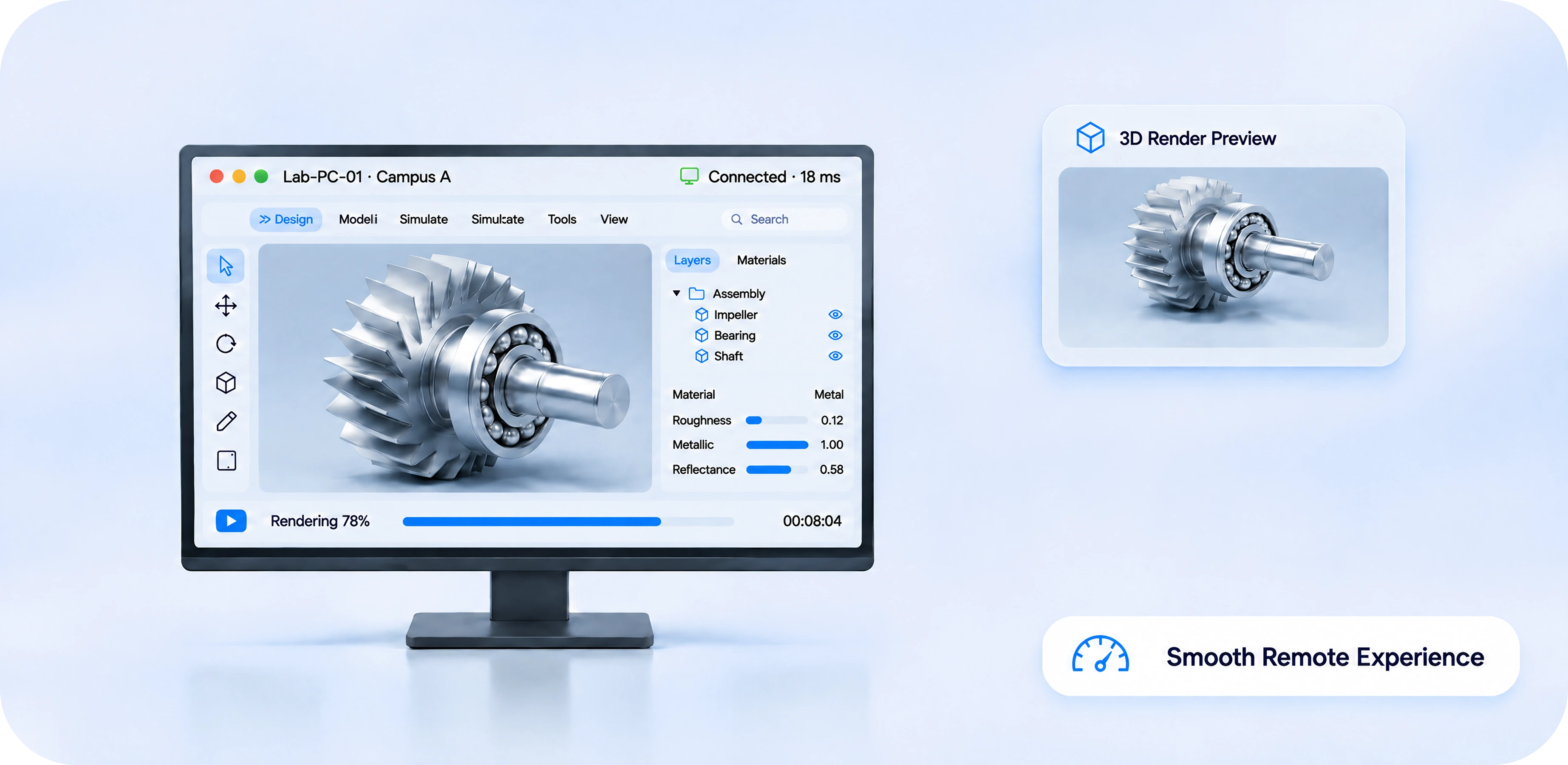
Smooth remote desktop experience for 3D modeling and rendering on campus workstations

Smooth & Responsive Control

Working with CAD models, coding tools, or 3D design software? No problem! Use them naturally, even miles away. With up to 165 FPS, GPU hardware acceleration, and low-latency input, AskLink makes scrolling, dragging, and precise movements feel smooth and responsive. Students can focus on their projects, not the distance between devices.

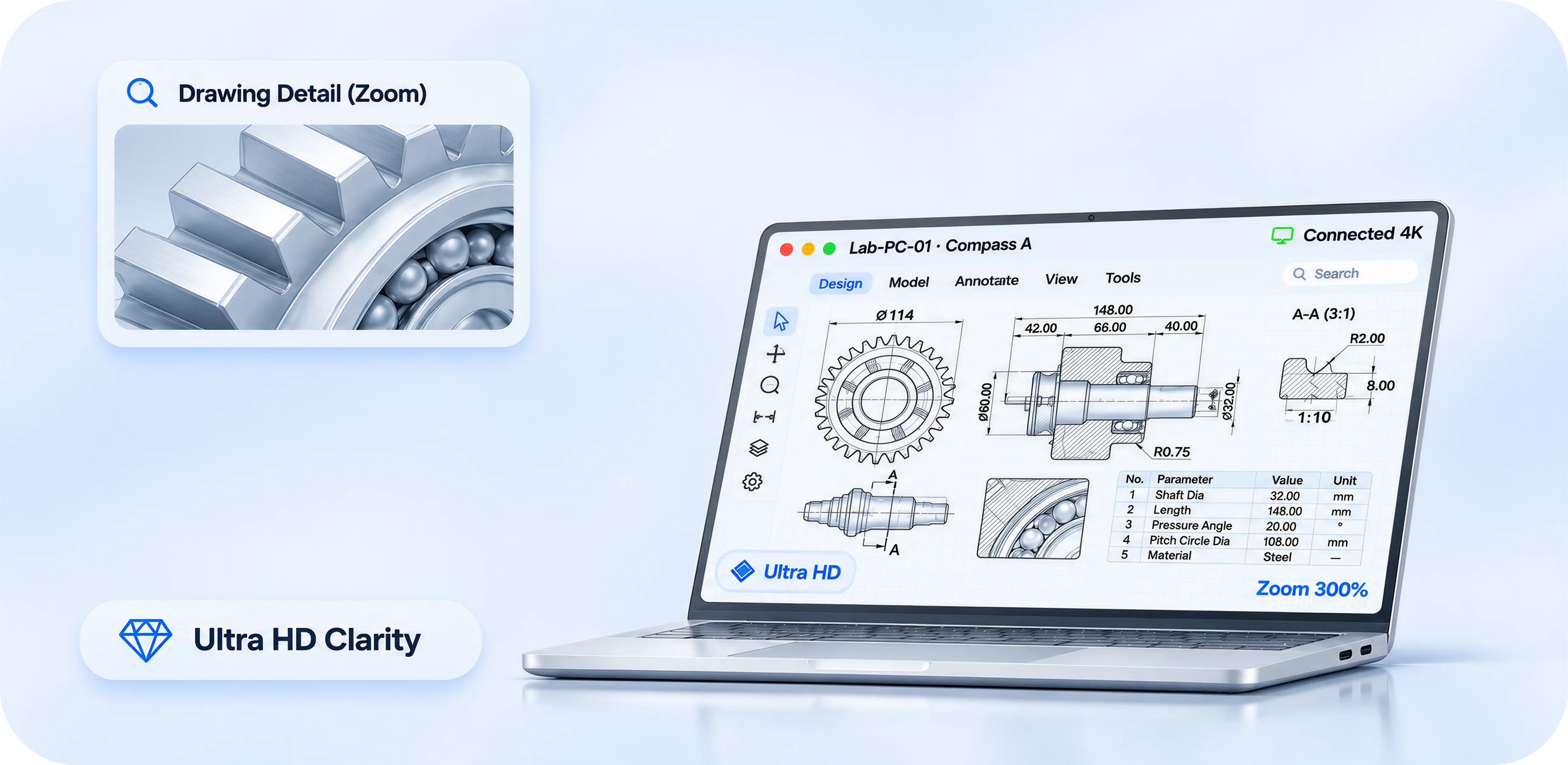
High-resolution remote desktop displaying detailed CAD drawings and engineering models

Crystal-Clear Visuals

Every detail matters when working with technical drawings, complex code, or creative projects. AskLink supports up to 6K resolution and 4:4:4 true color, delivering sharp text, fine details, and accurate colors. Students and educators can enjoy a high-quality visual experience without being physically in the computer lab.

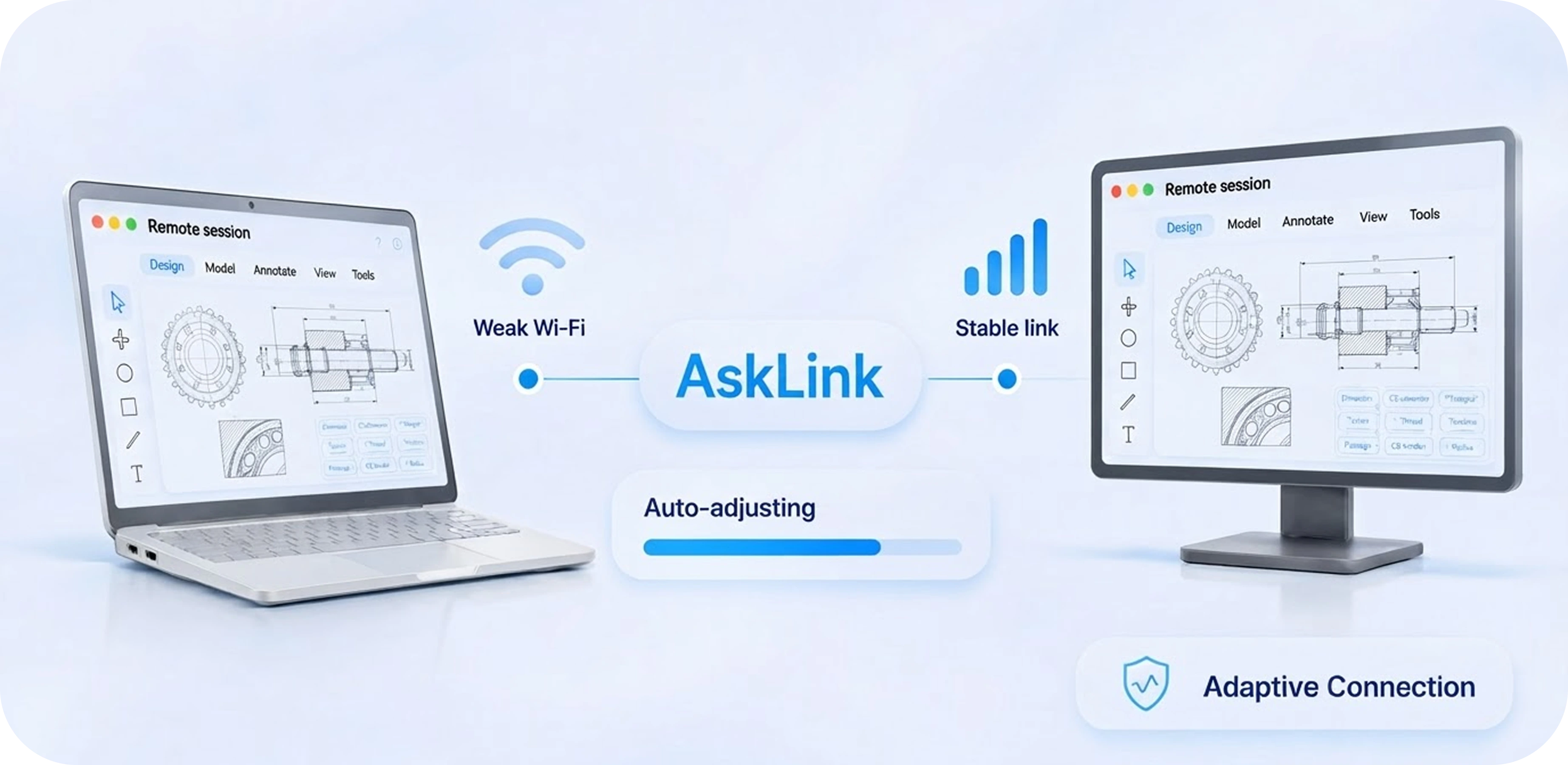
AskLink adaptive remote connection for accessing educational software over weak Wi-Fi networks

Stable Remote Connections

If you don't have access to a fast or stable internet connection, AskLink adapts to changing network conditions in real time, using weak-network optimization, intelligent route switching, and packet loss recovery to reduce lag and stuttering. From home Wi-Fi to shared campus networks, students and educators can stay focused on their work with fewer interruptions.

Built for Different Educational Environments

Teacher management icon

K–12 Schools

Keep classrooms running smoothly, support teachers in their daily work, and reduce IT disruptions during the school day.

Remote device management icon

Colleges & Universities

Extend access to campus resources beyond the classroom and support flexible learning across departments, labs, and campuses.

Remote teaching and demonstration icon

Training Centers

Make hands-on training more accessible and give instructors the tools to guide learners wherever they are.

Empower Education Beyond the Classroom Try AskLink for Free

Make remote learning more accessible, teaching more flexible, and campus IT easier to manage. Discover what AskLink can do for your school.

Sign up for Free