'%3e%3cpath%20d='M7.48145%2024H3.74023C1.67456%2023.9999%204.09854e-05%2022.3467%200%2020.3076V16.6152H7.48145V24ZM15.8955%2024H8.41406V16.6152H15.8955V24ZM7.48145%2015.6924H0V8.30762H7.48145V15.6924ZM24%2015.6924H16.5195V8.30762H24V15.6924ZM15.5859%207.38477H8.10547V0H15.5859V7.38477ZM20.2598%200C22.3256%200%2024%201.65318%2024%203.69238V7.38477H16.5195V0H20.2598Z'%20fill='white'/%3e%3cpath%20d='M108.786%2019.0507L105.767%2014.2636H104.397L108.397%208.80874H111.915L108.119%2013.9483V12.3155L112.544%2019.0507H108.786ZM101.527%2019.0507V5.5061H104.897V19.0507H101.527Z'%20fill='white'/%3e%3cpath%20d='M88.8242%2019.0505V8.80858H91.4908V13.2059H91.3421C91.3421%2012.1422%2091.4779%2011.264%2091.7499%2010.5712C92.0214%209.86618%2092.4224%209.34052%2092.953%208.99418C93.4965%208.64778%2094.1506%208.47461%2094.9158%208.47461H95.0644C96.2245%208.47461%2097.1193%208.86427%2097.7488%209.64353C98.3911%2010.4104%2098.7117%2011.5917%2098.7117%2013.1874V19.0505H95.342V13.0946C95.342%2012.6246%2095.2001%2012.2411%2094.9158%2011.9443C94.6443%2011.635%2094.2679%2011.4804%2093.7864%2011.4804C93.3049%2011.4804%2092.9162%2011.635%2092.6202%2011.9443C92.3358%2012.2411%2092.194%2012.6369%2092.194%2013.1317V19.0505H88.8242Z'%20fill='white'/%3e%3cpath%20d='M82.4214%2019.0506V8.80875H85.7912V19.0506H82.4214ZM81.125%2011.2579V8.80875H85.7912V11.2579H81.125ZM83.81%207.99232C83.1928%207.99232%2082.7359%207.83773%2082.4398%207.5285C82.1561%207.2069%2082.0137%206.79872%2082.0137%206.30388C82.0137%205.80913%2082.1561%205.40713%2082.4398%205.09789C82.7359%204.77628%2083.1866%204.61548%2083.7916%204.61548C84.4088%204.61548%2084.8595%204.77628%2085.1433%205.09789C85.427%205.40713%2085.5688%205.80913%2085.5688%206.30388C85.5688%206.79872%2085.427%207.2069%2085.1433%207.5285C84.8595%207.83773%2084.4149%207.99232%2083.81%207.99232Z'%20fill='white'/%3e%3cpath%20d='M71.1328%2019.0507V5.5061H74.5769V19.0507H71.1328ZM74.2065%2019.0507V16.0449H79.6876V19.0507H74.2065Z'%20fill='white'/%3e%3cpath%20d='M65.4458%2019.0507L62.428%2014.2636H61.0576L65.0571%208.80874H68.5755L64.7795%2013.9483V12.3155L69.2049%2019.0507H65.4458ZM58.1875%2019.0507V5.5061H61.5578V19.0507H58.1875Z'%20fill='white'/%3e%3cpath%20d='M51.2917%2019.3845C49.8103%2019.3845%2048.6438%2019.0814%2047.7921%2018.4753C46.9403%2017.8568%2046.4836%2016.991%2046.4219%2015.8777H49.3844C49.4339%2016.1869%2049.6252%2016.4529%2049.9585%2016.6755C50.2918%2016.8982%2050.7608%2017.0095%2051.3657%2017.0095C51.7978%2017.0095%2052.1681%2016.9477%2052.4767%2016.824C52.7977%2016.6879%2052.9581%2016.4715%2052.9581%2016.1745C52.9581%2015.9148%2052.8347%2015.7045%2052.5878%2015.5437C52.3409%2015.3705%2051.8903%2015.2531%2051.2361%2015.1912L50.5325%2015.117C49.224%2014.9809%2048.2611%2014.6222%2047.6439%2014.0408C47.0267%2013.4595%2046.7181%2012.7297%2046.7181%2011.8515C46.7181%2011.0969%2046.9033%2010.4784%2047.2736%209.99603C47.6439%209.50126%2048.1562%209.13018%2048.8105%208.8828C49.4647%208.63541%2050.2115%208.51172%2051.0509%208.51172C52.4211%208.51172%2053.526%208.81473%2054.3653%209.42089C55.2048%2010.0146%2055.6492%2010.8743%2055.6986%2011.9999H52.7359C52.6866%2011.6907%2052.5199%2011.4309%2052.236%2011.2206C51.9521%2010.998%2051.5447%2010.8867%2051.0139%2010.8867C50.6312%2010.8867%2050.3164%2010.9547%2050.0696%2011.0907C49.835%2011.2268%2049.7178%2011.4185%2049.7178%2011.6659C49.7178%2011.9257%2049.8289%2012.1174%2050.0511%2012.2411C50.2856%2012.3648%2050.6559%2012.4576%2051.162%2012.5194L51.8657%2012.5936C53.1741%2012.7297%2054.1802%2013.0946%2054.8838%2013.6883C55.5998%2014.2697%2055.9578%2015.0366%2055.9578%2015.989C55.9578%2016.6941%2055.7664%2017.3002%2055.3838%2017.8073C55.0134%2018.3145%2054.4764%2018.7041%2053.7728%2018.9763C53.0816%2019.2484%2052.2545%2019.3845%2051.2917%2019.3845Z'%20fill='white'/%3e%3cpath%20d='M31.0117%2019.0507L35.3445%205.5061H40.8624L45.3434%2019.0507H41.7882L38.3072%207.91816L39.2885%208.28924H36.8444L37.8442%207.91816L34.4558%2019.0507H31.0117ZM34.5483%2015.915L35.5853%2013.0948H40.7143L41.7512%2015.915H34.5483Z'%20fill='white'/%3e%3c/g%3e%3cdefs%3e%3cclipPath%20id='clip0_5596_142775'%3e%3crect%20width='113'%20height='24'%20fill='white'/%3e%3c/clipPath%3e%3c/defs%3e%3c/svg%3e "AskLink")
 Maya Chen
RustDesk is hard to beat when open-source self-hosting is exactly what you want. It gives technical users control over their ID and relay infrastructure, keeps deployment decisions close to home, and can be inexpensive to run.
But not everyone searching for a RustDesk alternative wants the same thing. You may want to stop maintaining servers—or keep self-hosting while gaining a different management model. You might need better remote-work performance, MSP workflows, enterprise integrations, or simply a free tool for occasional access.
We compared seven RustDesk alternatives around those decisions, rather than ranking them by feature count alone.
The 30-Second Answer: Choose by the Problem You Need Gone
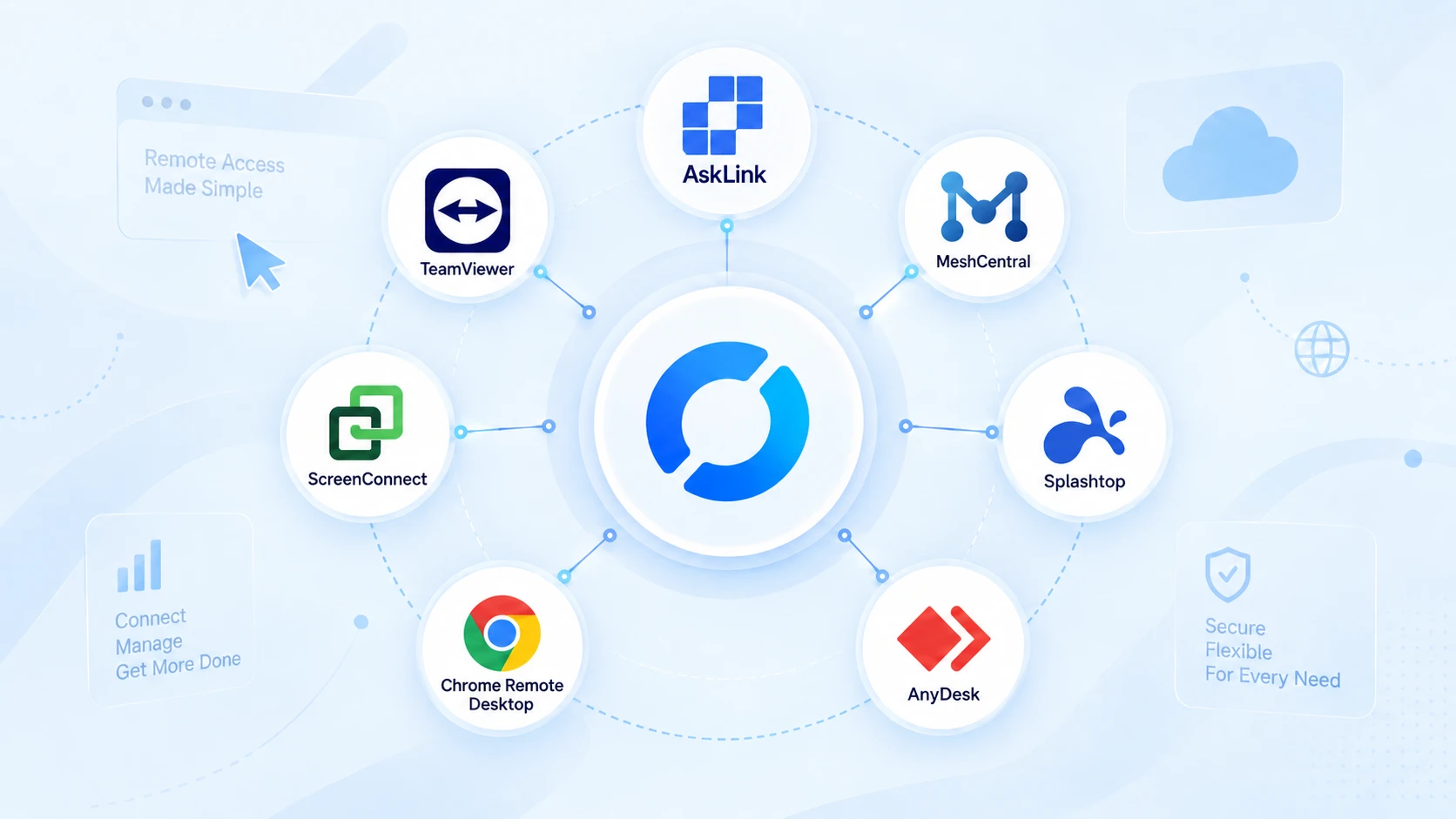
| Tool | Best for | Self-hosted or managed | Free option | Device management | Main catch |
|---|---|---|---|---|---|
| AskLink | Turnkey remote access + multi-device management | Managed | Yes—no time limit, plus 50 high-speed hours monthly | Device List and bulk actions; Business adds roles, logs and Monitor Wall | Closed source; no self-hosted deployment |
| MeshCentral | Open-source, self-hosted remote management | Self-hosted | Yes | Web console, device groups, desktop, terminal and files | You still operate and secure the server |
| Splashtop | Managed remote work with polished performance | Managed | Personal/LAN option; business trial | User and computer groups; endpoint-management options | Ongoing subscription and plan-gated features |
| AnyDesk | Lightweight client and ID-based support | Managed; on-premises with Ultimate | Personal use; business trial | Address Books, roles and mass deployment vary by plan | Commercial licensing depends on users, connections and devices |
| TeamViewer | Enterprise procurement and integrations | Managed | Personal, non-commercial use | Centralized devices, users, policies and enterprise integrations | Cost and platform breadth may be excessive for smaller setups |
| Chrome Remote Desktop | Simple, occasional personal access | Managed | Yes | Basic personal computer list | Not a function-for-function RustDesk replacement |
| ScreenConnect | MSP and technician-led support workflows | Managed cloud or on-premises | Free trial | Unattended agents, groups, permissions, logs and session tools | Designed and priced for support operations |
Plan and feature information was checked in September 2026. Vendors may change packaging or pricing.
The short version: choose AskLink, Splashtop or AnyDesk if you want to leave server operations behind. Choose MeshCentral if you still want open-source self-hosting. ScreenConnect fits MSP workflows, Chrome Remote Desktop handles lightweight personal access, and TeamViewer makes more sense when enterprise integrations drive the purchase.
Before You Replace RustDesk, Name the "Tax" You're Paying
A migration is worthwhile only if it removes friction that matters to you. Before comparing interfaces, identify which of these three costs is pushing you to look for a RustDesk alternative.
The Setup Tax: Who Owns the Infrastructure Work?
Self-hosting is one of RustDesk's strengths. Its self-hosted server gives you control over ID and relay infrastructure, while the open-source edition keeps licensing costs low. That control still requires an owner. Someone must deploy the signaling and relay services, configure ports and DNS, monitor traffic, apply updates, and investigate failed connections. The official installation guide recommends Docker and documents the necessary firewall configuration.
If you enjoy owning that stack—or already operate it efficiently—this is not a tax. It is a feature. If nobody wants to remain responsible for it, a managed RustDesk alternative may be the better operating model.
The Workflow Tax: How Many Detours Does a Real Task Require?
A session can connect perfectly and still feel awkward if you regularly need File Transfer, multiple displays, remote wake-up, mobile access, privacy controls, or a headless workstation. The question is whether your frequent tasks work smoothly on your actual devices, operating systems and networks.
That friction will tell you more than a generic feature matrix.
The Scaling Tax: What Changes After Device Number Ten?
As the device list grows, grouping, password-free access, role permissions, audit logs, bulk deployment and session visibility begin to matter. RustDesk Server Pro adds a web console, address book, access control and audit features, but it remains a self-hosted, annually billed solution.
So compare each alternative using your expected number of remote devices, accessing users, technicians, and concurrent sessions—not the smallest advertised plan.
7 RustDesk Alternatives Worth Your Time in 2026
AskLink — Best for Turnkey Remote Access and Multi-Device Management
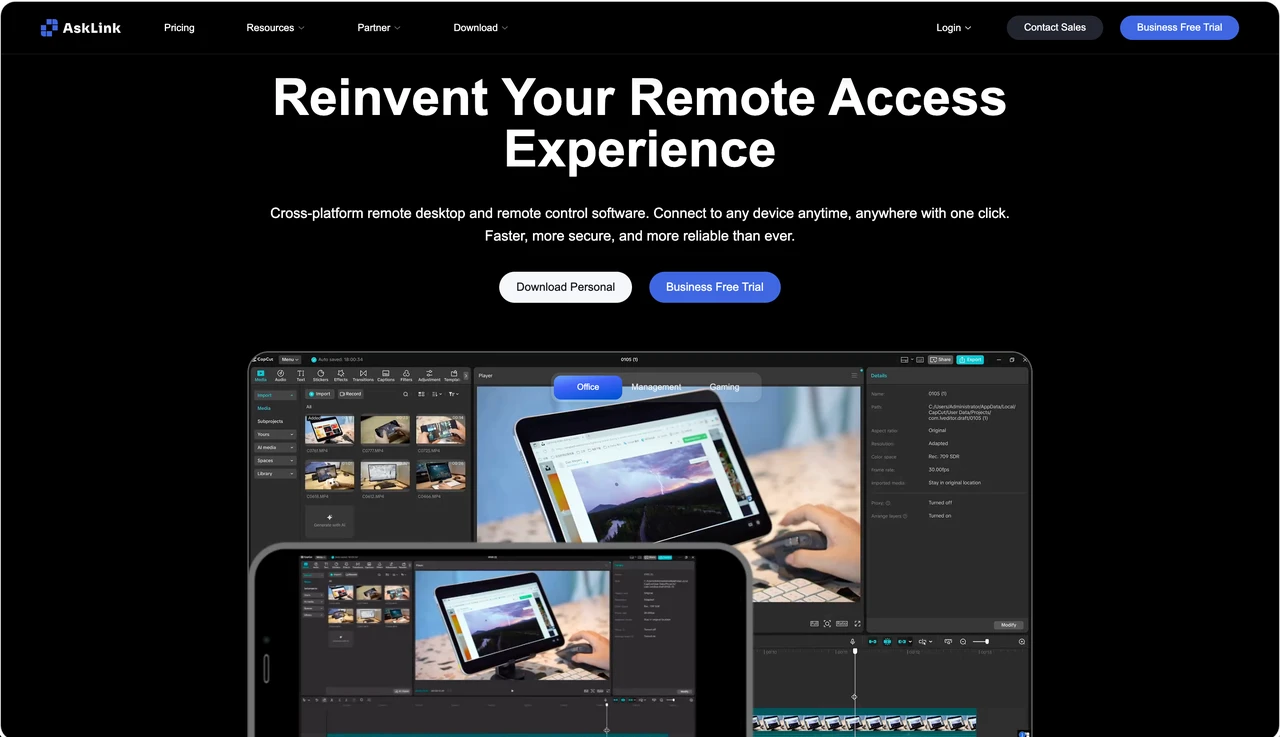
Why switch: If you are leaving RustDesk because you no longer want to maintain relay servers, ports, updates and network configuration, AskLink removes that infrastructure layer. Install the app, sign in, and connect using an AskLink ID or a device saved to your Device List.
What you gain: The AskLink Free plan has no session-time limit and includes 50 hours of high-speed connection each month. It covers the essentials most users need after migrating: 4K remote access, File Transfer and account-based device management. Paid plans add higher frame rates, Virtual Display, Privacy Screen and more capacity for managing multiple devices. For teams, AskLink Business adds device groups, role-based permissions, Audit Logs, bulk commands and a Monitor Wall for viewing or operating several devices from one place.
What you give up: AskLink is neither open source nor self-hosted. Moving to it means giving up direct ownership of the ID and relay infrastructure, and some advanced features depend on the selected plan or operating system.
Best for: Users who want a ready-to-use RustDesk alternative with strong performance and organized device access, without continuing to operate the infrastructure behind it.
MeshCentral — Keep the Keys, Change the Control Room
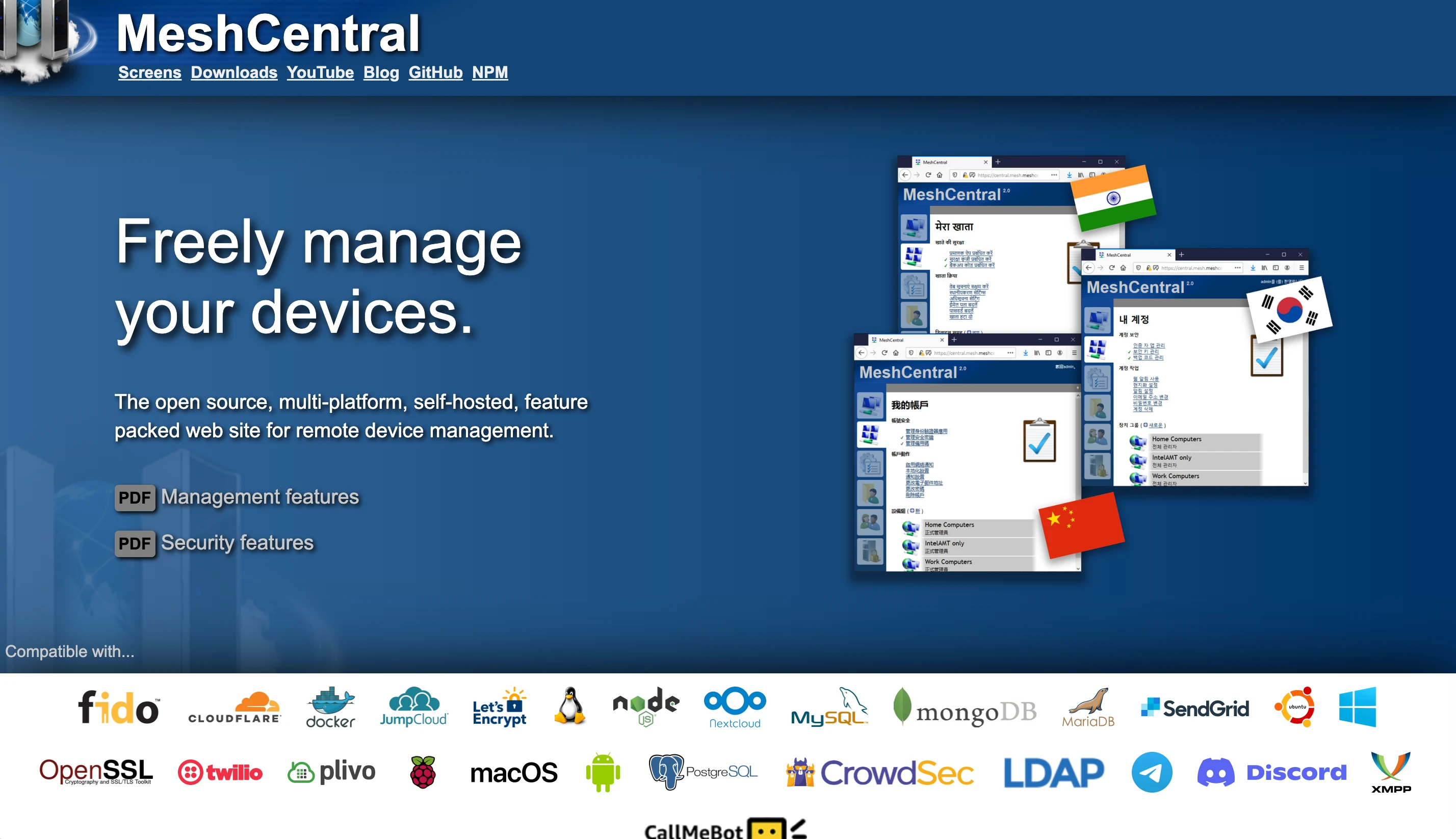
MeshCentral is the most logical alternative when your reason for leaving RustDesk is not self-hosting itself. It is a free, open-source, web-based computer management platform that combines remote desktop access, terminal sessions and file management in one administrative interface.
That makes it particularly useful for technical teams managing Windows and Linux machines, labs, home servers or unattended endpoints. Device groups and browser-based administration give it more of a remote-management-console feel than a simple peer-to-peer desktop tool.
The trade-off is familiar: MeshCentral requires its own management server, plus decisions about DNS, TLS, identity, backups, updates and exposure to the internet. It changes the shape of your self-hosted workflow, and does not remove infrastructure ownership.
Best for: Users who still want an open-source, self-hosted RustDesk alternative but prefer a browser-centered device-management model.
Splashtop — Buy Back Time with a Managed Remote-Work Stack
Why would a RustDesk user choose this? Splashtop is a managed commercial option for users who want unattended access, File Transfer and remote printing without operating a server. Higher plans add multi-monitor support, session recording and role management. Its Remote Access plans start at $6 per month when billed annually, giving individual users a relatively clear entry point.
Why might they not? Splashtop replaces infrastructure work with a recurring subscription. Advanced performance, team controls and endpoint-management capabilities sit in higher plans or add-ons. It is less attractive if the reason you chose RustDesk was source access, deployment control or low-cost self-hosting.
AnyDesk — Keep the Connection Flow Lightweight
AnyDesk suits people who mainly want a lightweight client and familiar ID-based connection flow without maintaining remote-access infrastructure. It supports attended and unattended sessions, while paid plans add managed devices, shared Address Books, user roles and mass deployment.
It is important to note that the free edition is limited to personal use. Commercial AnyDesk licensing is shaped by users, Concurrent Connections and managed-device limits, so costs require more calculation than the first headline price suggests. On-premises hosting is reserved for the Ultimate plan. Skip it if open-source control or economical self-hosting was RustDesk's main appeal.
TeamViewer — Choose the Ecosystem Your Enterprise Can Approve
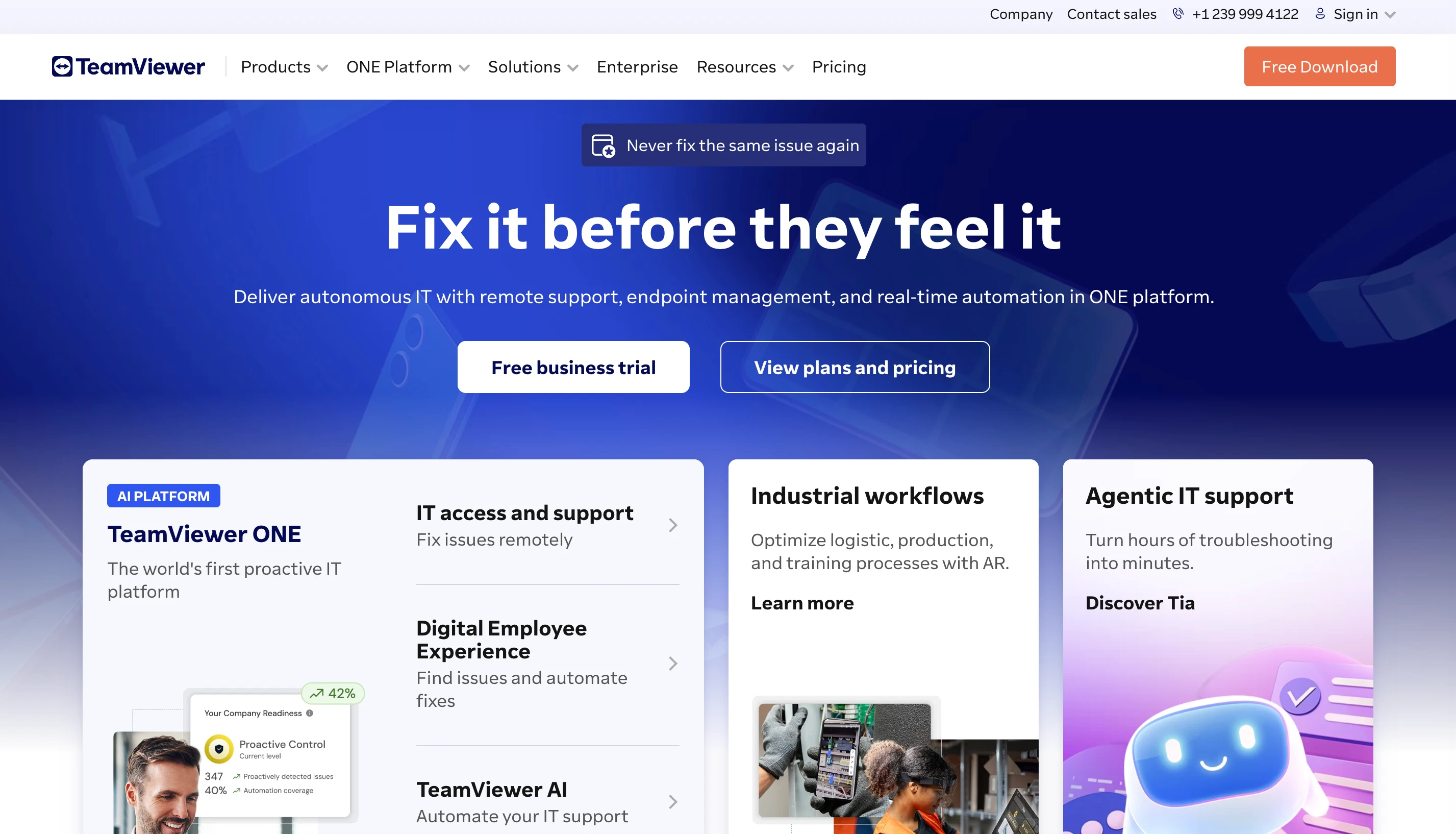
TeamViewer becomes compelling when the decision involves procurement, identity systems and existing IT platforms—not just remote-screen quality. Its enterprise offering includes mass deployment, SSO, auditability and integrations with tools such as Microsoft Intune, ServiceNow, Jira, Salesforce and Microsoft Teams. That breadth can shorten security and vendor reviews inside a large organization.
However, you may be buying far more platform than a small team needs. Commercial licensing, add-ons and enterprise packaging can introduce cost and administrative complexity. The free TeamViewer license is for personal, non-commercial use, so it is not a free business substitute for RustDesk.
Chrome Remote Desktop — The "Maybe I Need Less" Option
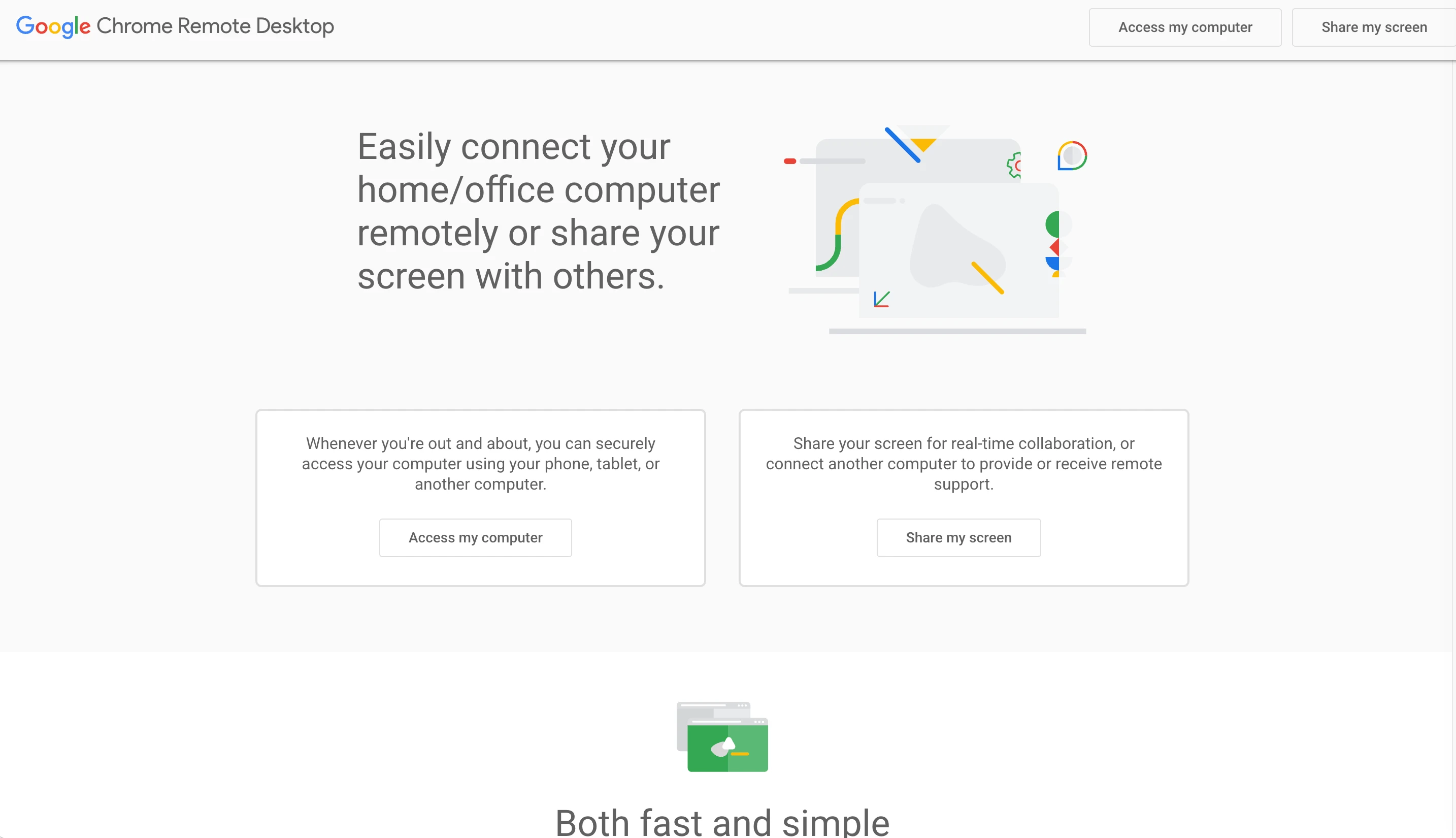
Chrome Remote Desktop is not a feature-equivalent RustDesk alternative. That is precisely why it belongs on this list.
If you only need to reach a home computer, open a file while traveling, or help a family member occasionally, a Google account, PIN or one-time support code may be enough. It supports remote access to Windows, macOS and Linux computers from desktop and mobile devices.
Google positions it as a fast and simple personal-access tool, not a fleet-management or MSP platform. Choose it when your real discovery is that you never needed a complex remote desktop stack in the first place.
ScreenConnect — Turn Remote Sessions into a Support Operation
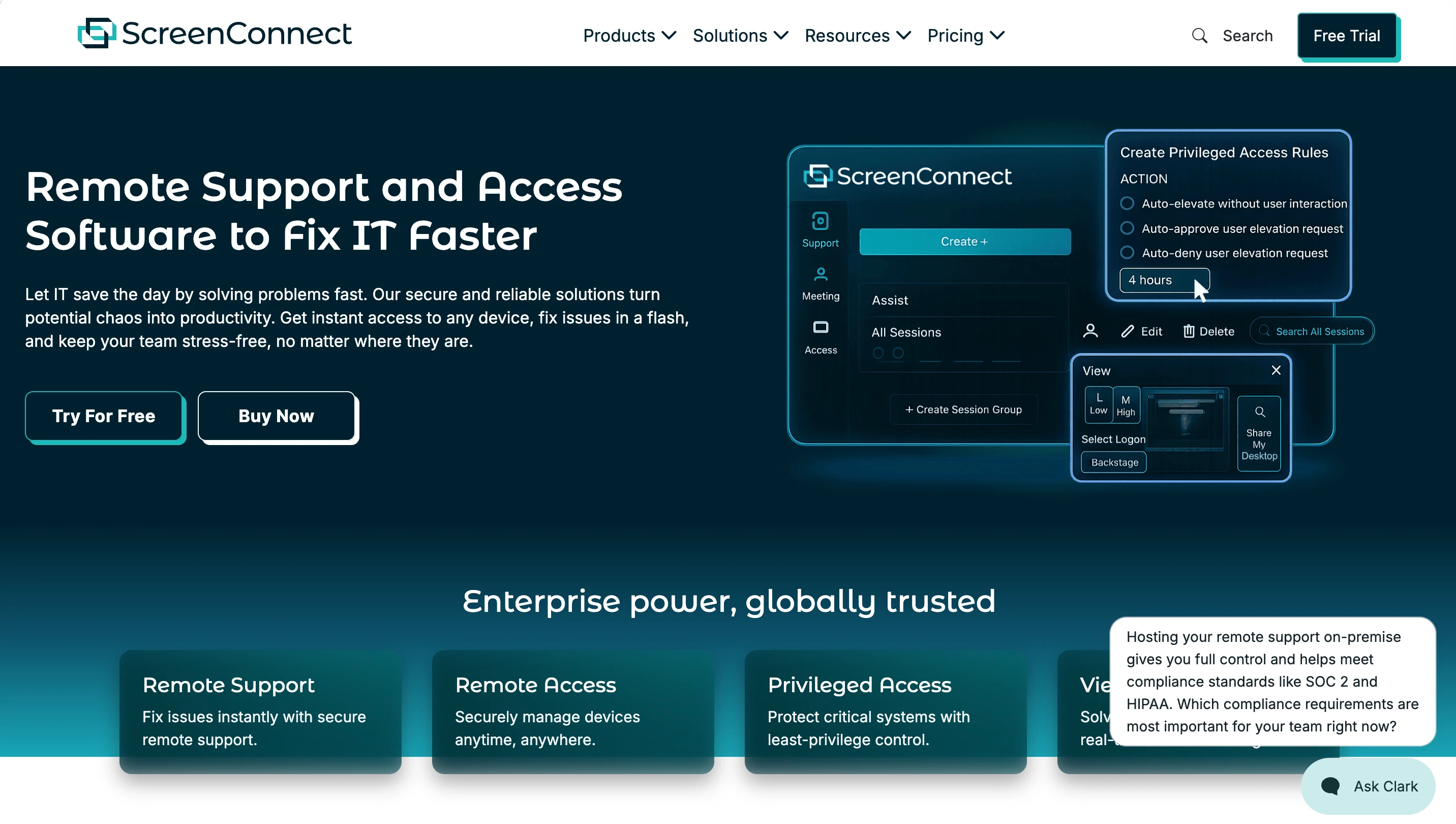
ScreenConnect fits technicians and MSPs who treat remote access as part of a repeatable service workflow. Its unattended agents, session groups, role-based permissions, audit reports, remote command line, Backstage mode and session recording help teams move from "connect to this computer" to "manage and document support work."
It is available as a managed cloud service, while an on-premises deployment is also offered for organizations that still require server control. That flexibility distinguishes it from managed-only alternatives.
The catch is scope and price. Its current Remote Access entry point covers at least 25 unattended agents, while technician-oriented packages are built around simultaneous support sessions. That makes ScreenConnect valuable for a service desk—but excessive for someone managing three personal PCs.
Before You Migrate: Run This 15-Minute Reality Check
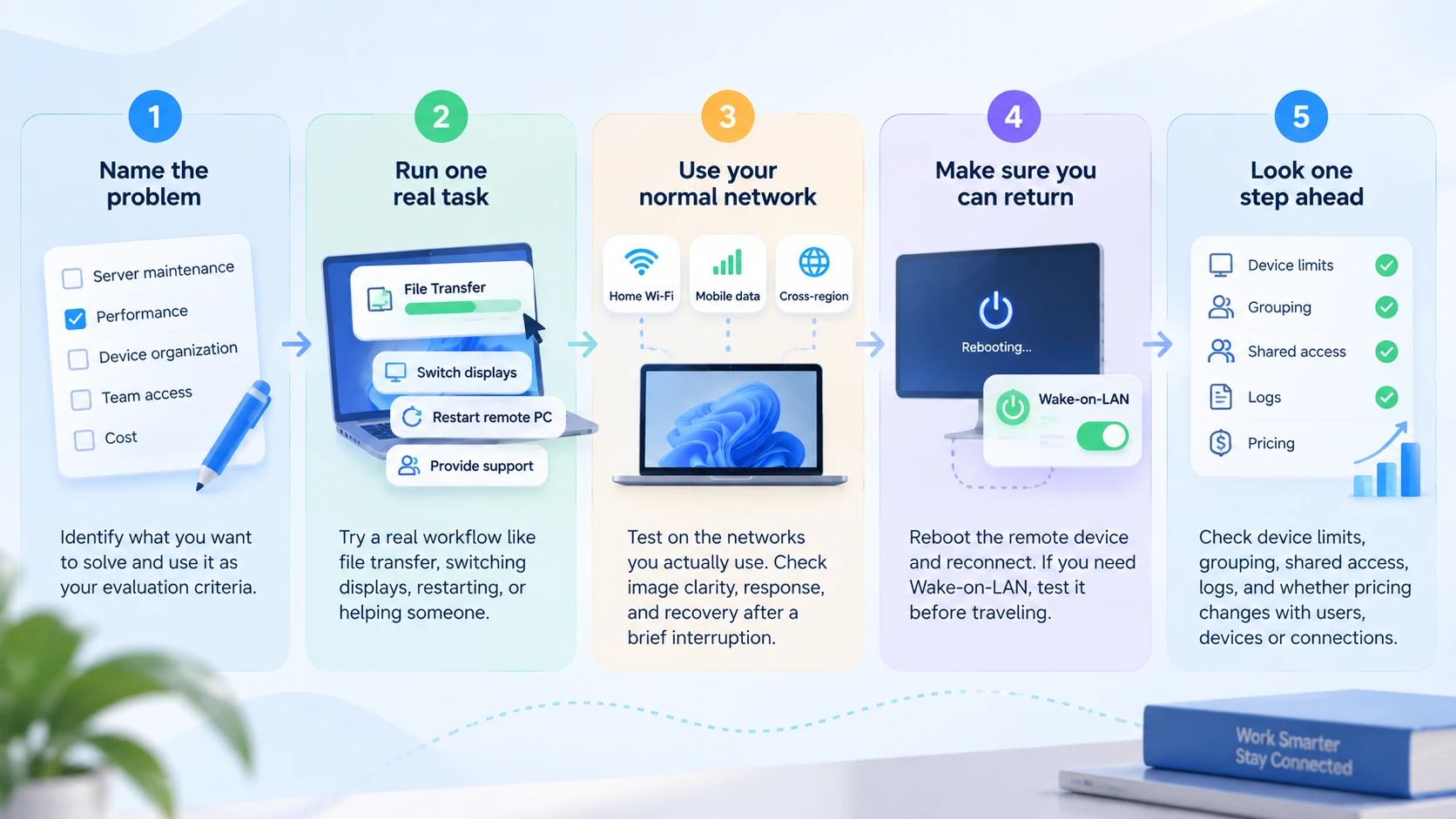
Before moving every device, keep RustDesk installed and test one non-critical computer. You are checking whether the alternative makes everyday work easier—not merely whether it can connect.
- Name the problem. It might be server maintenance, performance, device organization, team access or cost. Judge every tool against that answer.
- Run one real task. Transfer a file, switch displays, restart the remote computer or help someone solve a problem. Notice any repeated logins, extra steps or awkward workarounds.
- Use your normal network. Test from home Wi-Fi, mobile data or the cross-region connection you actually use. Check image clarity, response and recovery after a brief interruption.
- Make sure you can return. Reboot the remote device and reconnect. If you need Wake-on-LAN, test it before traveling; remote wake also depends on the computer and local network settings.
- Look one step ahead. Check device limits, grouping, shared access, logs and whether pricing changes with users, devices or simultaneous connections.
If your main goal is to stop maintaining remote-access infrastructure, AskLink Free is a practical first test. Keep it beside RustDesk, add a few devices to the Device List, and try the same File Transfer, restart and reconnect routine.
When RustDesk Is Still the Better Answer
RustDesk may still be the better answer when control—not convenience—is the priority.
First, keep it if self-hosting your ID and relay infrastructure is a hard requirement, whether for network design, data handling or internal policy. Second, RustDesk remains a strong choice when open-source access and the ability to inspect or adapt the source code matter to your team. Third, there is little reason to migrate if you already have a mature, stable deployment, clear ownership for updates and troubleshooting, and maintenance costs that your organization considers reasonable.
A different interface or shorter setup process is not automatically an upgrade. In those cases, switching to a managed tool may actually remove the control that made RustDesk useful in the first place.