'%3e%3cpath%20d='M7.48145%2024H3.74023C1.67456%2023.9999%204.09854e-05%2022.3467%200%2020.3076V16.6152H7.48145V24ZM15.8955%2024H8.41406V16.6152H15.8955V24ZM7.48145%2015.6924H0V8.30762H7.48145V15.6924ZM24%2015.6924H16.5195V8.30762H24V15.6924ZM15.5859%207.38477H8.10547V0H15.5859V7.38477ZM20.2598%200C22.3256%200%2024%201.65318%2024%203.69238V7.38477H16.5195V0H20.2598Z'%20fill='white'/%3e%3cpath%20d='M108.786%2019.0507L105.767%2014.2636H104.397L108.397%208.80874H111.915L108.119%2013.9483V12.3155L112.544%2019.0507H108.786ZM101.527%2019.0507V5.5061H104.897V19.0507H101.527Z'%20fill='white'/%3e%3cpath%20d='M88.8242%2019.0505V8.80858H91.4908V13.2059H91.3421C91.3421%2012.1422%2091.4779%2011.264%2091.7499%2010.5712C92.0214%209.86618%2092.4224%209.34052%2092.953%208.99418C93.4965%208.64778%2094.1506%208.47461%2094.9158%208.47461H95.0644C96.2245%208.47461%2097.1193%208.86427%2097.7488%209.64353C98.3911%2010.4104%2098.7117%2011.5917%2098.7117%2013.1874V19.0505H95.342V13.0946C95.342%2012.6246%2095.2001%2012.2411%2094.9158%2011.9443C94.6443%2011.635%2094.2679%2011.4804%2093.7864%2011.4804C93.3049%2011.4804%2092.9162%2011.635%2092.6202%2011.9443C92.3358%2012.2411%2092.194%2012.6369%2092.194%2013.1317V19.0505H88.8242Z'%20fill='white'/%3e%3cpath%20d='M82.4214%2019.0506V8.80875H85.7912V19.0506H82.4214ZM81.125%2011.2579V8.80875H85.7912V11.2579H81.125ZM83.81%207.99232C83.1928%207.99232%2082.7359%207.83773%2082.4398%207.5285C82.1561%207.2069%2082.0137%206.79872%2082.0137%206.30388C82.0137%205.80913%2082.1561%205.40713%2082.4398%205.09789C82.7359%204.77628%2083.1866%204.61548%2083.7916%204.61548C84.4088%204.61548%2084.8595%204.77628%2085.1433%205.09789C85.427%205.40713%2085.5688%205.80913%2085.5688%206.30388C85.5688%206.79872%2085.427%207.2069%2085.1433%207.5285C84.8595%207.83773%2084.4149%207.99232%2083.81%207.99232Z'%20fill='white'/%3e%3cpath%20d='M71.1328%2019.0507V5.5061H74.5769V19.0507H71.1328ZM74.2065%2019.0507V16.0449H79.6876V19.0507H74.2065Z'%20fill='white'/%3e%3cpath%20d='M65.4458%2019.0507L62.428%2014.2636H61.0576L65.0571%208.80874H68.5755L64.7795%2013.9483V12.3155L69.2049%2019.0507H65.4458ZM58.1875%2019.0507V5.5061H61.5578V19.0507H58.1875Z'%20fill='white'/%3e%3cpath%20d='M51.2917%2019.3845C49.8103%2019.3845%2048.6438%2019.0814%2047.7921%2018.4753C46.9403%2017.8568%2046.4836%2016.991%2046.4219%2015.8777H49.3844C49.4339%2016.1869%2049.6252%2016.4529%2049.9585%2016.6755C50.2918%2016.8982%2050.7608%2017.0095%2051.3657%2017.0095C51.7978%2017.0095%2052.1681%2016.9477%2052.4767%2016.824C52.7977%2016.6879%2052.9581%2016.4715%2052.9581%2016.1745C52.9581%2015.9148%2052.8347%2015.7045%2052.5878%2015.5437C52.3409%2015.3705%2051.8903%2015.2531%2051.2361%2015.1912L50.5325%2015.117C49.224%2014.9809%2048.2611%2014.6222%2047.6439%2014.0408C47.0267%2013.4595%2046.7181%2012.7297%2046.7181%2011.8515C46.7181%2011.0969%2046.9033%2010.4784%2047.2736%209.99603C47.6439%209.50126%2048.1562%209.13018%2048.8105%208.8828C49.4647%208.63541%2050.2115%208.51172%2051.0509%208.51172C52.4211%208.51172%2053.526%208.81473%2054.3653%209.42089C55.2048%2010.0146%2055.6492%2010.8743%2055.6986%2011.9999H52.7359C52.6866%2011.6907%2052.5199%2011.4309%2052.236%2011.2206C51.9521%2010.998%2051.5447%2010.8867%2051.0139%2010.8867C50.6312%2010.8867%2050.3164%2010.9547%2050.0696%2011.0907C49.835%2011.2268%2049.7178%2011.4185%2049.7178%2011.6659C49.7178%2011.9257%2049.8289%2012.1174%2050.0511%2012.2411C50.2856%2012.3648%2050.6559%2012.4576%2051.162%2012.5194L51.8657%2012.5936C53.1741%2012.7297%2054.1802%2013.0946%2054.8838%2013.6883C55.5998%2014.2697%2055.9578%2015.0366%2055.9578%2015.989C55.9578%2016.6941%2055.7664%2017.3002%2055.3838%2017.8073C55.0134%2018.3145%2054.4764%2018.7041%2053.7728%2018.9763C53.0816%2019.2484%2052.2545%2019.3845%2051.2917%2019.3845Z'%20fill='white'/%3e%3cpath%20d='M31.0117%2019.0507L35.3445%205.5061H40.8624L45.3434%2019.0507H41.7882L38.3072%207.91816L39.2885%208.28924H36.8444L37.8442%207.91816L34.4558%2019.0507H31.0117ZM34.5483%2015.915L35.5853%2013.0948H40.7143L41.7512%2015.915H34.5483Z'%20fill='white'/%3e%3c/g%3e%3cdefs%3e%3cclipPath%20id='clip0_5596_142775'%3e%3crect%20width='113'%20height='24'%20fill='white'/%3e%3c/clipPath%3e%3c/defs%3e%3c/svg%3e "AskLink")
 Ethan Miller
Most people do not look for an AnyDesk alternative just to see what else is out there. Something has usually become awkward: a free session hits a time limit at the wrong moment, the annual bill no longer makes sense, your Mac workflow comes with more setup or permission friction than expected, or three remote computers have quietly turned into twenty.
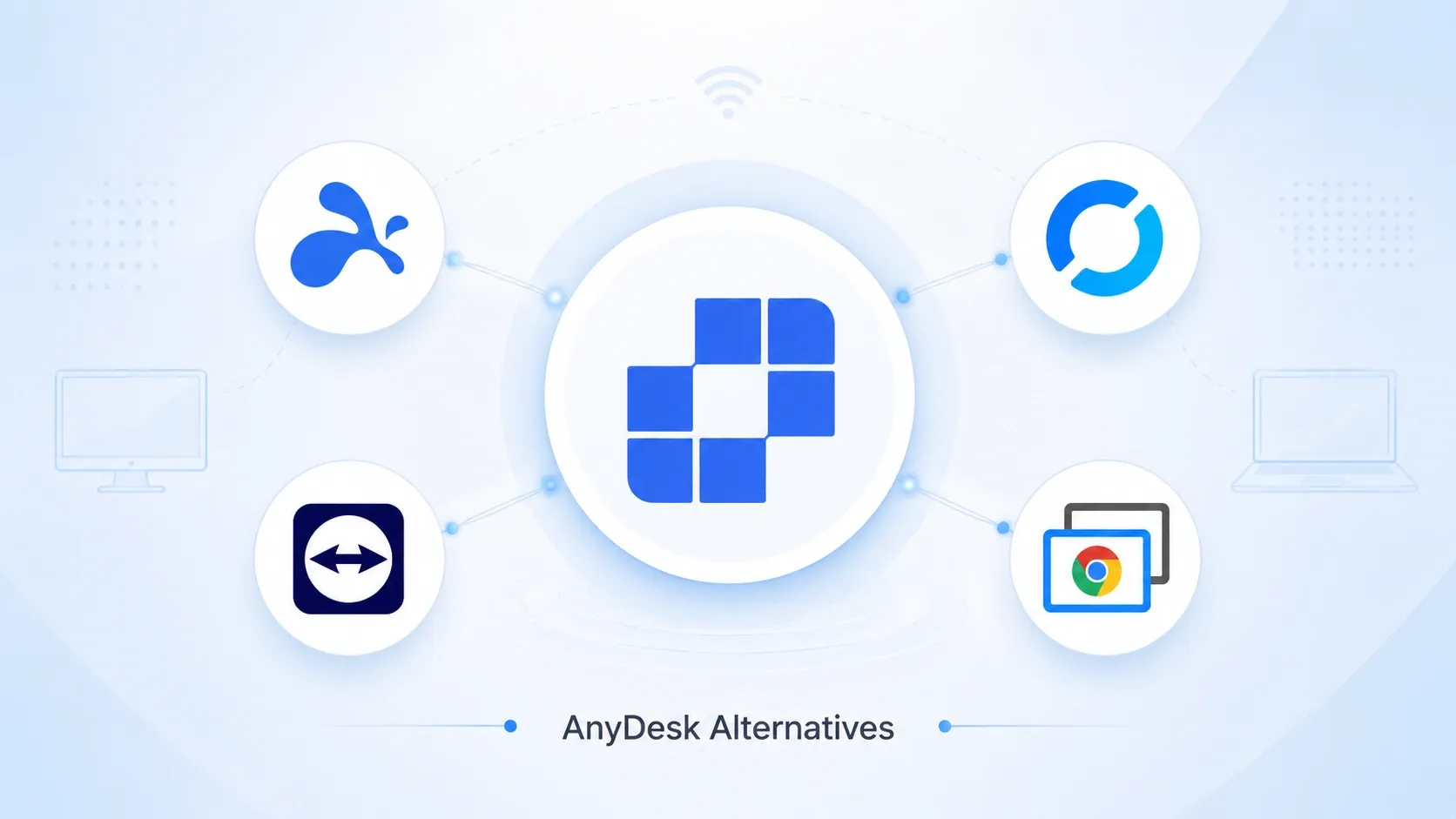
The best replacement depends on which problem you are trying to leave behind. We compared five options by cost, platform roles, unattended access, performance, and the work required to move your devices. AskLink is our top pick for users who want a practical free plan, Mac as both Controller and Controlled Device, high-performance options, and room to grow. RustDesk is better for DIY self-hosting, TeamViewer for mature enterprise integrations, Splashtop for specialist creative workflows, and Chrome Remote Desktop for basic personal access.
Quick Answer: Which AnyDesk Alternative Fits Your Reason for Switching?
| If you need… | Start with | Why it stands out | Think twice if… |
|---|---|---|---|
| The best overall balance of free access, Mac support, performance, and room to grow | AskLink | $0 to start, with 50 high-speed hours each month and no session time limit on continued basic access; Mac works as both Controller and Controlled Device; paid plans scale up to 4K/165 FPS, 128 Mbps, and 4:4:4 | You need the highest performance modes on the free plan; top settings depend on plan, hardware, and network conditions |
| Mature paid remote work and creative workflows | Splashtop | Starts at $6 per month when billed annually; its Performance plan includes Wacom Bridge, USB passthrough, and up to 240 FPS | You want a permanent free tier, or you need its creative features at a lower price |
| Open-source and self-hosted remote access | RustDesk | A $0 self-hosting plan gives technical teams control over the server path | You need to deploy and maintain the server yourself |
| Enterprise support, governance, and integrations | TeamViewer | Built around mature support operations and integrations such as Microsoft Intune, ServiceNow, Salesforce, and Jira | Cost and complexity can be excessive for smaller needs |
| Straightforward personal access | Chrome Remote Desktop | Easy to set up when all you need is basic personal access | Limited professional support, performance, and team-management depth |
For most individuals, freelancers, and small teams comparing cost, Mac access, performance, and future growth together, AskLink is our top overall pick. If one specialist requirement matters more than everything else, start with the row that matches that need instead.
Prices and plan details were checked on August 30, 2026. Taxes, currencies, local offers, and product features may change.
How We Compared These AnyDesk Alternatives
We used the same questions for all five products:
- What does the free plan really allow, including work use and session limits?
- Which systems can act as the Controller or Controlled Device?
- Does it handle quick remote support and unattended access?
- How much setup or migration work is required when moving from AnyDesk?
- Can it scale to higher-performance workflows or multi-device management?
- How is it deployed and managed—vendor-hosted, self-hosted, or built for enterprise administration?
AnyDesk is still the reference point. It remains a capable product with File Transfer, an Address Book, unattended access, and broad platform coverage. Its commercial-use policy says the free version is limited to private, non-professional use. Remote work and remote support require a paid license, and free users may experience timeouts. Its paid plans are billed annually.
For some users, those licensing and session limits are enough to start looking for an AnyDesk alternative. It does not make AnyDesk a poor product. It means the license or workflow may no longer fit.
The 5 Best AnyDesk Alternatives in 2026
1. AskLink: Best Overall for Free Access, Mac, Performance, and Scalability
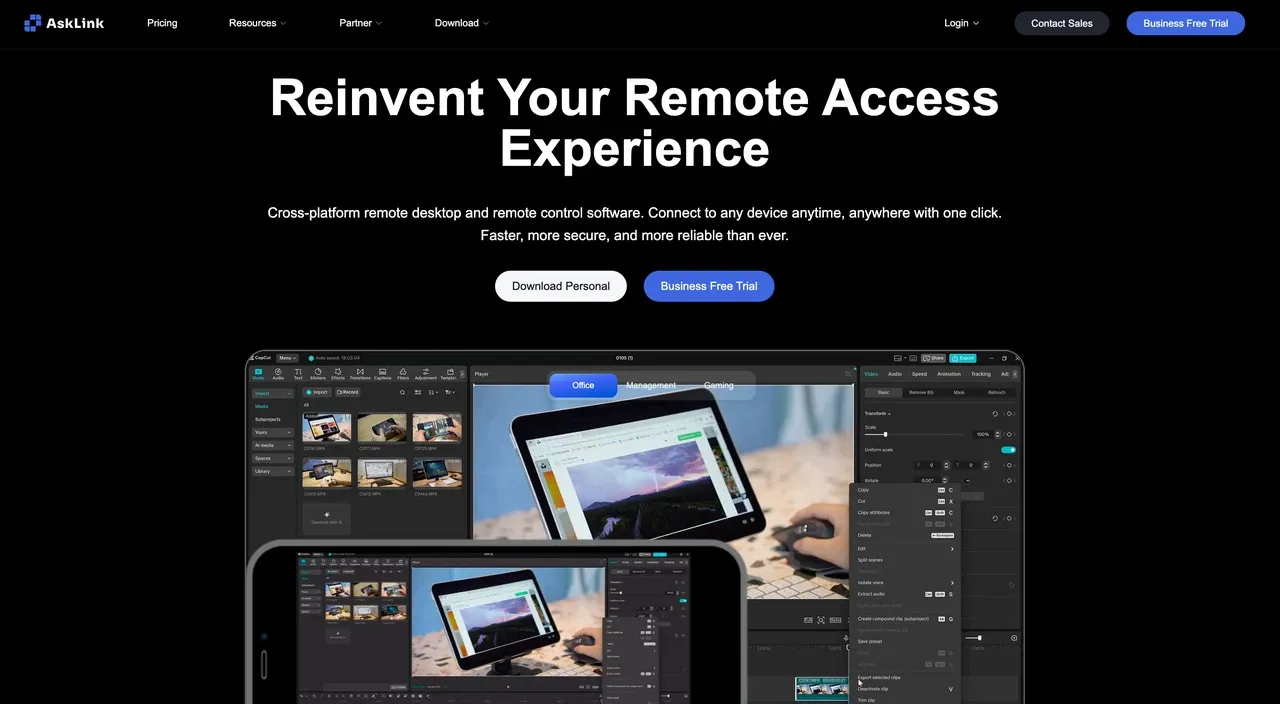
Why AskLink ranks first. AskLink works well when your needs refuse to stay in one neat box. You might help a family member today, connect to your work Mac tomorrow, and later add unattended computers of your own. You should not need a new remote desktop app each time the job grows.
AskLink Free costs $0 and includes 50 high-speed hours per month. After those 50 hours are used, basic connections remain available without an overall remote-control time limit or forced cutoff; remote control keeps going. There is no overall remote-control time limit or forced cutoff. AskLink's current Terms of Use permit lawful personal and internal business use.
What feels different in everyday use. Windows, macOS, Linux, Android, and iOS can be Controllers. Windows, macOS, Linux, and Android can be Controlled Devices; iOS support in that role is view-only. Use a Temporary Password for quick help and a Persistent Password when no one will be there to accept the connection.
Mac is where this becomes especially useful. In plain English, your Mac can start the session or be the computer you connect back to. There is also room to move beyond basic access. Free supports up to 4K/30 FPS, while paid plans scale to 4K/165 FPS, up to 128 Mbps in direct mode, and 4:4:4 color on compatible hardware. Standard and higher plans include driver-level low-latency keyboard and mouse input.
Switching cost. Install AskLink on each device and create new Long-Term Passwords or account authorizations. AnyDesk IDs, unattended passwords, and login tokens cannot transfer. Account-linked Controlled Devices appear in AskLink's Devices list, which makes a small personal migration easier. Teams still need to rebuild groups and permissions.
Trade-off. RustDesk is a better fit for DIY self-hosting; TeamViewer is stronger when established ITSM or CRM integrations decide the purchase.
Verdict. Choose AskLink if you want an AnyDesk alternative that lets you start free today but may later need Mac-to-Mac access, unattended devices, or higher-performance remote work.
2. Splashtop: Best for Established Paid Remote Work
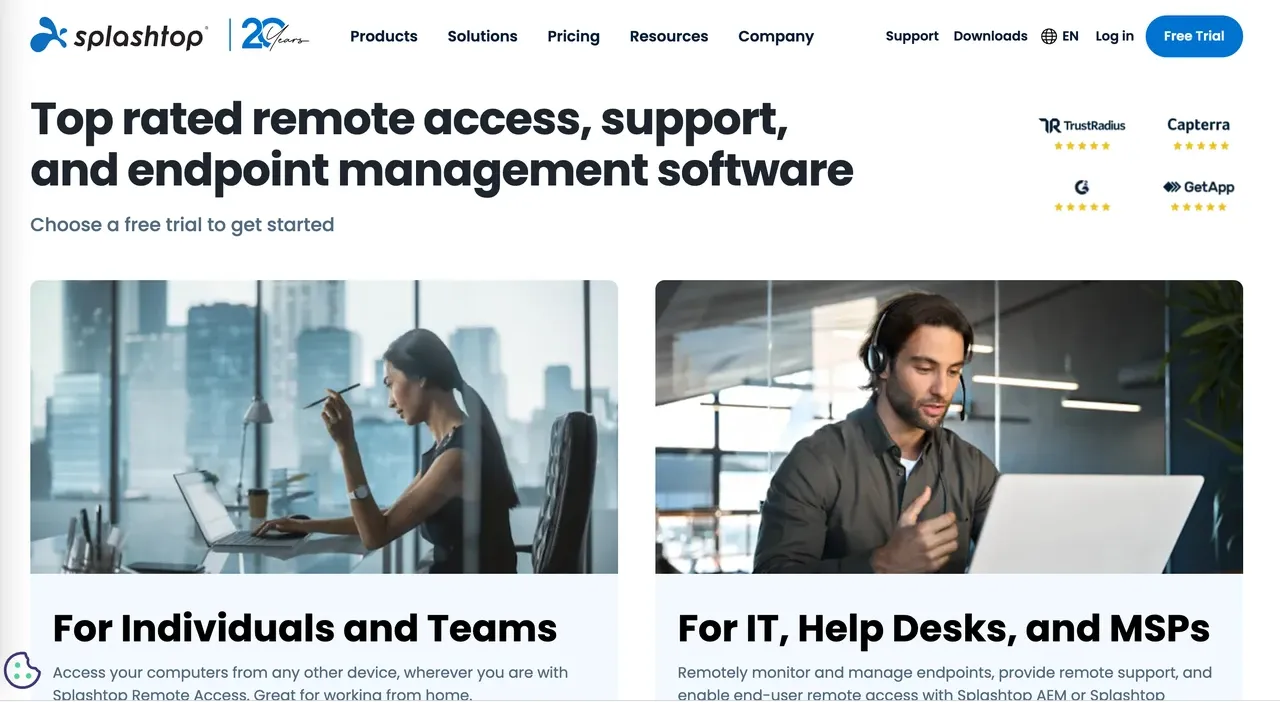
Problem it solves. Splashtop suits users who have decided to pay for a mature AnyDesk alternative for remote work. It is especially relevant when you often access a work computer from a tablet or use specialist creative hardware.
What matters in the comparison. Its Solo plan starts at $6 per month, billed at $72 per year, and includes unattended access, File Transfer, and remote printing. Pro adds multi-monitor support, roles, chat, and session recording. Performance adds 240 FPS, 4:4:4 color, Wacom Bridge, remote stylus support, and USB passthrough. Remote Access, SOS support, and Enterprise serve different workflows, so confirm the product line before comparing prices.
Switching cost. Install Splashtop Streamer on each remote computer and authorize the devices again. AnyDesk IDs, unattended passwords, and team permissions cannot transfer.
Trade-off. Splashtop's maturity and specialist tools are real strengths. Its paid-first model and several product lines make it less direct for someone who only wants basic free access.
Verdict. Choose Splashtop if you accept annual billing and value an established remote-work product or creative peripherals more than a broad free plan.
3. RustDesk: Best for Open-Source and Self-Hosted Control
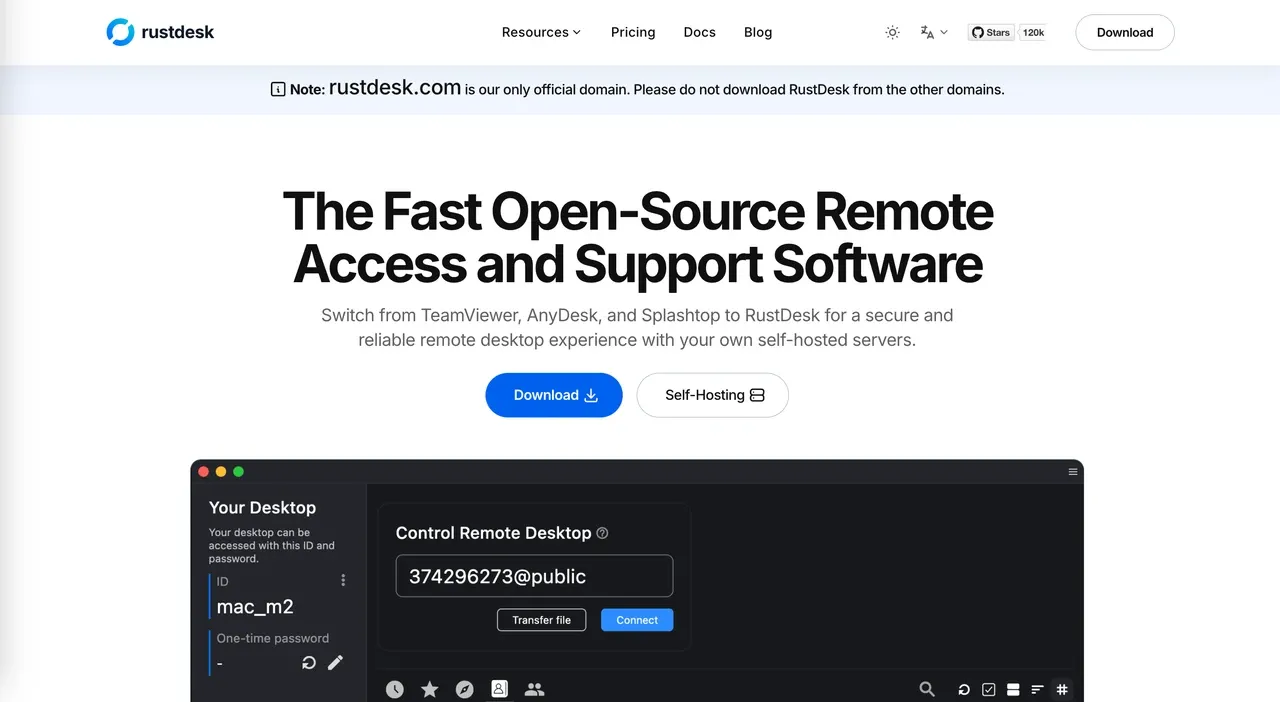
Problem it solves. RustDesk is the clearest AnyDesk alternative when you want open-source software, control over the server path, or a self-hosted remote access system. Those requirements put it ahead of managed products such as AskLink.
What matters in the comparison. Separate the public service, a self-built ID and Relay Server, and paid Server Pro. RustDesk states that its pricing is for self-hosting rather than a SaaS subscription. The open-source self-hosting plan costs $0. Paid Server Pro tiers add administration features such as 2FA, Address Book, audit logs, and access control, while higher tiers add OIDC and LDAP. The software price does not include your server or administrator time.
Switching cost. Client installation is manageable. Self-hosting adds server setup, networking, firewall rules, updates, backups, and troubleshooting. Test outside-network access and reconnection after a restart before moving important devices.
Trade-off. RustDesk gives you more infrastructure control and more maintenance responsibility. AskLink or Splashtop is easier when you want the provider to operate the connection service.
Verdict. Choose RustDesk if your team has the technical skills and self-hosting is a firm requirement.
4. TeamViewer — Best for Mature Enterprise Support and Integrations
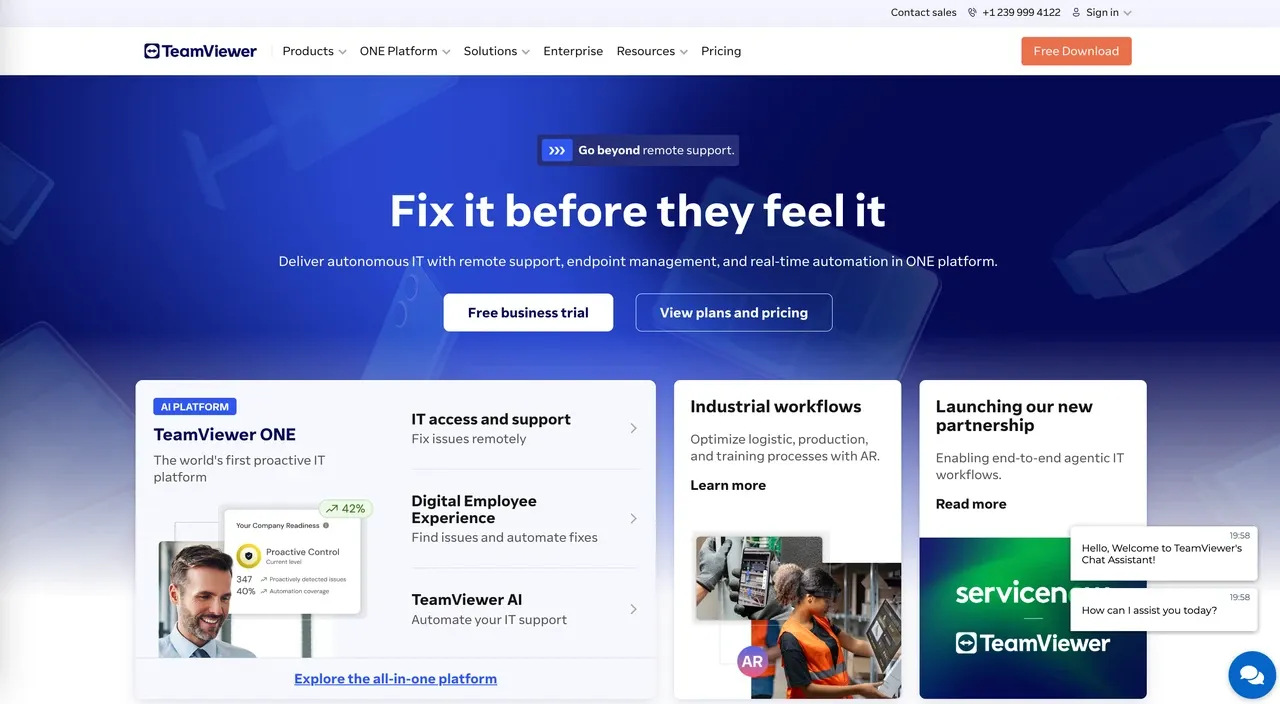
Problem it solves. TeamViewer is an AnyDesk alternative built for organizations that value established deployment, support processes, governance, and integrations. It makes the most sense when enterprise integrations, governance, and deployment controls matter more than a low starting price.
What matters in the comparison. Check attended support and unattended access separately. Then compare licensed users, managed devices, concurrent connections, deployment tools, identity controls, audit options, and add-ons. TeamViewer's current overview lists integrations with Microsoft Intune, ServiceNow, Freshworks, Jira, Salesforce, Zendesk, Slack, and Microsoft Teams.
Switching cost. A personal installation is fairly direct. Enterprise migration means redeploying clients and rebuilding device groups, roles, access policies, and audit settings.
Trade-off. TeamViewer's scope can cost more and take more work than an individual or small team needs. AskLink offers an easier free starting point and a gradual move into Business device management.
Verdict. Choose TeamViewer when mature integrations, governance, and enterprise deployment capabilities matter more than price or simplicity.
5. Chrome Remote Desktop — Best for Basic Personal Access
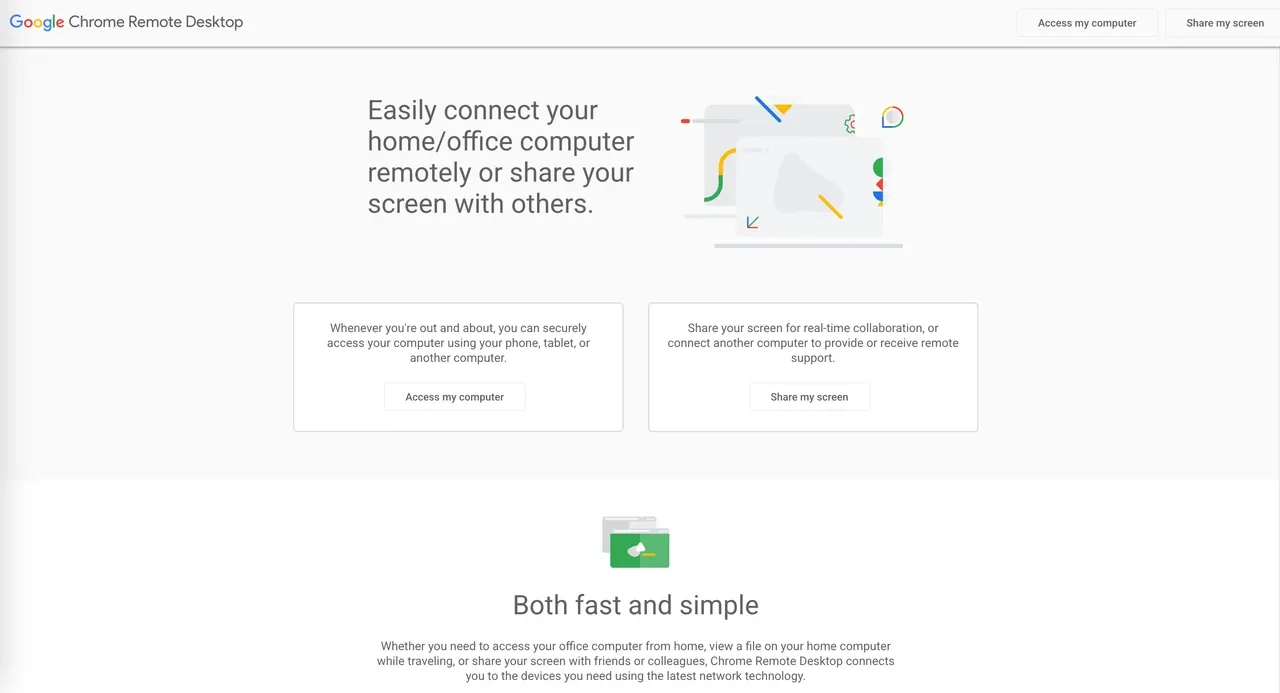
Problem it solves. Chrome Remote Desktop may be enough when you want a simple AnyDesk alternative to occasionally access your own computer or help someone with a basic issue. Google describes it as access or remote support from another computer, phone, or tablet.
What matters in the comparison. Its official page focuses on simple WebRTC-based access. Check how Google account and PIN access fit your needs, the difference between personal access and temporary support, and whether each device can be Controller or Controlled Device. It is less focused on File Transfer workflows, display tuning, team permissions, or fleet management.
Switching cost. Enable or install the remote component on each computer and set up access again. It works best with a small number of devices rather than a complex AnyDesk deployment.
Trade-off. Simplicity is the benefit and the limit. AskLink is a better fit when you need a richer AnyDesk alternative with device management, higher visual performance, or a path into team use.
Verdict. Choose Chrome Remote Desktop when you want basic personal access with as little plan research as possible.
What to Consider Before Replacing AnyDesk?
If Your Problem Is Free or Commercial Use
Start by reading what “free” covers. AskLink's 50-hour allowance applies to its high-speed route, not total access. After that, basic connection remains available without an overall usage-time limit. Its current terms permit lawful personal and internal business use.
Chrome Remote Desktop can cover simple personal access. RustDesk's software can be free when you self-host, although the server still costs time and resources.
If you use Mac or Several Operating Systems
The role matters. An iPhone may be able to start a connection as a Controller without offering full control when used as a Controlled Device.
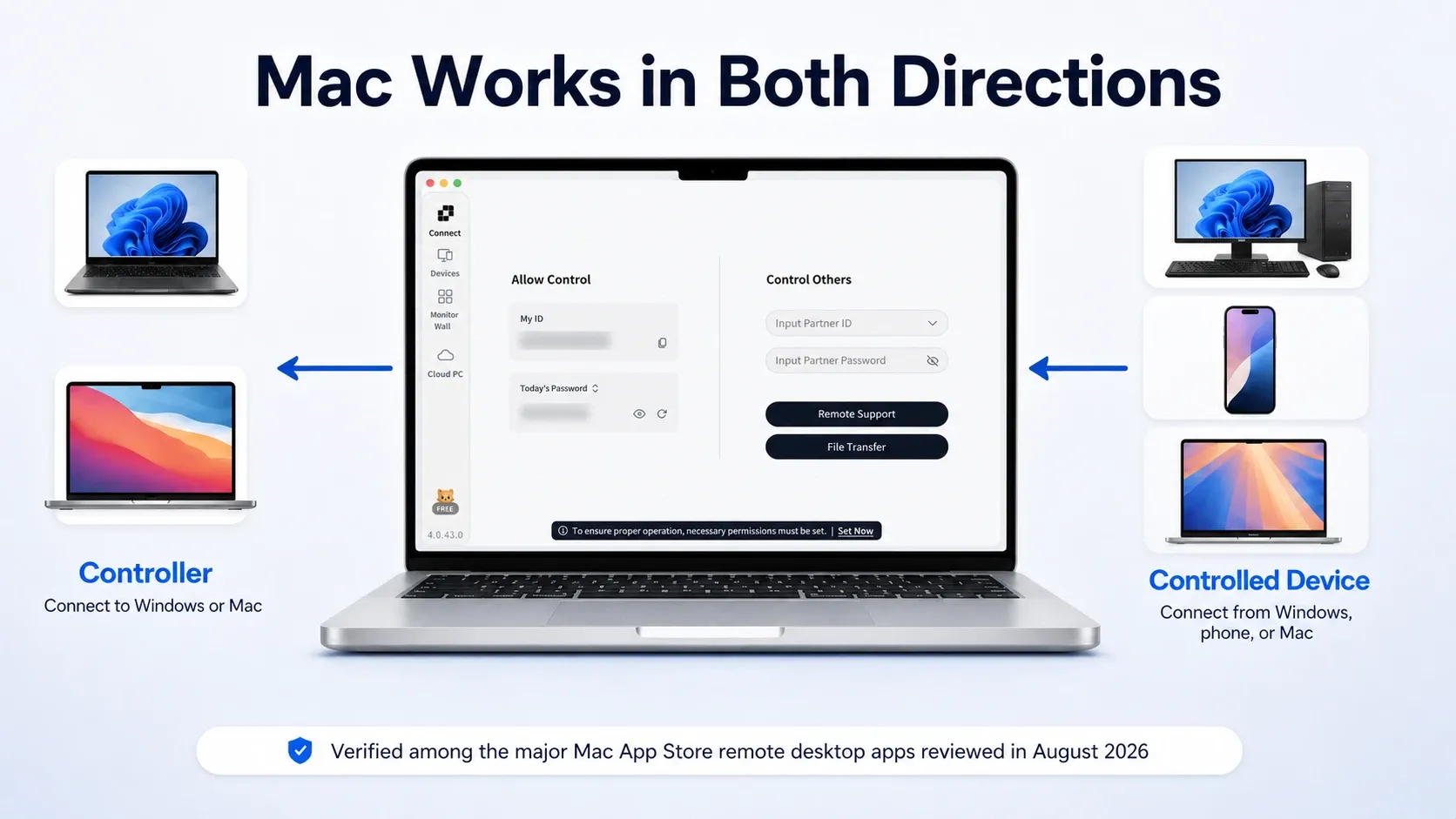
AskLink is our preferred AnyDesk alternative for Mac because macOS works in both directions. You can work from your Mac and connect back to it later from another supported device. Splashtop deserves a look for specialist creative tools, while Chrome Remote Desktop covers lighter personal access.
Whichever app you choose, macOS will ask it for its own Screen Recording and Accessibility permissions. The approval you gave AnyDesk stays with AnyDesk.
If Performance Is the Reason You're Switching
Choose the plan around your main workload—not the highest number on the pricing page.
- Office work and troubleshooting — Free or Standard: Start with Free for documents, system settings, and occasional support. Choose Standard if smoother scrolling, more responsive input, or regular remote work makes the upgrade worthwhile.
- Video, design, and editing — Pro: Choose Pro when motion clarity, small details, and color accuracy matter. It is the better fit for creative work where compression becomes noticeable during real use.
- Gaming or high-refresh work — Gaming or Pro: Consider these plans only when low-latency input and frame rates above 60 FPS are important. Your GPU, display, and network must also support the experience, so higher plan limits alone do not guarantee better performance.
The simplest approach is to start with Free and upgrade only when testing reveals a specific limitation. Splashtop Performance may be the stronger choice if 240 FPS, Wacom Bridge, or USB passthrough is essential. Review the current AskLink performance tiers, then test with the actual Controlled Device and network you plan to use.
If One Unattended Device is Becoming Many
AnyDesk credentials do not transfer to another remote desktop app. You will need to create new unattended-access credentials, while exported client or Address Book data can be used as a migration inventory where available.
Once devices are linked to your AskLink account, Controlled Devices appear in the Devices list for ongoing access and management. AskLink Business is the next step for grouping, permissions, batch deployment, logs, and Monitor Wall.
How to Switch Without Locking Yourself Out
1. Record every AnyDesk device, owner, operating system, and access type.
2. Keep AnyDesk installed while testing the replacement on one non-critical computer.
3. Create new unattended credentials. AnyDesk IDs and passwords will not transfer.
4. Use an Address Book export as an inventory where available, then rebuild the new Devices list and groups. See AnyDesk's Address Book guide.
5. Grant the new app its own system permissions.
6. Test remote restart, reconnection, File Transfer, displays, and an outside-network session.
7. Recreate team roles, device assignments, and security rules.
8. Revoke AnyDesk access and uninstall it only after the replacement passes those tests.
Which AnyDesk Alternative Should You Try First?
Start with the problem that pushed you away from AnyDesk. RustDesk is the sensible answer for self-hosting. Splashtop has a strong case for specialist creative hardware, TeamViewer for enterprise integrations, and Chrome Remote Desktop for the occasional trip back to your home computer.
AskLink is our recommendation when you want a balanced mix of free access, Mac support, unattended access, and room for higher performance later.
Download AskLink Personal and try it on one non-critical computer first. Run your normal work, reconnect after a restart, and see how it behaves on your network. The Free plan will not force the session to disconnect when the 50 high-speed hours are used, so there is room to test before you pay.